What the vehicle wrap tools do in day-to-day production
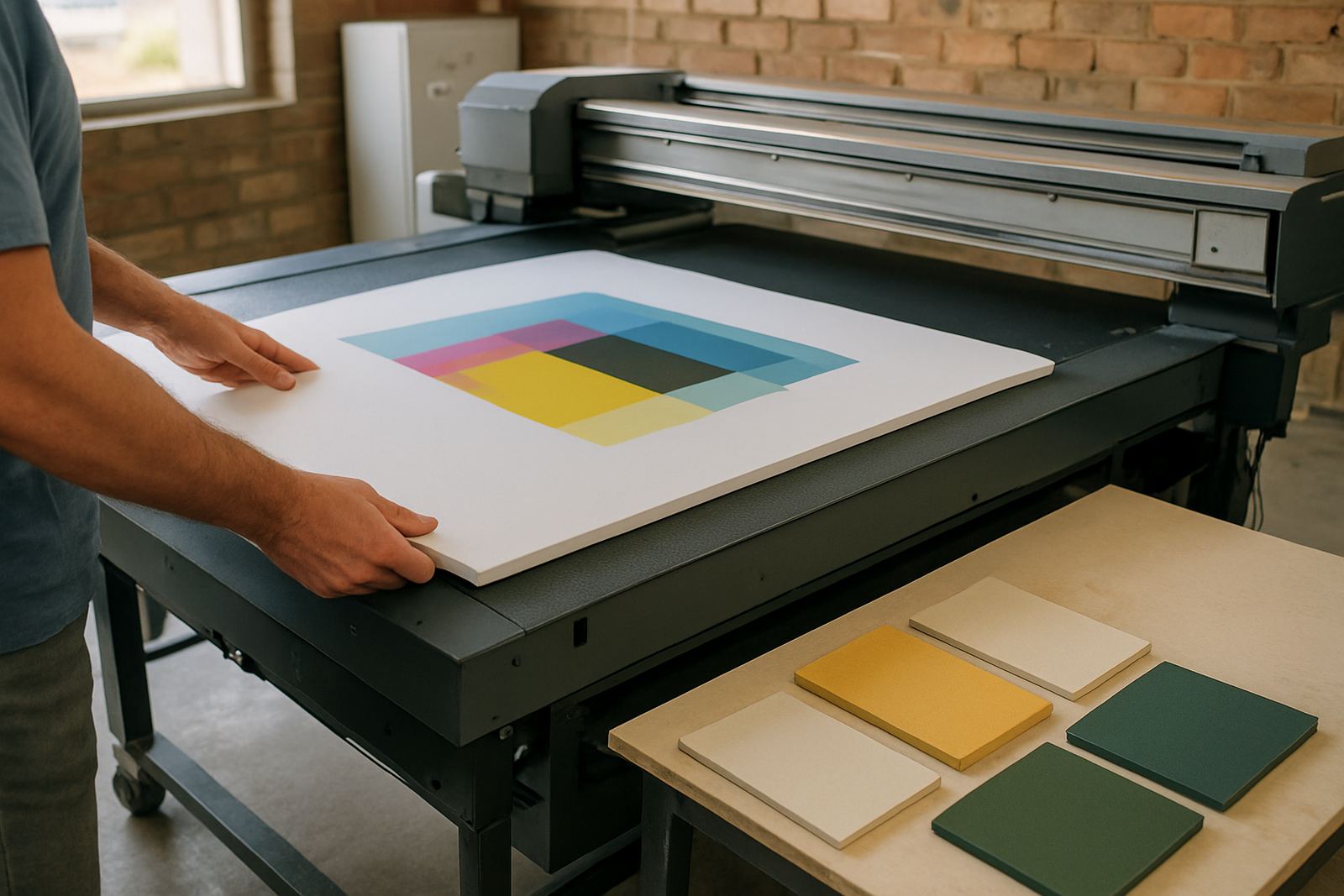
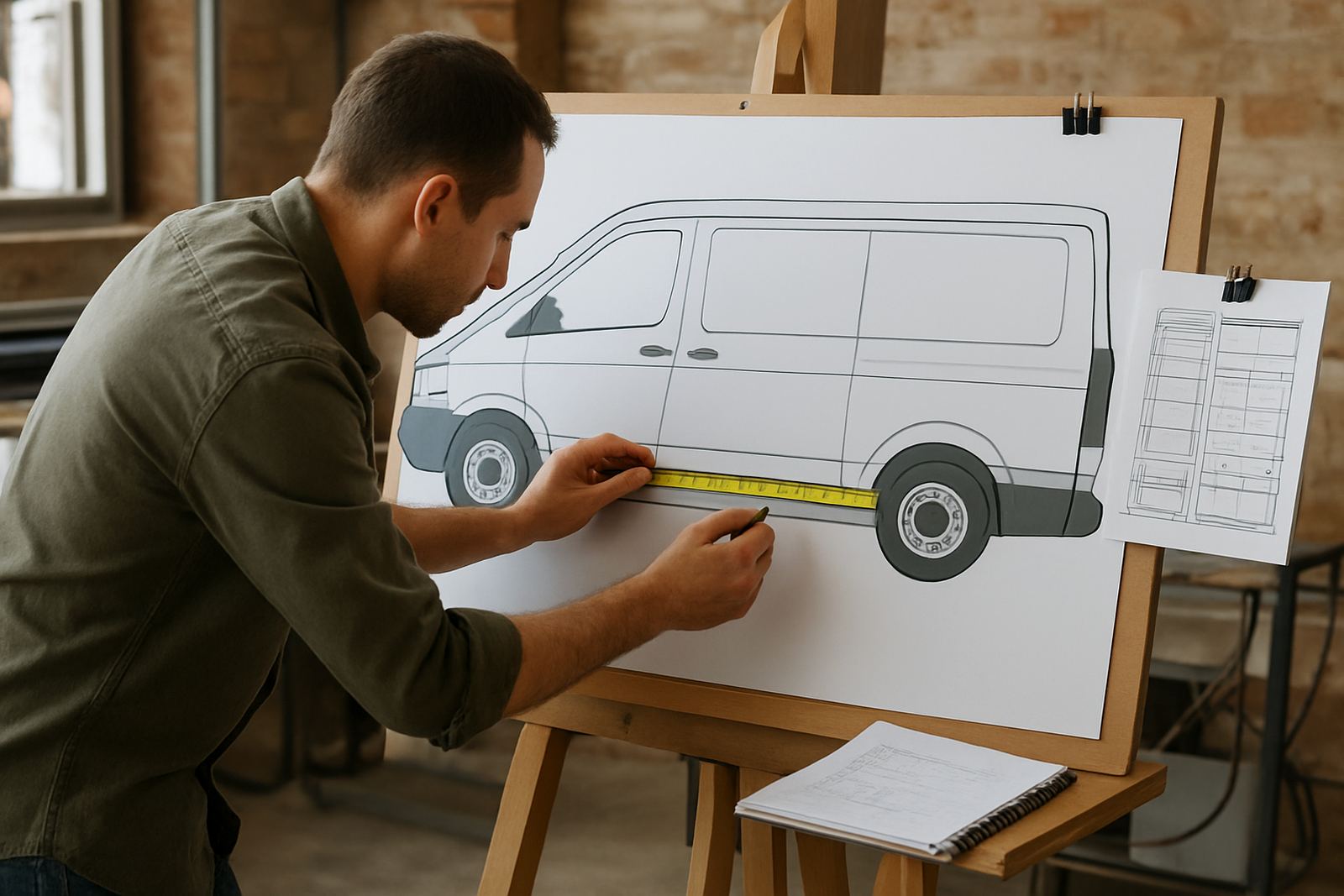
Vehicle Wrap Tools in FlexiSIGN Studio are for artwork planning before anything goes to print or cut. The set helps you lay out vehicle panels, check how graphics will sit over doors, handles, rub rails and curves, then prepare the job for print-and-apply with less guesswork. That saves time on the floor and cuts down on wasted media, which matters when material prices keep climbing.
For wrap shops working on fleet branding, one-off promos or dealer jobs, the tools are practical rather than decorative. You can size artwork to the vehicle, split it into workable panels, add bleed and overlap, and make sure text, logos and key visuals are placed where installers can finish the job cleanly. It is suited to signmakers who already know their way around layout work, but want faster wrap prep and more repeatable results.
- Panel planning for partial and full wraps
- Scaling for standard vehicle classes and custom body sizes
- Bleed, overlap and print-and-fit preparation
- Artwork checks for doors, handles, wheel arches and curves
Where it suits in South African wrap work
This is a good fit for sign shops in Johannesburg, Randburg, Pretoria, Midrand, Durban, Cape Town and Gqeberha that handle daily vehicle branding. It also suits print service providers who prepare wrap files for external cutters or large-format printers. If your team does courier vans in a rush, municipal fleet markings, bakkie branding for contractors or cab graphics for local operators, the tools help keep production organised.
It is especially useful where multiple staff touch the same job. A designer can build the artwork, a production operator can check panel sizes, and an installer can see what was planned before the vehicle arrives. For shops dealing with tight turnaround times, load-shedding schedules and jobs that must still be handed over by Friday, that kind of control is worth having.
- Wraps for cars, bakkies, panel vans and light trucks
- Fleet rollouts with repeat layouts across several vehicles
- Print-and-cut jobs that need accurate panel registration
- Studios that want a better handover from design to install
Installation, activation and workstation needs
We supply software installation, licence activation and remote support for South African users, with onsite training available in Randburg, Johannesburg, Pretoria, Durban, Cape Town, Gqeberha, Midrand and Centurion. For bigger teams, we can also set up workflow steps so the wrap prep process matches how your shop actually works. If you are bringing in new staff, we can cover the basics of panel planning, output settings and cutter or RIP handover.
The software runs on a suitable Windows workstation and does not need gas, water or site power beyond normal office electricity. A stable benchtop or laptop, enough memory for large wrap files, and a clean backup routine are the main practical needs. Because wrap files can get heavy, especially with photographic artwork and multiple layers, a UPS is sensible where load-shedding or voltage dips are common. If your shop uses multiple users, network access and file naming rules should be sorted before rollout, not after.
- Windows workstation with enough RAM for large-format artwork
- Reliable storage for vehicle templates and archived jobs
- UPS recommended in load-shedding areas
- Network access if more than one operator will use the files
Sizing, options and licence choices
Vehicle wrap work is not one-size-fits-all, so the right setup depends on how your shop produces artwork. Some teams only need a simple licence for single-user planning, while others need a fuller setup for design, RIP handover and recurring fleet work. We help you match the licence to the way you operate, so you are not paying for features you will never use, or underbuying and then fighting the workflow later.
When choosing options, think about your average vehicle size, the number of operators, and whether you prepare files in-house or across several branches. A small shop in Randburg may only need one production seat, while a larger sign company with staff in Pretoria and Durban may want a more structured setup with support and training. If your work includes reflective vinyl, contour cutting or multiple colour layers, the wrap planning stage becomes even more important.
- Single-seat or multi-user licence options
- Suitable for small shops and larger branch setups
- Works well with design, print and cutter workflows
- Useful for partial wraps, full wraps and fleet branding
Care, servicing and keeping wrap prep accurate
The software itself does not need mechanical servicing, but the work around it does. Keep your vehicle templates up to date, back up your presets and review output settings when you change printer media, cutter blades or RIP profiles. If a team member keeps sending the wrong panel size or the overlap is too tight, the problem is usually in the workflow, not the vehicle. That is where refresher training helps.
For shops working near the coast, humidity can affect media handling and storage, while inland dust can build up on workstations and scanners. Keep the computer area clean, store files in a clear naming system, and check that colour management settings still match the printer and vinyl you are using. Annual support planning is useful where staff turnover is high or jobs come in seasonally, because the same errors tend to return when the pace picks up.
- Back up templates, presets and job folders regularly
- Review colour settings when media or printer changes
- Keep workstation fans, keyboard and storage areas clean
- Use refresher training when new staff join the team
What to check before you order
Before ordering, check what vehicle types you handle most often, how many people will use the software, and whether you need help with cutter setup or RIP queue optimising as well. It also helps to know if your team needs onsite training, remote support, or a once-off induction for a new operator. If you are upgrading an old system, bring your current version, file types and print setup details so we can advise properly.
Ask yourself whether the goal is faster wrap planning, better print-and-fit accuracy, or a cleaner handover between design and production. In many shops it is all three. If you are unsure about licence size, support cover or training in Randburg, Johannesburg, Pretoria, Durban, Cape Town, Gqeberha, Midrand or Centurion, send the enquiry through the contact page and we will work through the practical side with you.
- Vehicle types and average job sizes
- Number of users and branch locations
- Need for installation, activation or training
- Whether colour management or RIP setup must be included
Who supports your rollout
FlexiSIGN Studio is led by Mandla Jacob Maseko, with support from Nadia Blignaut on software sales, Luthando Mlambo on installation, Sifiso Mabena on training, Liezel Barnard on support and Lungile Ndlovu on colour workflow. That mix matters when a wrap shop needs more than a licence key. You may need help with new staff induction, workflow setup, or just getting the wrap prep side to sit properly with the rest of production.
We work with sign makers, graphic designers and print service providers across South Africa, and we know the pressure of doing accurate prep when the job is already booked for installation. Practical support, clear setup and proper training keep the work moving. A good wrap tool should save time, not add another layer of admin.
Key facts
| Product type | Vehicle wrap planning and print-and-fit workflow software tools |
|---|---|
| Primary use | Artwork scaling, panel planning, bleed and overlap preparation |
| Typical users | Sign shops, graphic designers and print service providers |
| Support | Installation, licence activation, remote support and onsite training |
| Compatibility | Windows workstation setup for design and production use |
| Service areas | Randburg, Johannesburg, Pretoria, Durban, Cape Town, Gqeberha, Midrand and Centurion |