Built for layered UV jobs, not guesswork
UV print work asks more from a RIP than standard poster or vinyl output. You need accurate spot colours, controlled white ink passes, varnish or gloss layers where required, and a way to set up job order so the printer does not waste media or time. This product is set up for that type of work, with tools for layer creation, underbase planning, choke and spread control, and queue handling for rigid material production.
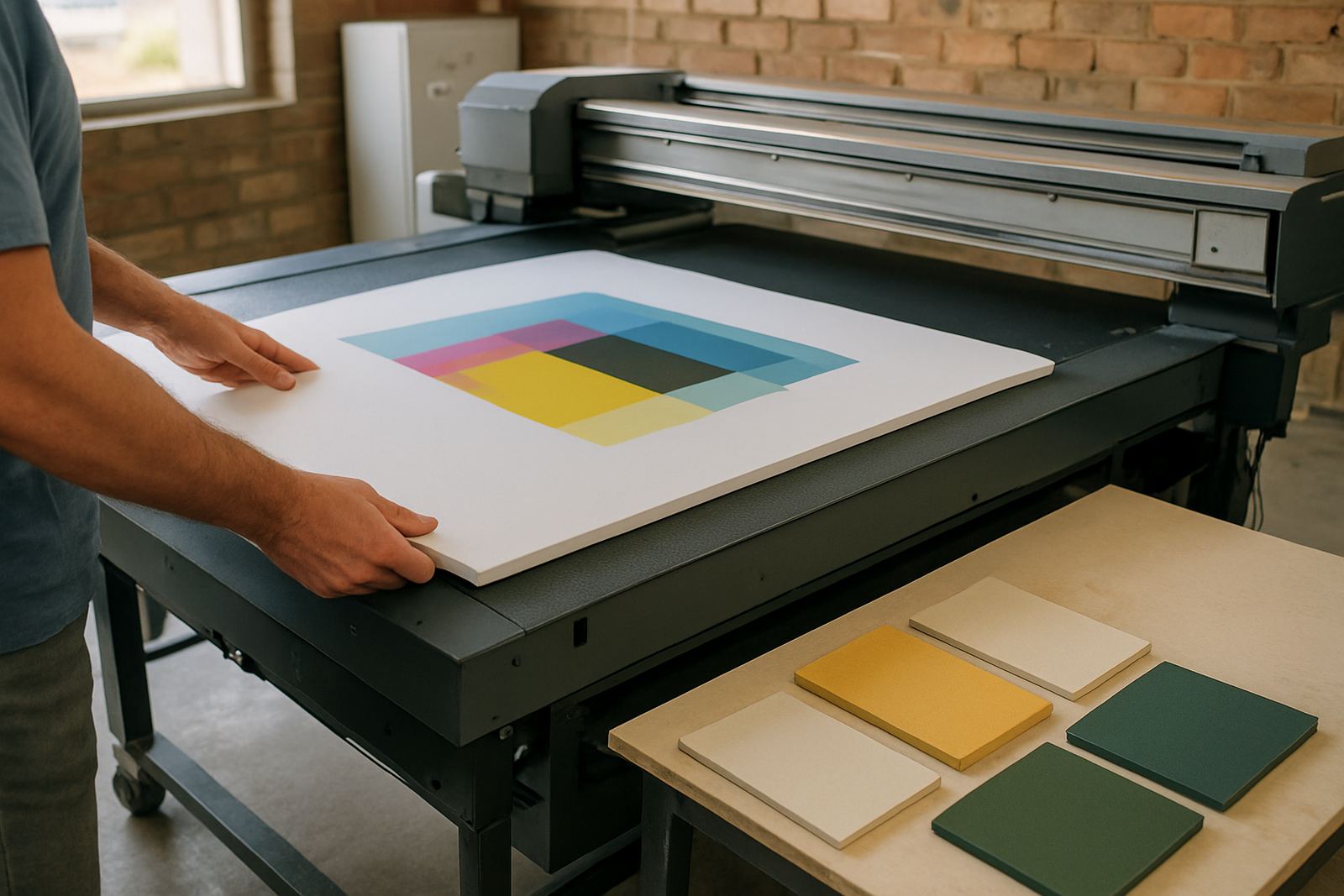
It is suitable for sign shops, small commercial print rooms and production teams handling acrylic, PVC board, foam board, aluminium composite panels, glass-effect signage and short-run display work. If your team is moving between flatbed UV jobs and conventional print and cut work, the RIP helps keep the workflow in one place instead of jumping between separate applications.
For busy shops in Randburg, Johannesburg, Pretoria, Durban, Cape Town or Gqeberha, the real value is consistency. When the same file is prepared the same way each time, your operators spend less time checking each queue and more time printing jobs that are ready for finishing.
Output sizes, print modes and licensing options
UV Print RIP is used on a range of machine sizes, from compact flatbeds for small shop counters through to wider production systems for board and panel work. The software supports common production widths and can be configured for single-pass or multi-pass output, depending on the printer, ink set and media type. It also handles repeat jobs, nesting and step-and-repeat layouts for more efficient board use.
Most customers choose a licence setup based on how many machines and operators need access. A single production licence suits a smaller shop. Multi-user planning is better for a team that has one person preparing artwork, another running the printer and a third managing finishing or collection. We help confirm what is needed before activation so the licence matches the way your shop actually works.
- Single workstation or shared production use
- Standard and advanced queue management
- White ink, varnish and layered output control
- Rigid media templates and common board sizes
- Upgrade paths for growing print rooms
Where UV Print RIP fits best on the floor
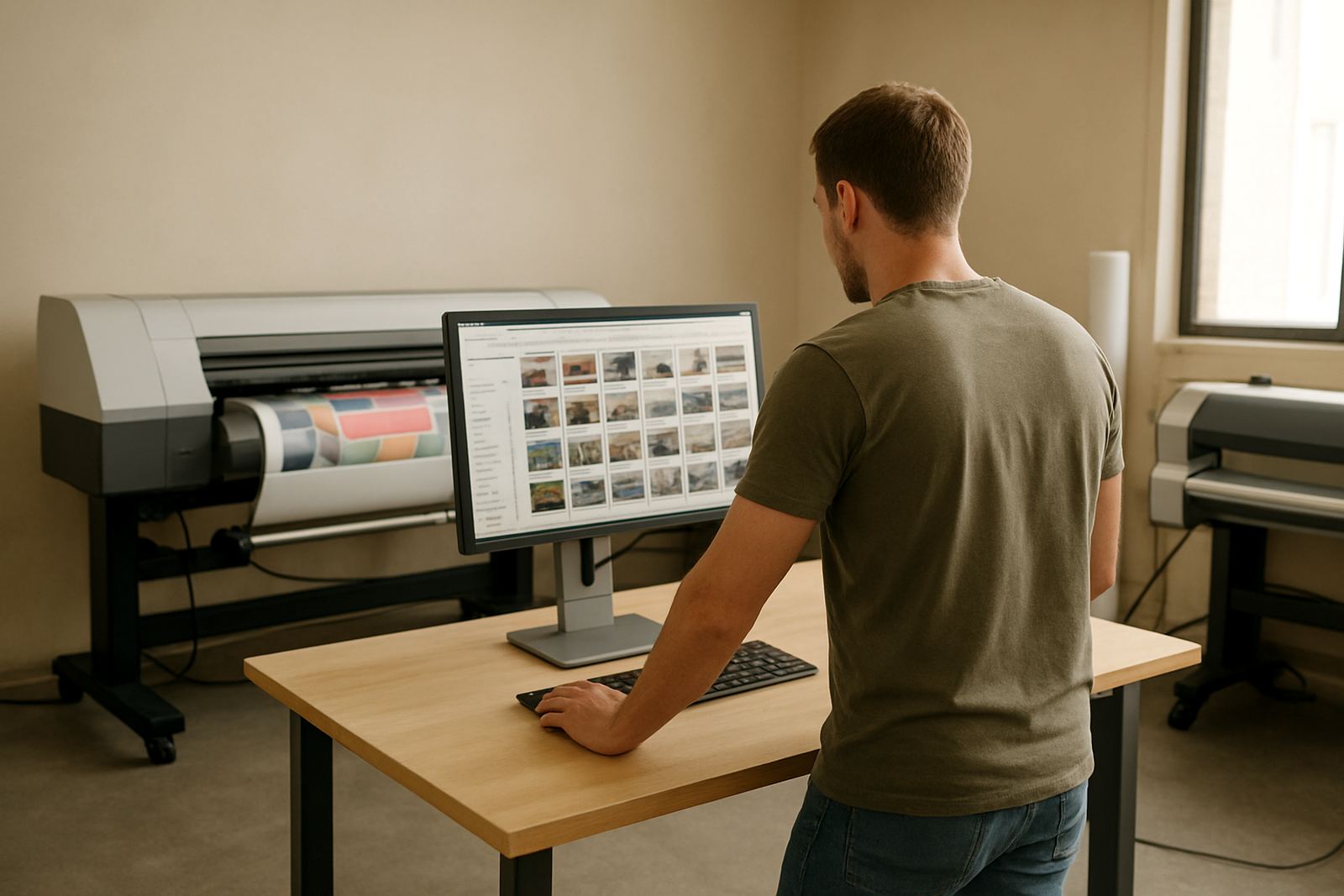
This RIP suits shops that print on rigid media every week, not only as a once-off service. It is a practical fit for shops making internal signage, retail displays, machine labels, safety boards, name panels and short production runs where white ink or layered effects matter. If your job list includes both cutting and print work, it can also sit beside cutter setup and queue planning for a neater handoff between departments.
It is especially useful where humidity, dust and power interruptions affect output. In coastal areas like Durban, for example, stable file handling and repeatable profiles can save a lot of rework. In Gauteng, where load-shedding can interrupt production mid-shift, being able to recover queues cleanly and keep settings saved is worth more than most people realise.
We also see strong value for teams training new staff. A clear RIP setup helps with new staff induction because the operator can follow a repeatable process for media choice, ink limits, colour mode and print order instead of relying on memory. That keeps mistakes down when the shop is busy.
Installation needs, power and site setup
UV Print RIP does not require a gas supply. What it does need is a reliable computer, enough memory for large files, a proper connection to the printer and stable power for the production station. In a print room we usually recommend a UPS for the PC, especially where load-shedding or voltage dips are common. If the printer itself is sensitive, a separate power protection plan is worth considering as well.
For installation, the main questions are about the operating system, printer model, network setup and whether the shop wants remote support or onsite training. If the printer is being introduced to an existing line, we also check colour workflow and whether any cutter or finishing equipment needs to be linked into the same production process. The goal is to get the software talking properly to the machine from day one, not after three or four false starts.
- Dedicated production PC recommended
- UPS strongly advised for power interruptions
- No gas line or gas bottle required
- Network or direct USB connection, depending on printer setup
- Good dust control and clean workspace improve reliability
Care, servicing and everyday operator habits
Software care is mostly about discipline. Keep queue presets backed up, do not let operators change key colour settings without approval, and review profiles after any media or ink change. If the printer is used for rigid boards, check that the selected media thickness and pass settings still match the material on hand. A small mistake here can waste a sheet, or a whole stack if nobody notices early.
We recommend scheduled reviews for busy sites. That can include licence checks, queue cleanup, profile testing, colour management updates and support for newer staff members. If a shop is printing under pressure, the RIP should be part of the maintenance routine, not something that gets attention only when there is a problem.
Where a team uses both flat rigid media and roll feed work, it helps to keep separate job presets. That way the operator is not rebuilding settings for every order. It also makes support easier, because faults can be traced to a profile, queue or user action faster, which saves time during production.
What to verify before ordering a FlexiSIGN Studio dongle licence
Before ordering, it helps to confirm the printer model, number of stations, expected media sizes and whether the shop will use white ink, gloss or layered output. You should also know who will be using the software daily, because training and support are easier when we know whether the user is a designer, print operator or shop owner.
It is also worth checking your current file workflow. If artwork arrives from multiple designers, or if the shop handles reprints and one-off jobs often, we may suggest a stronger queue structure and more structured colour workflow setup. That can prevent a lot of confusion when the machine is busy and someone needs the same job repeated at short notice.
- Printer make and model
- Operating system and PC spec
- Media types and common board sizes
- Need for white ink or layered output
- Onsite training, remote support or both
Training and support across South Africa
FlexiSIGN Studio supports customers from Randburg and across South Africa with software installation, licence activation, remote support, onsite training and workflow setup. For UV Print RIP we can assist with colour management, cutter setup help, RIP queue optimising, upgrade planning and annual support planning. If your team needs a classroom session in Randburg, or help at a site in Johannesburg, Pretoria, Durban, Cape Town, Gqeberha, Midrand or Centurion, we can plan the visit around your production hours.
The team includes Mandla Jacob Maseko, Nadia Blignaut, Luthando Mlambo, Sifiso Mabena, Liezel Barnard and Lungile Ndlovu, so customers get practical help from people who understand both the software and the print floor. Clients reach us through the enquiry form on our contact page, and we use that to match the right training or support option to the job at hand. If your shop wants the RIP set up properly the first time, that is the safest way to do it.
Key facts
| Product type | UV print RIP software for layered output and rigid media production |
|---|---|
| Core functions | White ink planning, queue control, colour management, nesting and job presets |
| Media use | Acrylic, PVC board, foam board, composite panels, glass-effect signage and display substrates |
| Installation needs | Windows production PC, printer connection, stable power and UPS recommended |
| Support options | Remote support, onsite training, class training, workflow setup and licence activation |
| Typical use areas | Sign shops, vinyl cutters, print service providers and rigid media production rooms |