Purpose-built for short-run labels and repeat jobs
Label Print RIP suits shops that produce sticker sheets, short label runs, product decals and nested repeat layouts for small to medium jobs. It is useful where the same label size comes back often, but the artwork changes regularly and each run must be set up quickly without wasting substrate. For a busy sign shop in Randburg, a print room in Pretoria or a label line in Durban, that matters when the queue is full and the operator has to move from one job to the next with minimal rework.
The software is aimed at sign makers, graphic designers and print service providers who need a practical workflow from artwork to print and cut prep. It handles common label production tasks such as repeat placement, step and repeat layout planning, queue control and cutter alignment preparation. That makes it suitable for short-run commercial labels, seasonal product labels, promotional packs and internal business labels where speed and consistency count.
- Short-run label sheets and roll-fed label work
- Repeat layouts for re-order jobs
- Cut alignment preparation for vinyl cutters
- Queue handling for multiple production files
Layout, queue control and cut alignment features
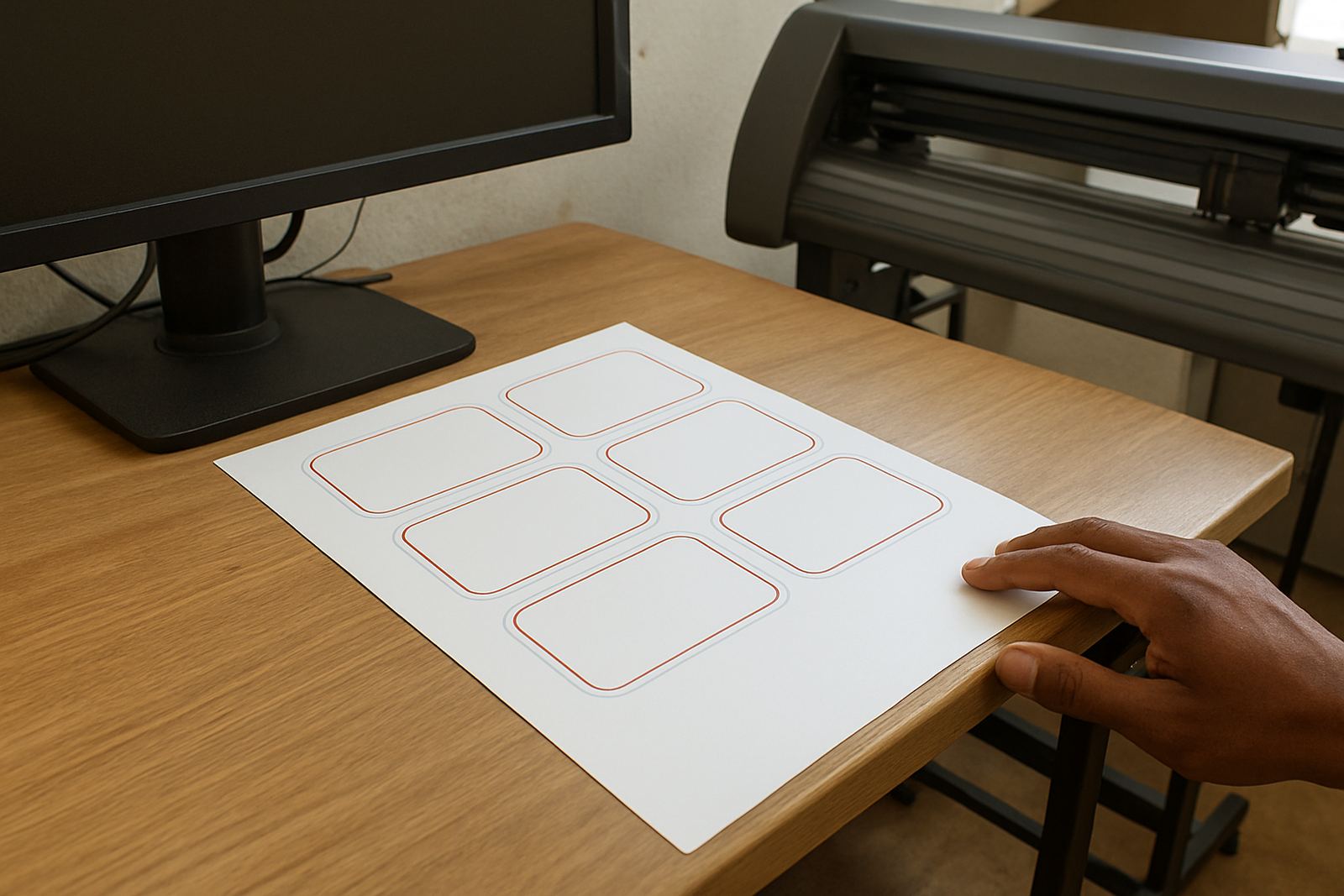
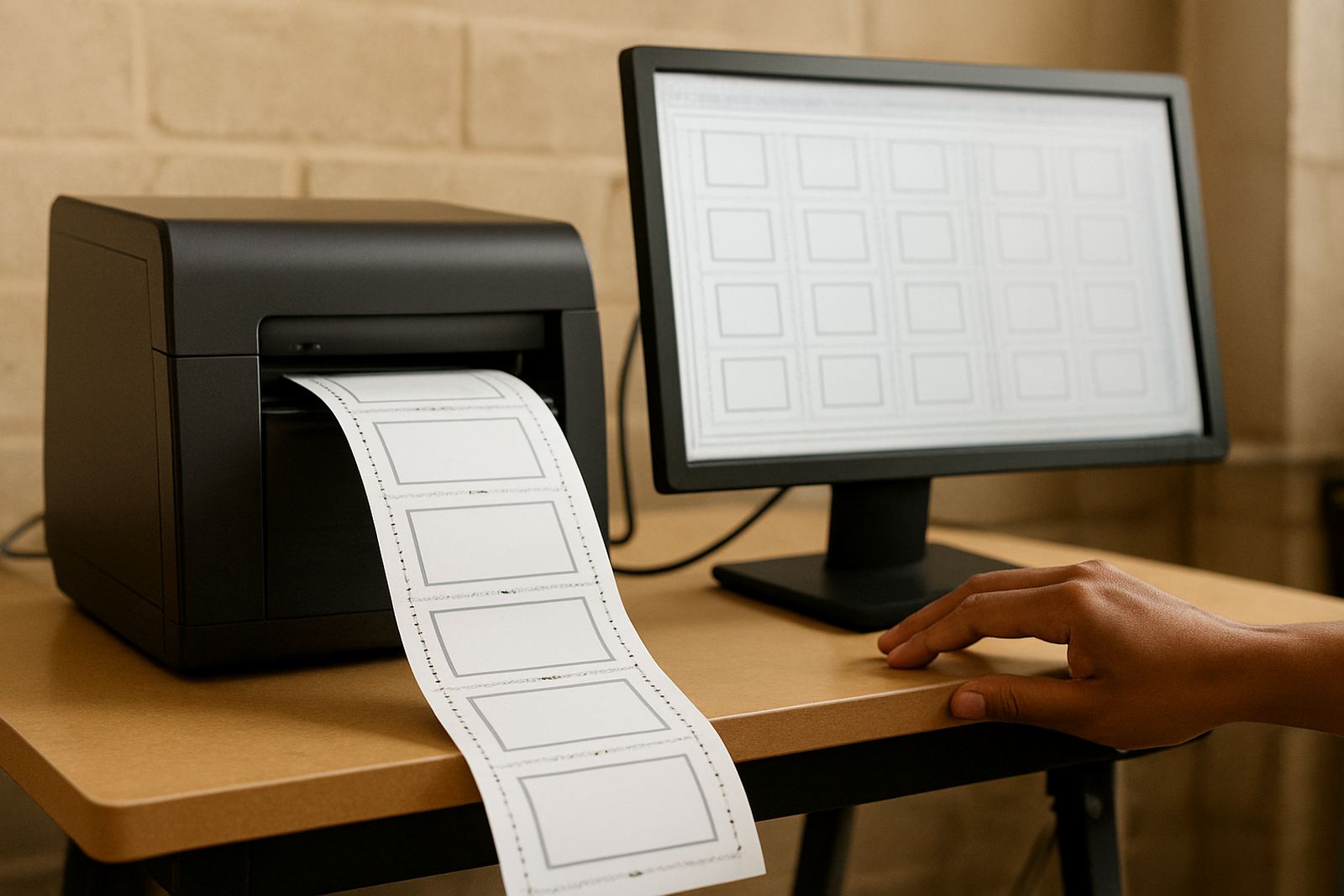
Label Print RIP is designed to manage production details before the job reaches the cutter or printer. That includes repeat layout setup, panel ordering, crop and registration control, and output preparation for print-and-cut workflows. If your team is running mixed jobs through the same day, this helps reduce manual setting changes and keeps each label run in the correct size and position.
For workshops with more than one operator, the queue setup helps keep jobs visible and in order. It is useful for label work where a sheet may hold several SKUs, barcodes or repeated artwork blocks. The software also supports workflow checks before output, which is important when labels must fit a specific die line or when a cutter has to track a printed edge accurately. Coastal humidity in places like Gqeberha and Durban can also affect media handling, so a clean setup with consistent feed settings is worth the time.
- Repeat and step and repeat layout control
- Print queue organisation for small production teams
- Registration and cut line preparation
- Workflow checks before sending to output
Where the software fits best in South African print rooms
This product fits shops that already sell labels, decals, packaging stickers or short-run branded items and need a more controlled production method. It works well in Johannesburg and Midrand where turnaround is often tight, as well as in Cape Town and Gqeberha where humidity, dust and regular equipment cleaning can affect consistency. If your shop already runs a cutter and a printer, but the file setup is still being done by hand, this kind of RIP can save time and reduce errors.
It is also a sensible choice for training environments and growing teams. New staff can learn a repeatable process instead of each operator building jobs differently. That matters when a business is adding service levels, taking on municipal signage labels or preparing internal tracking labels for warehouse work. The aim is simple, get from artwork to output with fewer mistakes and less material waste.
- Sign shops handling labels and decals
- Print service providers with small batch work
- Teams training new operators on a standard process
- Businesses that need better repeat-job control
Installation, licence activation and system setup
Installation is handled with the job in mind, not just the software in isolation. We can assist with licence activation, workflow setup and cutter setup help so the production computer is ready for actual work. For many South African shops, this also means planning around load-shedding, a UPS, and a stable Windows workstation so the RIP does not stop in the middle of a queue. If the printer or cutter is moved often, cable layout and driver consistency matter too.
Our team can assist remotely or onsite depending on where you are based. Randburg, Johannesburg, Pretoria, Midrand and Centurion clients often use onsite or class training, while Durban, Cape Town and Gqeberha clients often start with remote support and then book a visit if needed. The setup process can include folder paths, output hot folders, cutter communication checks and a first-job test run before the system goes live.
- Licence activation and first-time setup
- Remote support or onsite installation
- Printer and cutter connection checks
- Queue and hot-folder configuration
Care, servicing and keeping output consistent
Like any production software, Label Print RIP performs best when the workstation is kept clean, updated and used with a stable file workflow. Regular checking of cut paths, media size settings and output profiles helps avoid wasted label stock. When a shop runs the same label format often, it is worth saving standard job presets so operators are not entering values manually every time. That cuts down on small errors that become costly over a week of production.
Servicing here is less about physical wear and more about keeping the workflow organised. A support plan can cover upgrade planning, new staff induction, RIP queue optimising and colour management checks where needed. If a cutter starts drifting or a print job is coming out off register, the issue is often in the setup rather than the hardware alone. A short support session can usually identify the cause and get the job back on track.
- Keep job presets saved for repeat label work
- Check cut offsets and media sizing regularly
- Use a stable PC with clean file storage
- Book support when queue behaviour changes
What to check before placing an order
Before ordering, check the type of labels you produce, the size range, and whether your workflow is print only or print and cut. It helps to know the printer model, cutter model, operating system, number of users and whether the job volume is a few labels a day or several repeat runs every hour. If your team is working across branches, ask how licence handling and support will be managed so everyone is using the same setup.
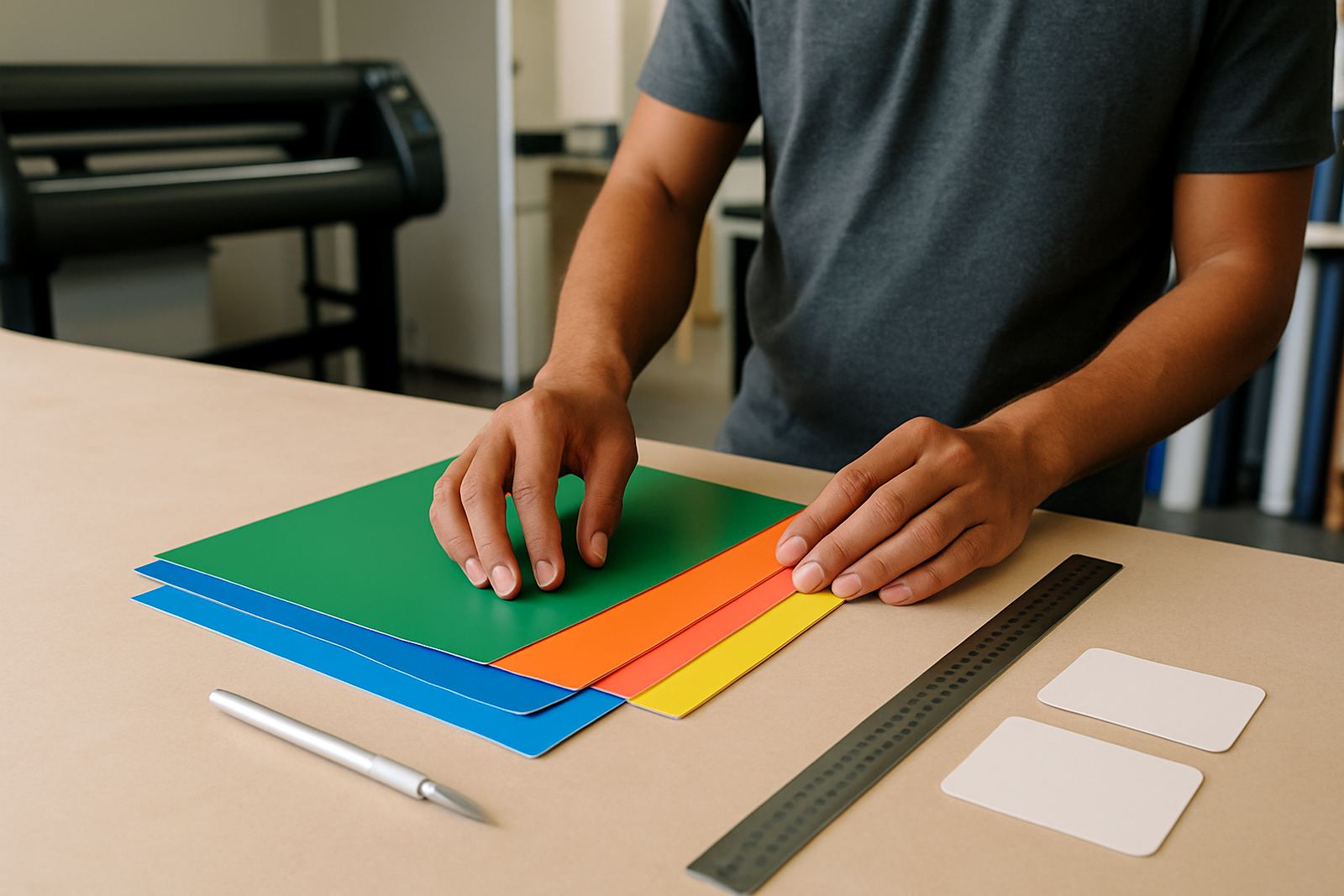
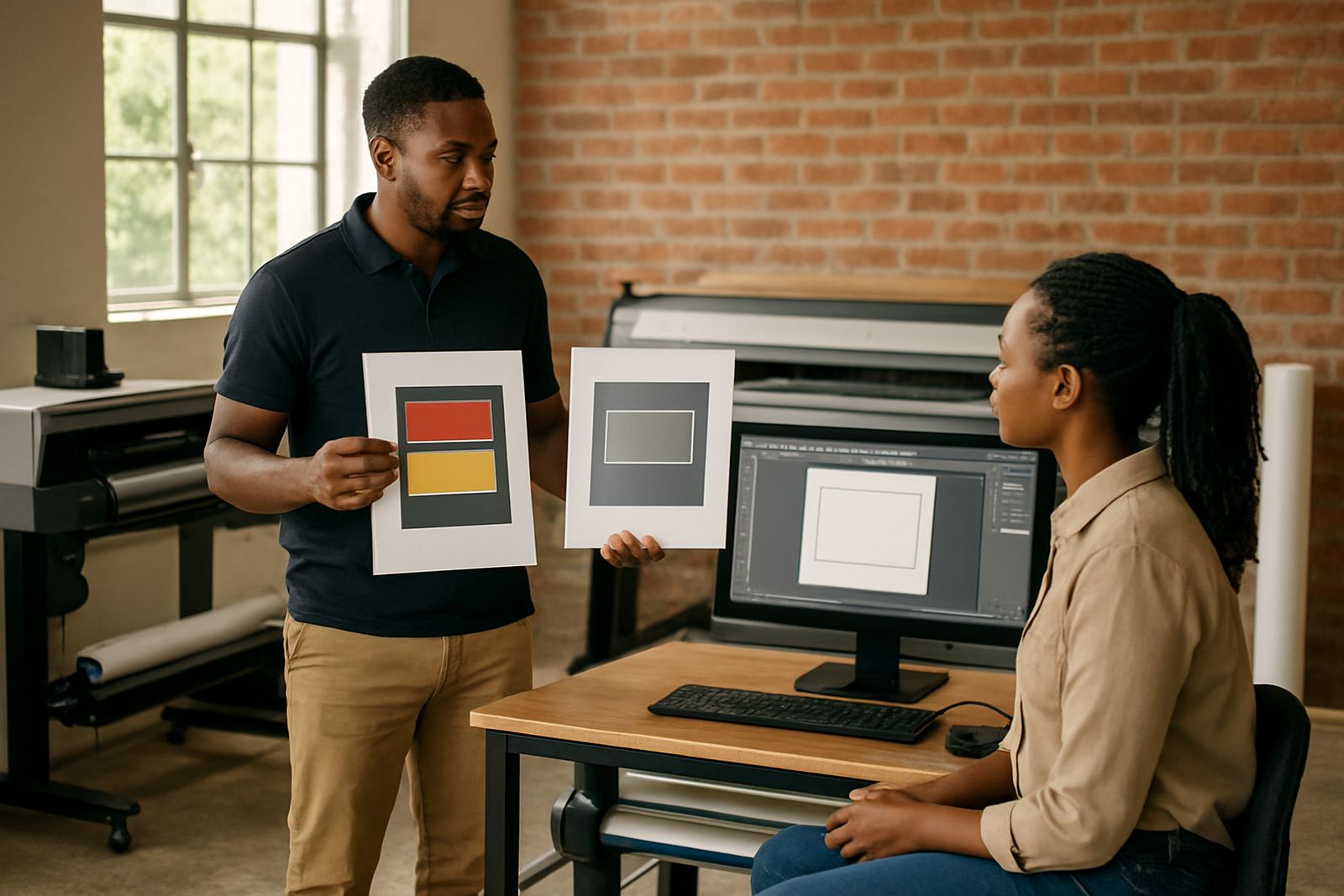
You should also confirm the media you use most often, including sheet size, roll width and any special registration marks needed for your cutter. If your work includes glossy label stock, clear media or small text, ask about colour management and output testing before the first live run. That way the first production jobs match the actual job spec instead of needing a second run.
- Printer and cutter models in use
- Sheet size or roll width requirements
- Number of workstations and users
- Need for training, support and upgrade planning
Key facts
| Product type | Label print RIP software for short-run label and repeat layout workflows |
|---|---|
| Primary use | Print prep, repeat layout control and cut alignment preparation |
| Typical output sizes | Small label sheets, repeat blocks and roll-fed label jobs up to your printer and cutter limits |
| Compatibility | Windows production workstation with supported printer and cutter setup |
| Installation options | Remote support, onsite setup, class training and workflow configuration |
| Best fit | Sign shops, label producers and print service providers handling short-run work |