What the dongle licence option actually does
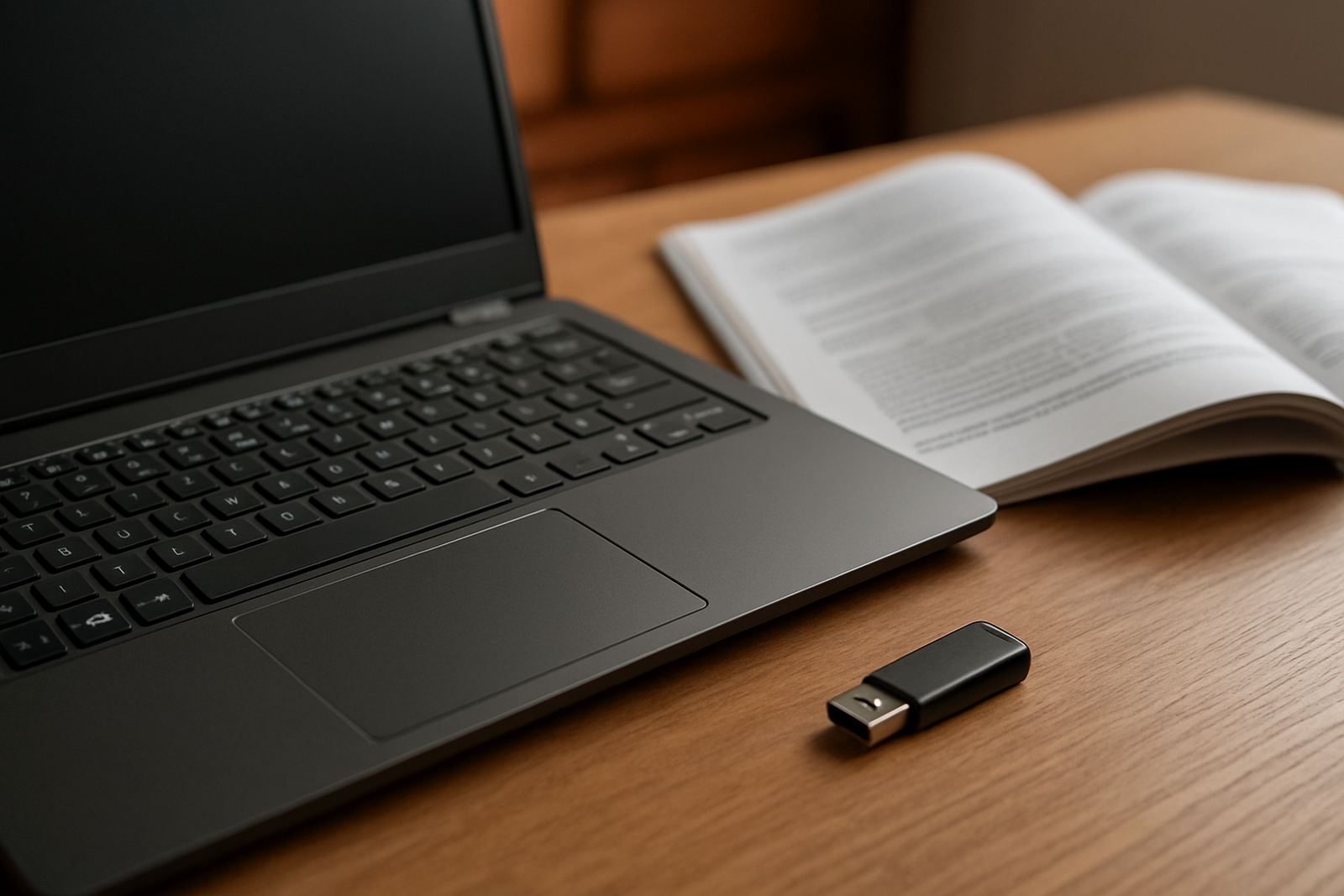
The dongle licence option stores your activation on a small hardware key that plugs into the computer running the software. Once it is recognised, the programme opens with the correct licence level on that machine. This is useful where a studio needs a licence that can move between office PCs, a workshop station and a laptop used for on site setup or client visits.
For South African print rooms, the main value is control. If a machine goes offline, if an internet line drops, or if the team needs to work in a building with patchy connectivity, the dongle keeps the licence available locally. There is no need to wait for a cloud sign in. It is a practical option for sites in Randburg, Midrand, Pretoria industrial areas and coastal shops where humidity and power issues can interrupt production at the wrong time.
- Portable activation for one designated user at a time
- Works well for offline production environments
- Can be moved between approved computers
- Useful for shared training machines and temporary workstations
Licence formats and setup options
We supply the dongle licence in a few practical formats depending on how your studio works. Some businesses only need one movable licence for the owner or production lead. Others want a controlled setup for a small team, with one dongle for design and another for RIP output. If you are running multiple shifts, it can also form part of a wider licence plan so the right person has access at the right time.
During setup, we check the computer, operating system and USB availability, then confirm that the licence matches the job list in your shop. If the studio is upgrading from older software, we can also help with the move from an existing workstation and keep the queue settings tidy so reprint work stays orderly.
- Single-user dongle licence
- Moveable office or workshop licence
- Workshop and training room option
- Upgrade path from older activation methods
Where this option fits best
The dongle licence suits sign makers and print service providers that need flexibility without giving up control. It is often chosen by shops that run vinyl cutters, wide format printers, router tables and finishing stations from different points in the same business. It also helps where the owner or operator travels between branches and needs the same toolset in more than one place.
We see strong demand from businesses that produce shop signs, vehicle graphics, window vinyl, labels and short run print work. If your team works across Johannesburg, Pretoria, Durban, Cape Town or Gqeberha, the dongle can make it easier to keep one licence in circulation while staff handle installs, proofing or training at different branches. It also suits centres where internet access is limited or shared.
- Sign shops with multiple workstations
- Small teams that share one production seat
- Branch operations that need licence mobility
- Studios working on client sites or at trade counters
Installation, power needs and day to day use
Installation is straightforward, but the machine still needs to be set up properly. The dongle plugs into a USB port and the software reads the licence during launch. We usually check driver recognition, USB stability and whether the workstation is used for cutting, RIP processing or both. In a busy print room, a loose USB connection can cause interruptions, so the port and cable management should be kept tidy.
Power needs are simple. There is no gas requirement, and no special external supply for the licence key itself. The computer should have stable power, especially in areas affected by load shedding. If production is sensitive, we recommend a UPS for the PC and any linked cutter or printer controller. That helps protect queue settings and reduces the risk of file corruption during a sudden outage. A clean shutdown plan matters more than people often think, and it saves hours later.
- Uses a standard USB connection
- No gas, compressor or special feed needed
- Works best with a stable PC and UPS protection
- Suitable for workshop benches and office counters alike
Care, servicing and safe handling
The dongle is small and easy to misplace, so it needs a clear home in the studio. Keep it in the same labelled drawer or lockable cabinet when not in use, and avoid leaving it in a machine that moves between rooms. On busy sites, the biggest risk is not wear but loss, bending or accidental breakage when other equipment is packed away. Coastal humidity can also be hard on exposed ports and connectors, so keep the workstation clean and dry.
Servicing is mostly about checking that the software still sees the licence correctly after updates, new staff handover or hardware changes. If a machine is reimaged or the operating system changes, the dongle should be tested before a production rush. For shops that run on annual support plans, we can also advise on replacement steps, migration checks and when to update the surrounding workflow. A little care here prevents licenceing delays during busy season.
- Store it securely when not in use
- Keep USB ports clean and dust free
- Test after updates or PC changes
- Report damage early so downtime stays short
What to verify before ordering a FlexiSIGN Studio dongle licence
Before ordering, check how many people need access, which computer will host the licence and whether the same seat must move between branches. It is also worth confirming the exact software version, the operating system and whether you need setup help for cutters, RIP output or colour workflow. If your team prints for retail clients, schools or municipal work, confirm any compliance needs around file tracking and proof approval as well.
We also suggest checking your workflow at the bench. If the studio uses multiple output devices, the licence should match the production flow and not just the design side. Tell us whether the machine is on a shared network, whether training is needed for new staff, and whether the install will happen in Randburg, at a branch, or during a site visit in another city. That helps us prepare the right activation and support steps first time.
- Number of users and required access pattern
- Computer model, operating system and USB setup
- Software version and upgrade plan
- Need for training, support or onsite installation
Key facts
| Licence type | Portable dongle-based software licence |
|---|---|
| Use case | Offline or moveable activation for one active user at a time |
| Connection | USB hardware key |
| Power requirement | No separate power supply, relies on the host computer |
| Best environments | Sign shops, print rooms, training stations and branch workstations |
| Support available | Licence activation, installation, remote support and onsite training |