What the Print Cut Workstation includes
This bundle is built for the daily work of a sign shop, print room or vinyl cutting bay. It is supplied as a configured PC station with the core software environment prepared for design, RIP processing and cutter handoff, so the user can move straight into setup and production. The system is intended for South African conditions, where power interruptions, dust and warm rooms can all affect stability if the computer is under-specced.
The workstation is not a generic office PC. It is selected for graphics handling, spooling print jobs, colour workflow tasks and long operating hours. That matters when you are sending large jobs, managing multiple queues or keeping a cutter and printer moving through the day. The aim is fewer freezes, quicker file handling and less time spent restarting in the middle of a run.
- Configured PC for sign-making design and RIP use
- Suitable for cutter output, print queues and workflow control
- Prepared for local installation, licence activation and user handover
- Built for studio use in Randburg, Johannesburg, Pretoria, Durban, Cape Town and Gqeberha
Sizes and workstation options for different studio loads
Studios do not all work the same way, so the workstation is supplied in practical size options. A smaller shop with one designer and one cutter can work well on a single-screen setup, while a print service provider handling multiple operators may need a stronger processor, extra memory and more storage. If you are running queue-heavy output with nested vector files, raster images and profiles for several devices, it is worth selecting the higher option from the start.
Common options are based on workload rather than showroom language. For most sign shops, a mid-range specification is enough for daily print and cut work. For larger teams or sites that prepare many files per day, a faster CPU and larger SSD reduce waiting time. If your team is adding new staff or moving from an older machine, we can match the station to the actual process, not guess from a brochure.
- Entry option for one operator and lighter daily queues
- Mid-range option for busy shops handling regular print and cut jobs
- Higher-spec option for colour-managed studios and multiple queues
- Expandable storage for artwork libraries, presets and backups
Where it suits best in South African production rooms
This product suits businesses that need a stable software station near the printer or cutter. It works well in sign shops, garment print rooms, branding studios, fleet graphics bays and in-house marketing departments. In places like Randburg and Midrand, where teams often work in shared spaces, the workstation helps keep the output process organised. In coastal areas such as Durban and Gqeberha, the station should be kept away from open windows and salt air where possible, because moisture and dust can shorten the life of electronics.
It is also useful where municipal power is inconsistent. Load-shedding can interrupt RIP queues, damage unfinished jobs and force repeated reprocessing if the PC is not set up properly. A workstation with the right power backup and shutdown routine helps reduce that risk. If the studio sits in a retail unit, industrial park or upstairs office, the system can be positioned with the printer network and cutter connection in mind, so cables are short and tidy.
Installation, power and room setup needs
The Print Cut Workstation should be installed on a clean, dry surface with enough ventilation around the tower and screen. A normal office power point is usually fine, but the station must be on a stable supply with surge protection and, where possible, backup power from a UPS or inverter. That is especially important if you are running a cutter and printer from the same room and cannot afford a job queue to drop mid-run.
No gas connection is needed for this product. What does matter is electrical load, cable routing and network access if you are sharing files across more than one station. During installation we check that the monitor, keyboard, mouse, USB links and any cutter or printer communication points are correctly assigned. We also test start-up after a simulated power cut so the operator knows what happens if load-shedding kicks in during production.
- Use surge protection and a suitable UPS for power interruptions
- Keep the unit off the floor where dust and paper trim collect
- Allow space for ventilation around the case and monitor
- Plan cable runs for printer, cutter and network connections
Software handling, colour workflow and everyday care
A workstation used for sign output needs sensible upkeep. Keep the operating system updated, clear out unused files and back up profiles, presets and artwork that you rely on daily. If the machine is used for colour-critical work, save calibrated settings and keep a note of which media profiles belong to which printer and material. That saves time when a new operator steps in or when a profile has to be rebuilt after a reset.
Care is simple but should be regular. Wipe dust from vents, check that fans are not blocked and make sure the UPS battery is still holding charge. In warmer inland rooms, a machine that runs all day can overheat if it is pushed into a tight cabinet. For studios handling multiple cutters or print queues, monthly housekeeping is better than waiting for a fault. One small clean-up each month often prevents bigger problems later on.
- Back up jobs, profiles and licence details regularly
- Keep the operating area dust-free and well ventilated
- Check UPS batteries and replacement timing
- Review colour settings after software updates or new media
What to check before you order
Before ordering, confirm which software tasks the station must handle. A simple vinyl cutter setup has different needs from a print room doing RIP processing, colour management and multiple output queues. It helps to know how many operators will use the system, what size files you send, how many devices connect to it and whether the unit must run beside a flatbed printer, eco-solvent printer or cutting plotter. If you are expanding after hiring new staff, include that in the order as well.
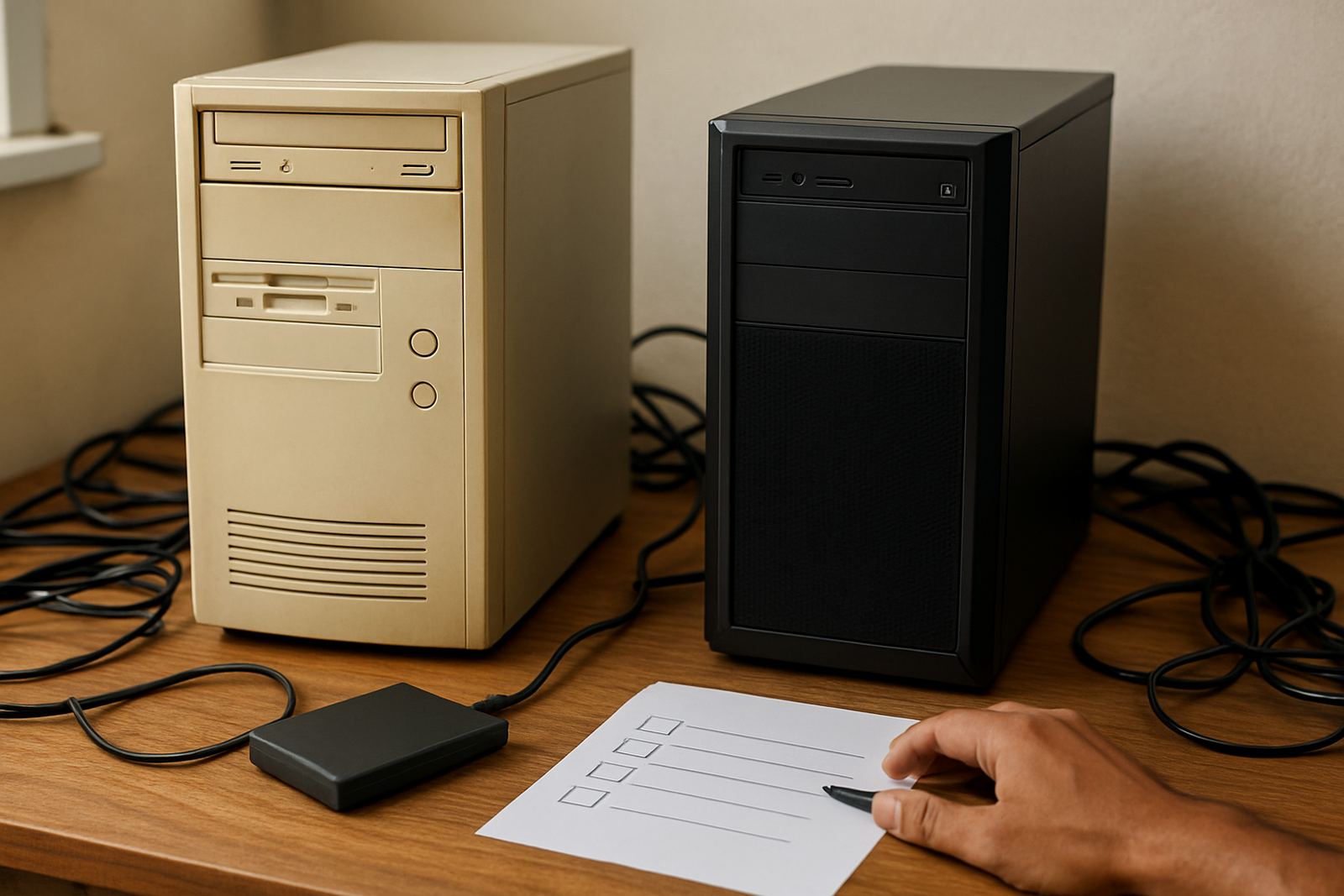
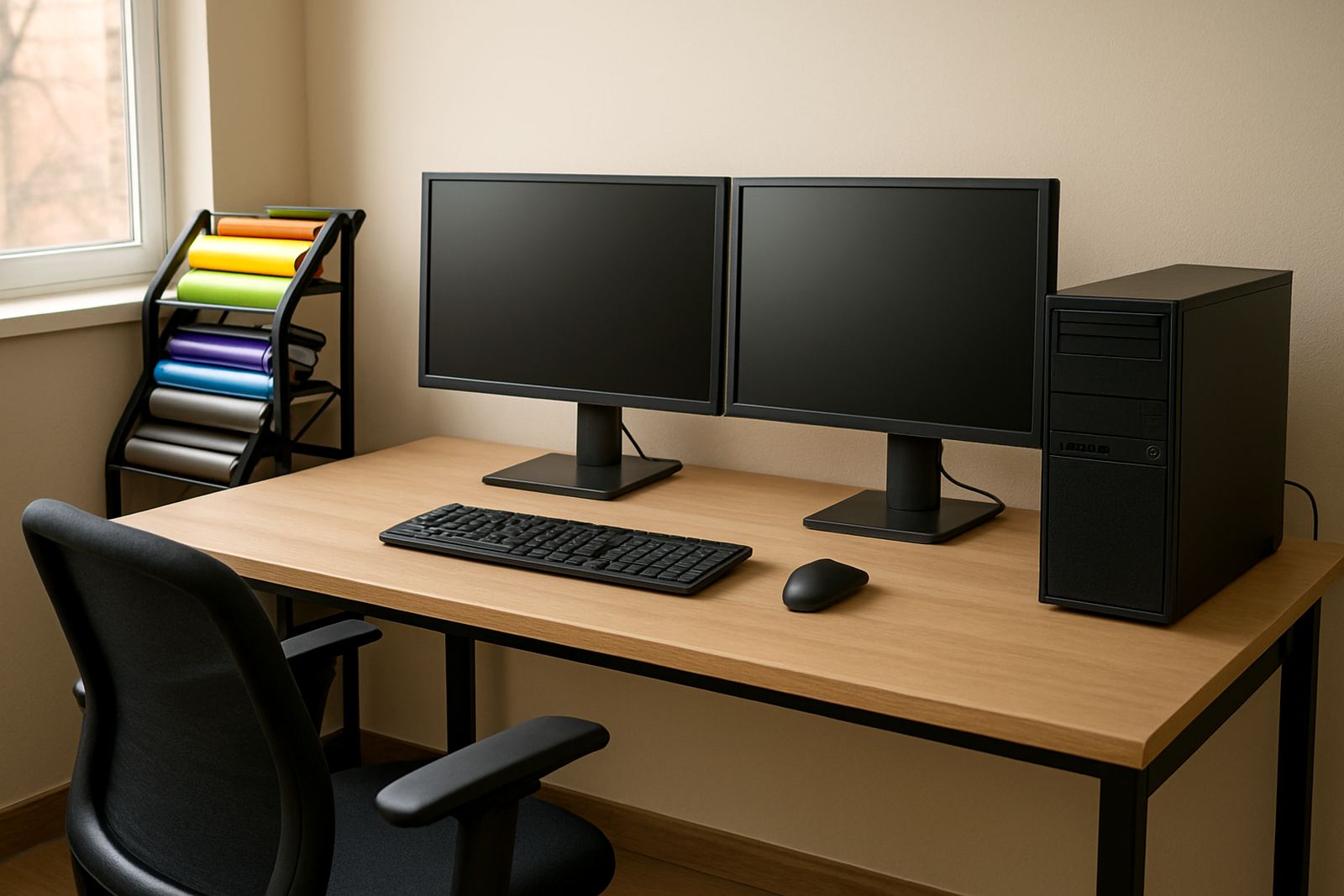
You should also check screen size, storage space and connection types. Some teams need dual screens for faster layout work, while others want a compact footprint because the room is already crowded. If you are moving from one premises to another, or setting up in a new shop in Pretoria, Cape Town or Durban, let us know about the room layout, power backup and cable distance. That way the workstation can be prepared to fit the job first time and not come back for changes.
- Confirm the number of users and devices connected to the station
- Check whether you need dual screens, extra storage or higher RAM
- Tell us about your printer, cutter and RIP workload
- Include your room layout, power backup and installation site details
Key facts
| Product type | Configured PC bundle for sign-making design, RIP work and cutter control |
|---|---|
| Processor | Multi-core benchtop processor suitable for graphics and queue handling |
| Memory | 16 GB to 32 GB RAM depending on workload |
| Storage | Fast SSD with optional extra drive for jobs, profiles and backups |
| Display support | Single or dual screen output depending on studio requirement |
| Power needs | Standard mains power with surge protection and UPS recommended |