What the RIP Only Licence does in daily production
This licence gives you the RIP functions needed to prepare files for print and cut work, manage queue order, set media presets and control output settings from one place. It is used when the main need is dependable print processing rather than full design tools, and it helps keep jobs moving when the workshop is busy.
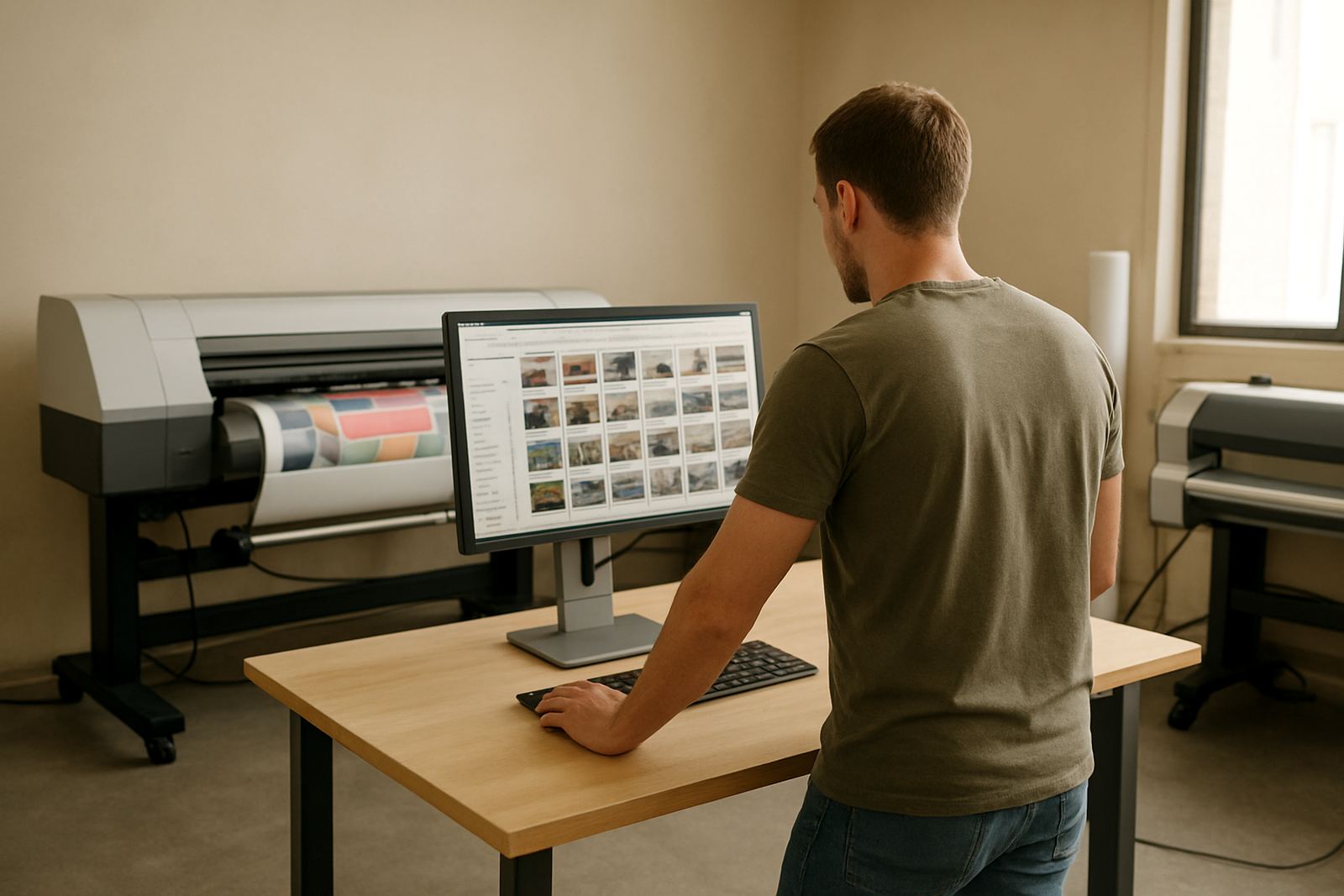
In a Randburg, Johannesburg or Midrand shop, this matters when several operators are sending jobs at once. You can separate urgent work from longer runs, keep repeat settings ready, and reduce time lost to re-entering the same setup values. There is no need for extra hardware beyond the computer and output device you already use.
Where this licence suits best
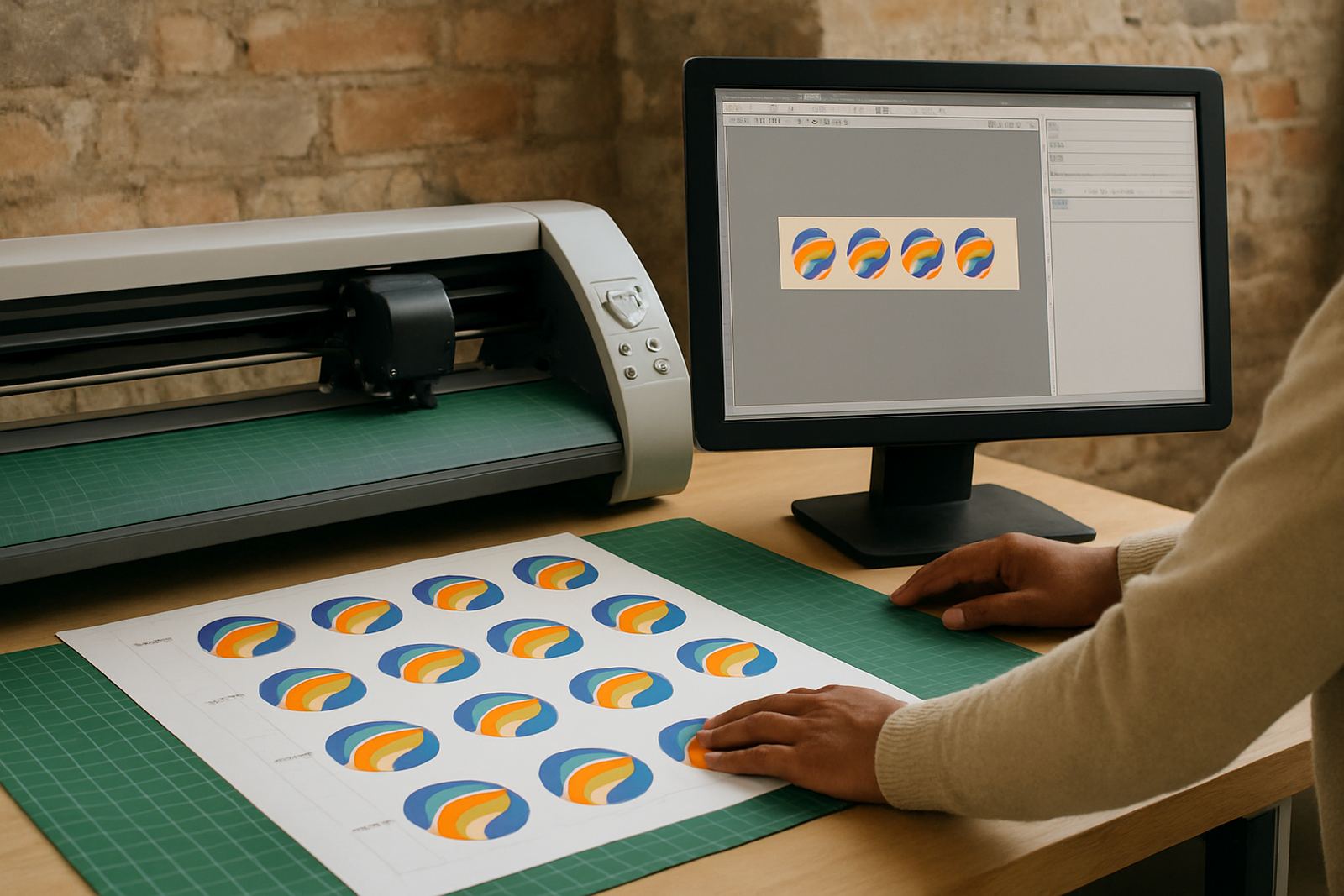
This option suits print service providers, sign shops and in-house production teams that already have design software and only need the RIP side of the process. It is a practical fit for shops running vinyl cutters, eco solvent printers, UV units or hybrid print and cut work, especially where different media types are used through the week.
- Short-run signage with frequent file changes
- Repeat jobs with fixed colour and size settings
- Workshops that need better queue handling during busy periods
- Teams that want clearer control over media presets and output order
It also helps when new staff join the floor and need a simple way to follow preset production steps. That makes training faster and the day to day setup less dependent on one person.
Installation, activation and site requirements
Installation is normally done on a suitable Windows computer, with licence activation and basic setup handled remotely or on site depending on your location and need. For businesses in Johannesburg, Pretoria, Durban, Cape Town, Gqeberha and surrounding areas, we can assist with remote support, onsite training or a planned visit where needed.
Power is straightforward: the RIP licence itself does not need special power or gas supply, but the computer and output device should be on a stable electrical circuit with surge protection. In areas affected by load-shedding, a UPS is worth considering so queue work does not stop mid job and files do not get interrupted.
- Windows computer with enough processing power for your file size and job volume
- Reliable USB or network connection to the output device
- Surge protection or UPS for areas with unstable power
- Space for a clean workstation with enough airflow around the computer
Media presets, queue control and colour handling
The strongest benefit of this licence is control. Media presets let you save settings for different substrates, so the operator does not need to guess each time a banner, vinyl, or board job comes in. Queue control helps keep urgent work at the top while longer runs stay organised behind it.
Colour handling can be set up to suit the way your shop works, whether you are matching repeat signage or trying to keep output more consistent across different media batches. On coastal jobs in Durban or Cape Town, where humidity can affect media handling, a stable preset system can save time and reduce waste.
If you are managing more than one cutter or printer, this licence can also help with RIP queue planning, so each device gets work in a sensible order. That makes production easier to track and the handover between staff cleaner, especially during shift changes or busy month-end periods.
What to verify before ordering a FlexiSIGN Studio dongle licence
Before ordering, it helps to confirm what equipment you are driving and how your team produces work. A small check now avoids delays later, and it keeps the installation process practical.
- Your computer operating system and hardware specification
- The make and model of the printer or cutter to be connected
- Whether you need one seat or more than one user access point
- What media types you use most often
- Whether you need queue control, colour workflow setup, or cutter setup help
- If you want onsite training, remote support, or both
If you are upgrading from an older workflow, we can also look at the current setup and plan the changeover in a way that fits your production schedule. That is useful when a shop cannot afford a full day of downtime.
Care, servicing and long-term support
The licence itself does not need physical servicing, but the workstation and output environment do. Keep the computer free of dust, avoid power cuts where possible, and update the system only when your production window allows it. In busy shops, a small change in Windows or printer settings can affect output, so it is better to plan updates instead of rushing them.
We support businesses from Randburg, Midrand, Centurion and surrounding Gauteng areas, and also assist clients further afield by remote support. If the RIP queue starts slowing down, jobs are not nesting correctly, or a new staff member needs induction, we can step in and help sort it out. Small issues caught early are easier to fix, and usually cheaper too.
For shops that want ongoing help, an annual support plan can be arranged. This is useful when you want regular checks, smoother upgrades and a clear contact point for day to day production questions.
Key facts
| Licence type | RIP Only Licence for print workflow control |
|---|---|
| Main use | Queue control, media presets and output management |
| Compatibility | Suitable for Windows based production computers |
| Output support | Works with printers and cutters used in sign and print shops |
| Installation | Remote setup or onsite installation available |
| Support options | Remote support, onsite training, workflow setup and upgrade planning |