What the Upgrade Licence does for your shop
An Upgrade Licence moves an existing user onto a newer software release with updated tools for sign design, RIP control and daily production work. It is suited to teams that already run a licensed system and want better queue handling, cleaner colour control and more reliable output for vinyl cutters, printers and mixed production shops.
For many businesses in Randburg, Johannesburg, Pretoria and the wider Gauteng area, an upgrade is the practical way to extend useful life out of current hardware while improving day to day output. You keep the familiar workflow, but gain newer functions that help reduce rework, especially when you are juggling small urgent jobs with larger municipal or retail orders.
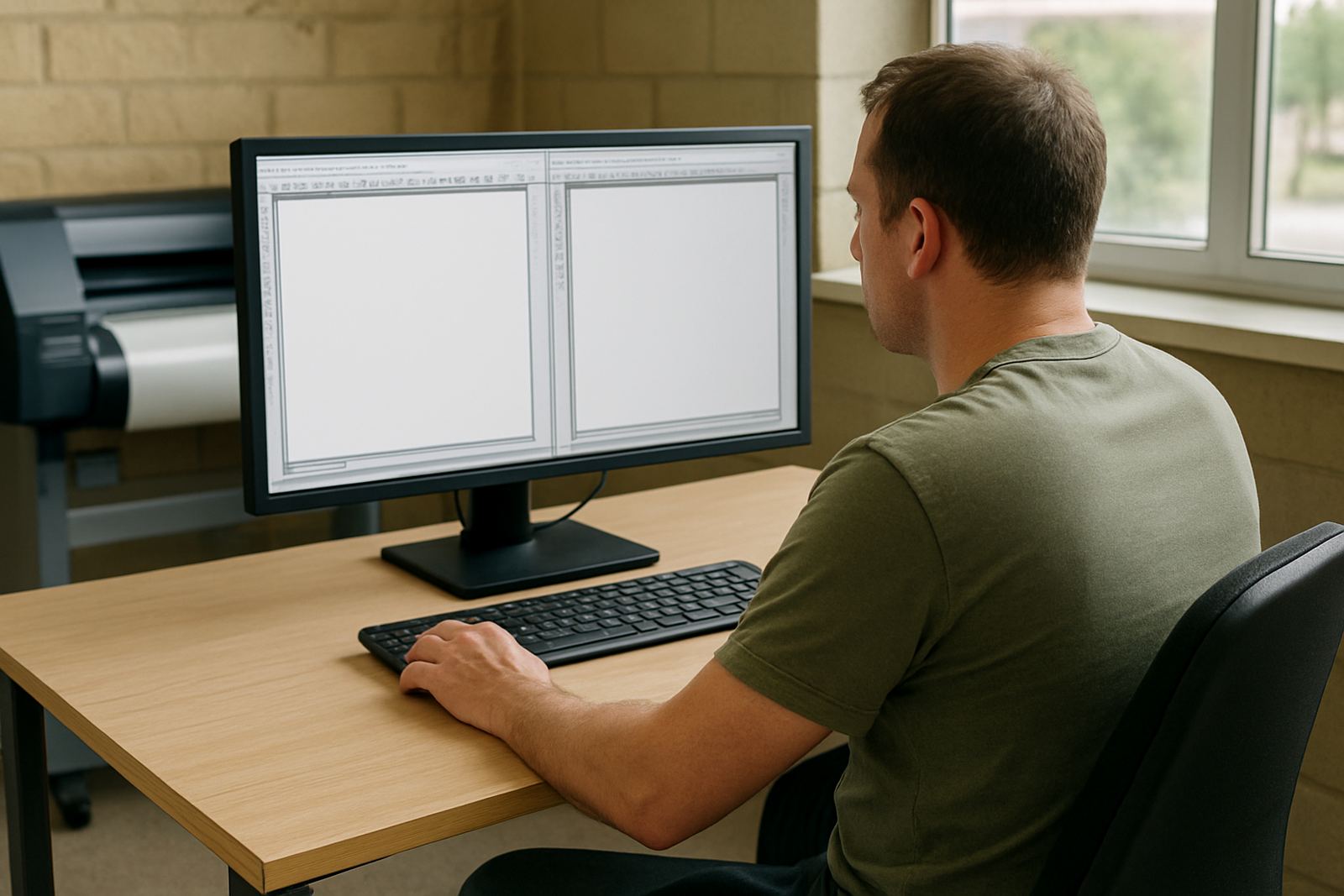
This option suits sign makers, graphic designers and print service providers who need stronger control over nesting, cut paths and RIP settings. It also helps when staff changes and new operators need a clearer interface and better job management on the same workstation.
Options, licence types and who it suits
Upgrade Licences are normally matched to the current version you are using and the feature level you need next. Some shops only need a straight version jump, while others need added production tools for RIP, colour work or cutter integration. We help you check what licence path is available before you place the order so you are not paying for more than your setup needs.
The right choice depends on how your shop runs. A single workstation in Midrand may only need a basic upgrade for one operator, while a busy Durban print room may need a licence that supports a fuller queue and more devices. If your team runs both print and cut, it is worth checking how the upgrade handles workflows across multiple jobs and operators.
- Single-user upgrade for one production PC
- Multi-device setup for print and cut workflows
- Feature upgrade for improved RIP and colour control
- Version move for older installs needing current support
- Training add-on for new staff or new operators
Installation, workstation needs and power planning
Licence activation is normally done on the existing production computer, with remote support where suitable and onsite help where the shop needs it. If you are in Randburg, Johannesburg, Pretoria, Centurion or Midrand, we can assist with setup, activation and basic workflow checks. For Cape Town, Durban and Gqeberha, remote support is often the quickest route, with onsite visits arranged where practical.
The software itself does not need special power or gas supply, but the workstation should be stable and well protected against load shedding and sudden shutdowns. A small UPS is strongly recommended for the PC and monitor, because interrupted power can affect open jobs, colour queues and device communication. In coastal areas like Durban and Gqeberha, keep the computer in a dry, dust controlled room to reduce humidity related problems on cables and ports.
- Stable Windows workstation with enough storage for artwork and RIP jobs
- Reliable internet for activation, updates and remote support
- UPS for power protection during load shedding
- USB or network connection for cutters and printers as required
- Updated drivers for connected output devices
Colour control, cutter output and production workflow
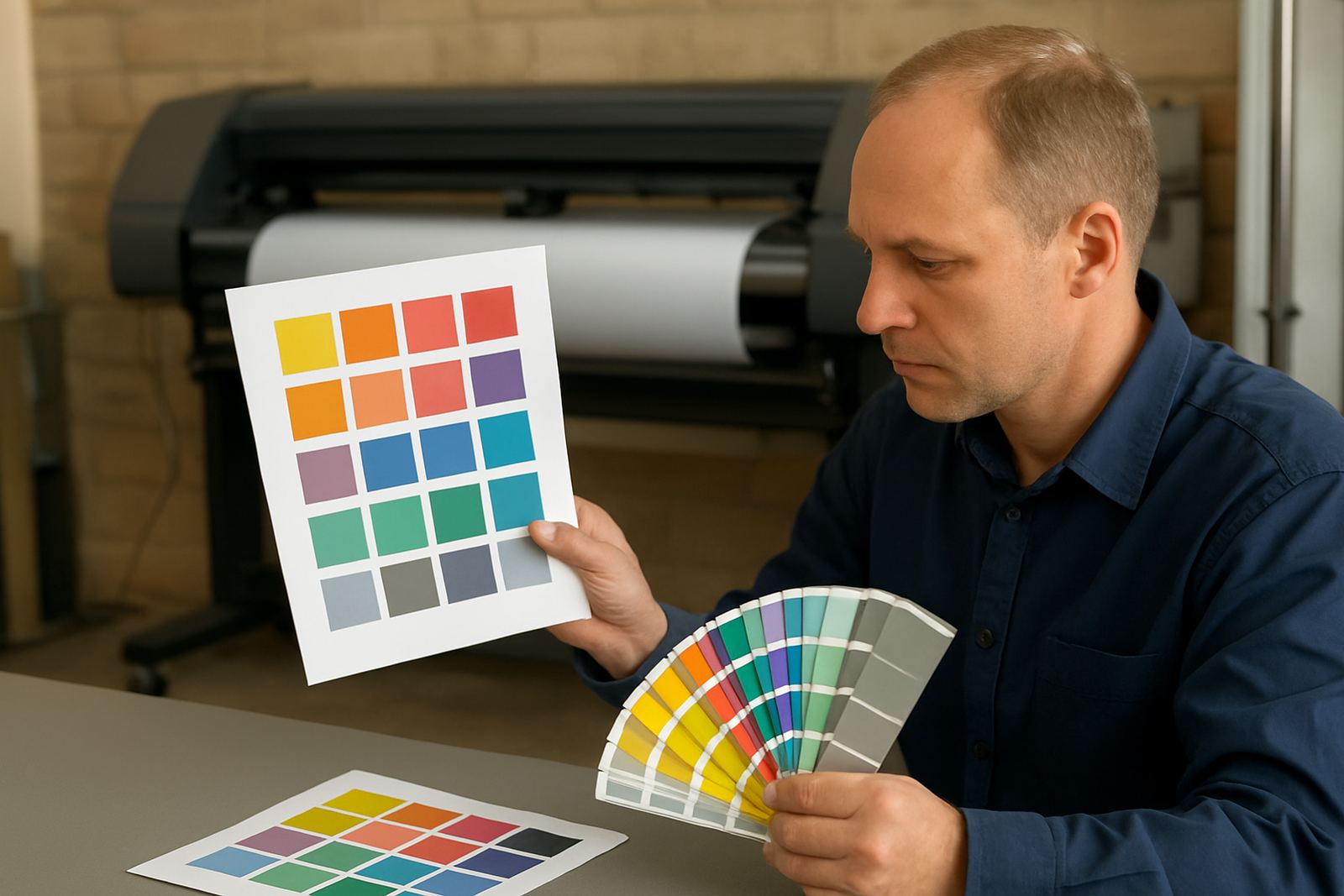
A licence upgrade is a good time to review how colour profiles, cut lines and queue settings are handled. If your prints are coming out too dark, too flat, or not matching what the client approved, the upgraded workflow tools can help tighten that process. The same applies to vinyl cutters, where small changes in offset or queue order can affect how much material gets wasted.
We often see value in checking the whole path from file prep to output. That includes how operators name jobs, where artwork is stored, whether the queue is slowing down, and if the cutter setup is matching the material widths used in the shop. A better licence should make these steps easier, not add extra clicks.
- RIP queue organisation for urgent and routine jobs
- Profile checks for common media and ink combinations
- Cut path setup for contour work and vinyl lettering
- Material width planning to reduce offcuts
- Operator workflow training for consistent job handover
Care, servicing and keeping the licence current
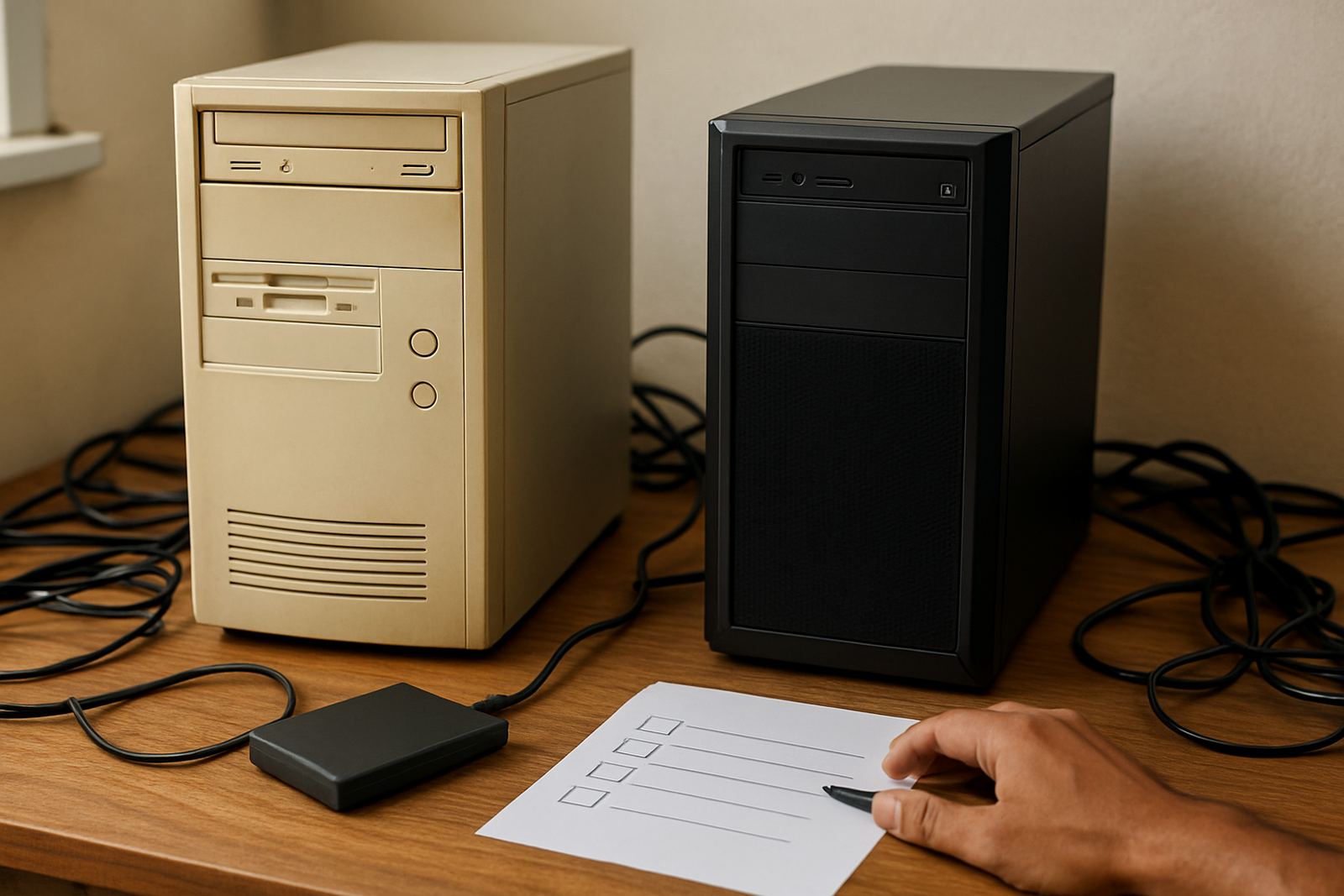
Software licences do not wear out like a blade or carriage, but they do need sensible care. Keep activation details safe, avoid unnecessary changes on the workstation and make sure backups are done before any upgrade or major driver change. If a PC fails and you need to reinstall quickly, having the licence information available saves time and stress.
Annual support is worth considering if your shop relies on the system every day. It helps with activation issues, update checks, workflow questions and occasional operator mistakes. For smaller teams in Randburg or Centurion this may be enough to keep production moving, while busier shops in Pretoria or Cape Town may want a fuller support arrangement to avoid downtime during peak periods.
If your team is new to the software, pair the upgrade with new staff induction or refresher training. A licence is only useful when the operators know where the key settings live and how to recover from a bad queue or an interrupted job.
What to check before you order
Before ordering an Upgrade Licence, confirm the current version installed, the number of users, and whether the workstation can still run the newer release properly. Check your PC specification, device connections and whether you need just the software move or a wider production update with training and workflow setup. If your team is across multiple branches, it helps to note where support is needed first so we can plan the right assistance.
When you enquire through our contact page, include the software version, your location and what you want to improve. That lets us advise on the correct route for installation, licence activation, cutter setup help, RIP queue tuning or colour management. For shops that work under time pressure, a clear order helps reduce delays and keeps the move straightforward.
- Current software version and licence status
- Number of workstations needing the upgrade
- Printer or cutter models connected to the system
- Whether you need onsite training or remote support
- Preferred branch area for visits or follow-up help
Key facts
| Product type | Upgrade Licence for existing users |
|---|---|
| Use case | Sign design, RIP control, cutter output and production workflow |
| Delivery | Licence activation with remote or onsite support |
| Typical users | Sign makers, graphic designers, print service providers |
| Coverage | Randburg, Johannesburg, Pretoria, Durban, Cape Town, Gqeberha and surrounding areas |
| Requirements | Compatible Windows workstation, internet access, backup and UPS recommended |