Shared licensing for busy production teams
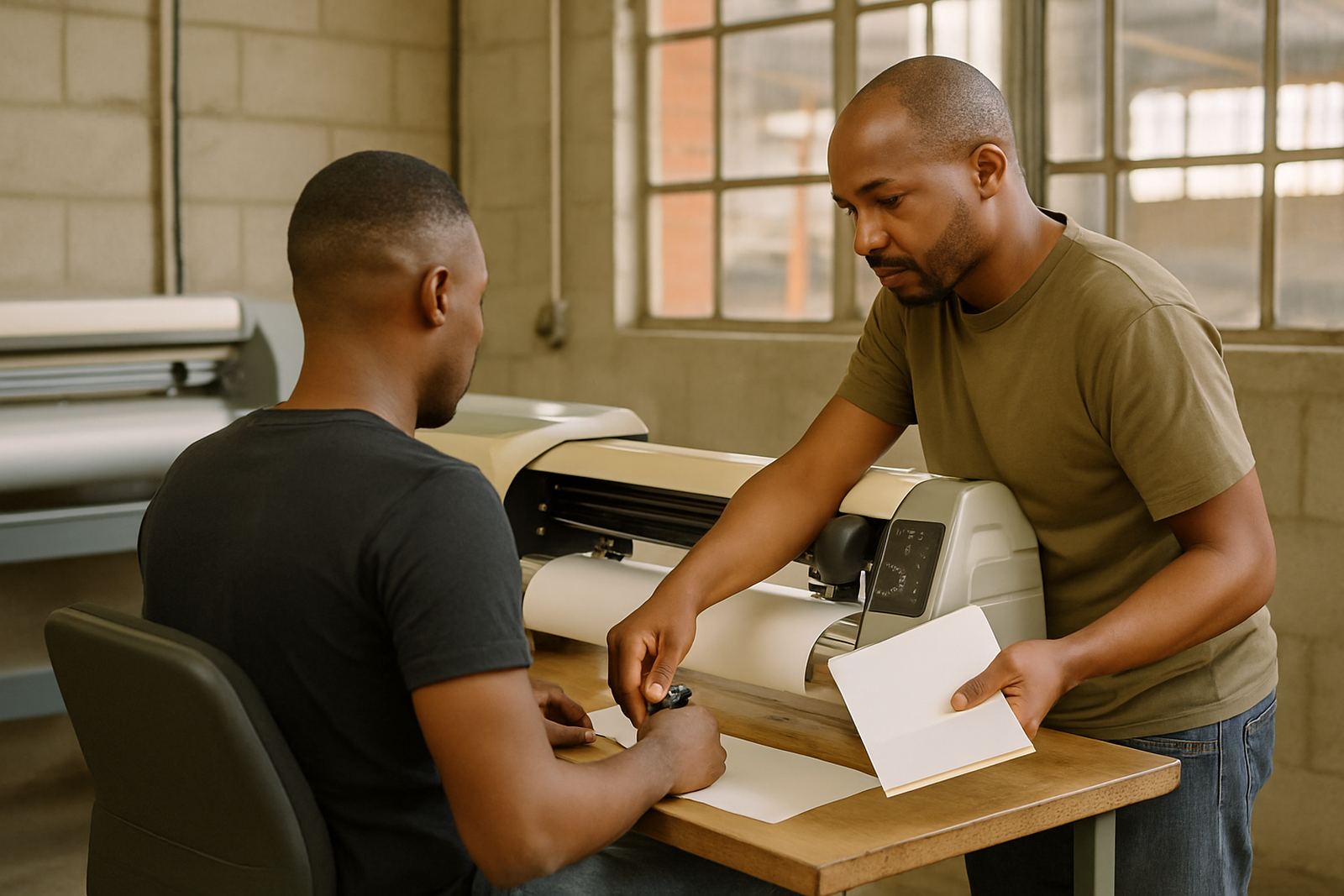
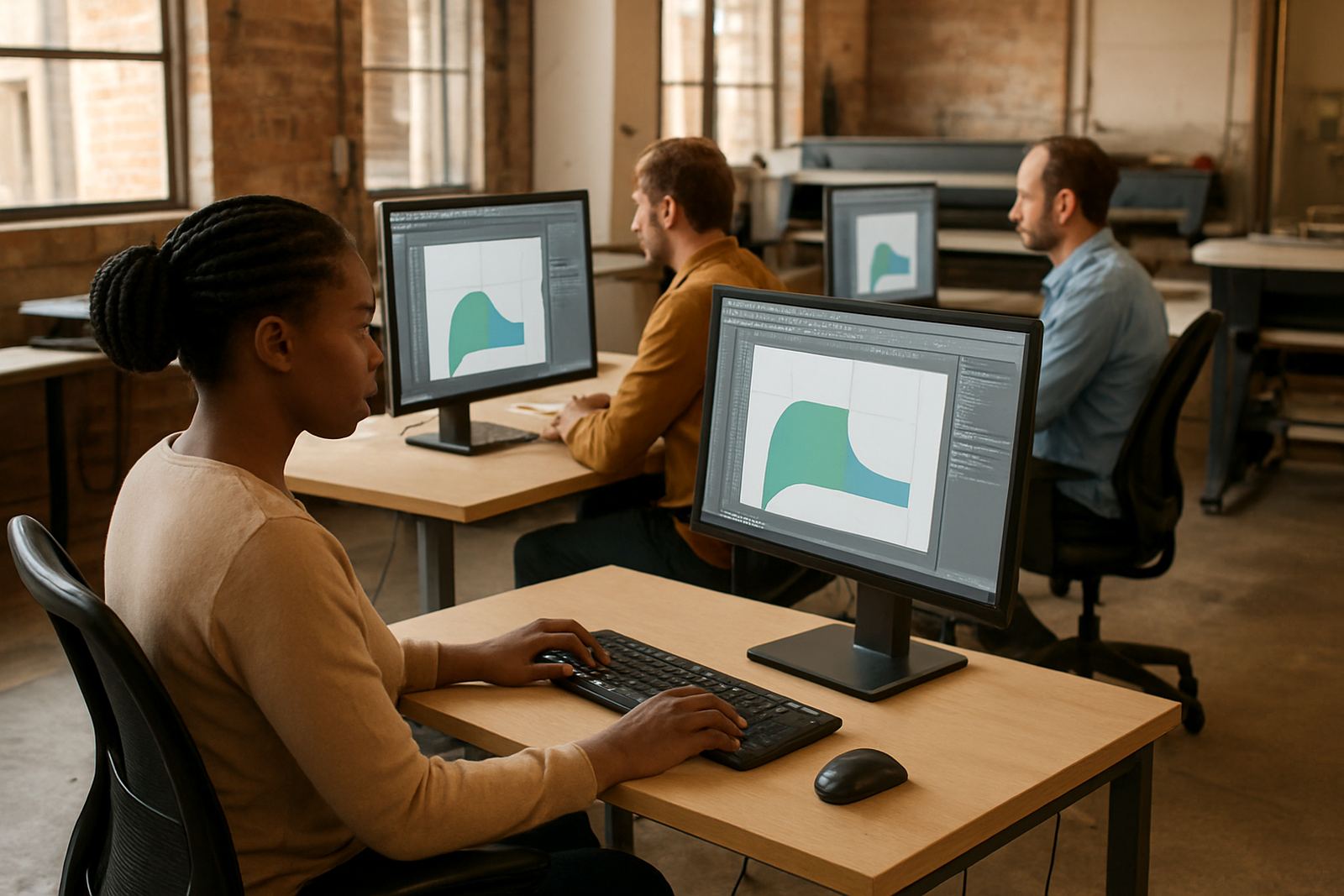
A multi user licence is set up for companies that run more than one workstation and need controlled access to sign-making design and RIP software. Instead of one computer carrying the full workload, the licence can be allocated across several users so your team can move jobs through design, cutting and printing with less delay. This is useful when two or more operators work different shifts, or when one staff member handles artwork while another sends output to a cutter or printer.
For South African sign shops this is often the practical choice where staff numbers change through the year, or where a branch in Randburg needs the same production setup as a team in Pretoria or Cape Town. It also helps with training new staff, because the same software environment can be used across the office and production area without each operator needing a separate standalone licence.
We supply, activate and support licensing for businesses that want a cleaner way to manage software use across the floor. That includes licence assignment, setup on new machines, and advice on how to structure access so production keeps moving during load-shedding or after a PC replacement.
Options that fit small studios and larger print rooms
Multi user licensing is not one fixed package. The right option depends on how many stations need access, whether users work at the same time, and whether you need design only, RIP only, or both functions in one workflow. A small shop may only need a two-user setup for one designer and one production operator, while a larger print service provider may need several seats spread across different stations.
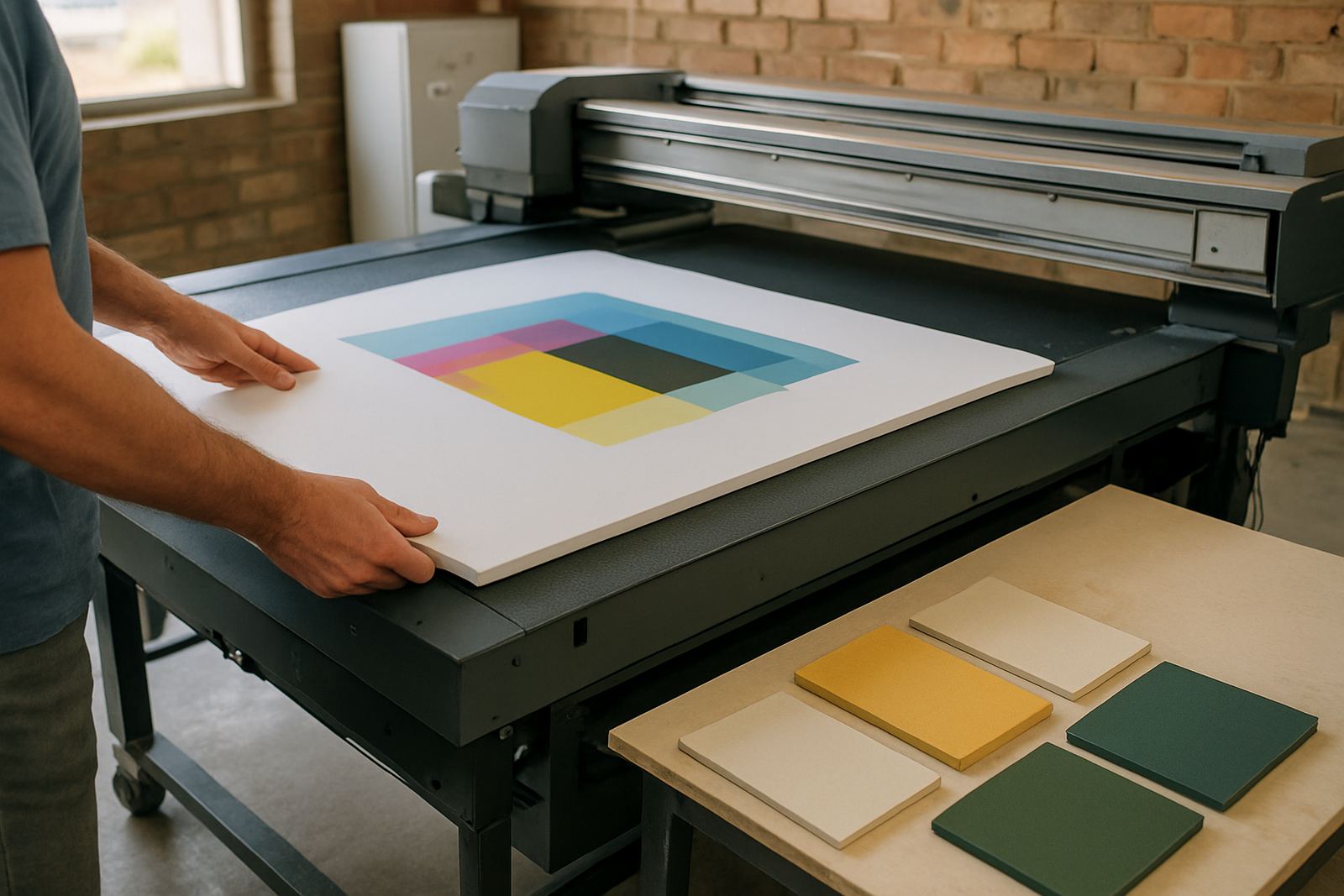
Typical options are planned around the way local production works, not just around software counts on paper. If a team in Midrand is doing short-run work with frequent cutter changes, the licence setup can be matched to that flow. If a Durban branch is running more print volume and colour checks, the licence can be arranged so the RIP workstation stays stable while other users prepare files.
- Single station plus shared production user
- Two-user or small team licence
- Multi-station studio licence for several operators
- Licence transfer or machine change planning
- Upgrade path for growing teams and new branches
We also help businesses compare what they need now with what they may need in six to twelve months. That matters when you are adding a second cutter, opening a new branch, or bringing in temporary staff for a season. Getting the count wrong can slow the shop down and create avoidable admin.
Where a multi user licence works best
This product suits sign shops, digital print rooms, corporate graphics teams and trade suppliers that send artwork through several hands before output. It is especially useful where a designer, production operator and installer all need access to the same files and setup tools. Many South African customers use it where a central team in Johannesburg supports branch work in Pretoria, Centurion or further afield.
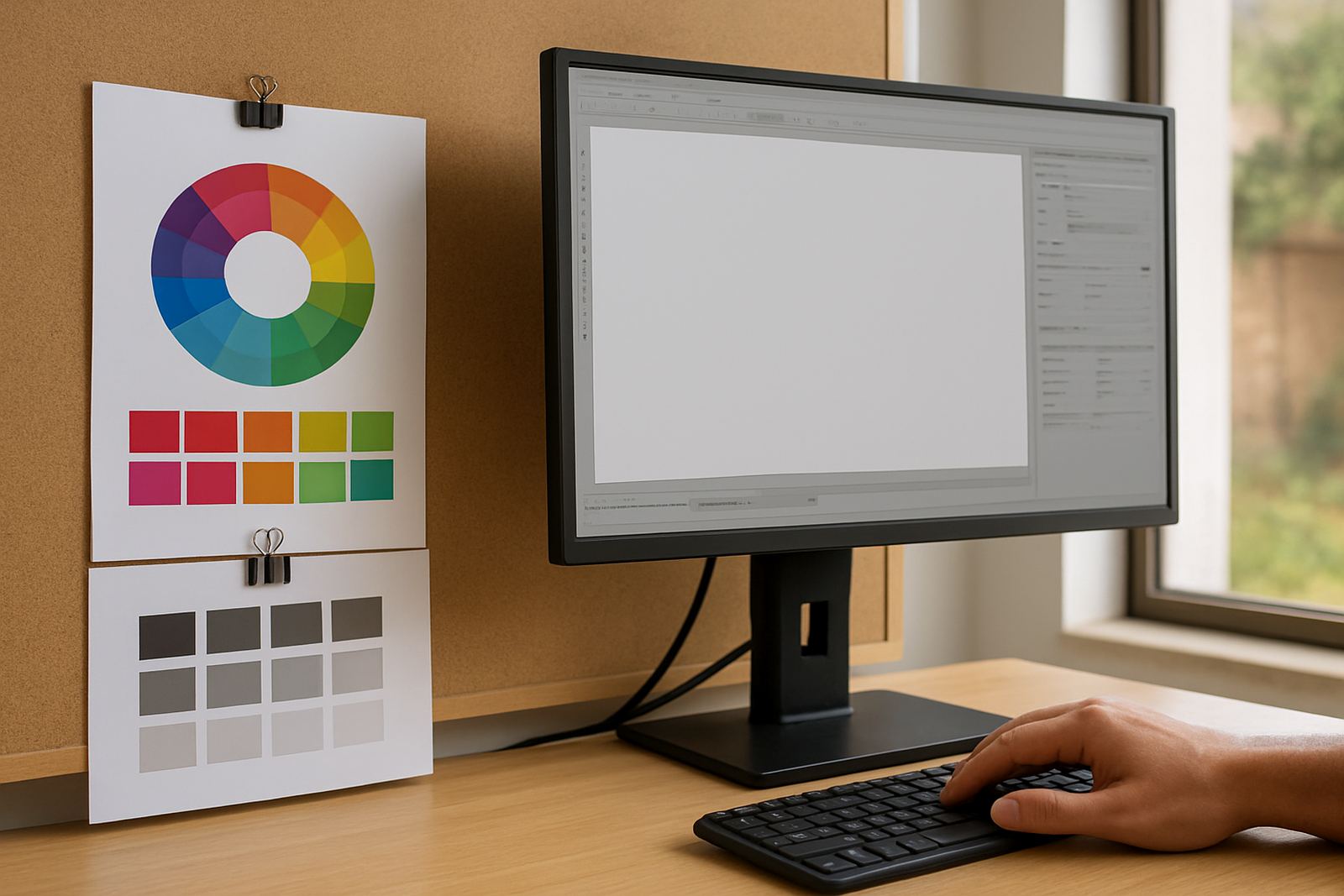
It also works well where there is frequent staff turnover or a need to induct new operators without disrupting existing users. In a busy shop, one person may be preparing contour cuts while another is adjusting RIP queues and a third is checking colour profiles. A shared licence keeps the software available where it is needed, with less copying between machines and fewer bottlenecks.
- Sign shops running vinyl cutters and wide format printers
- Print service providers handling short-run and repeat work
- Agencies with in-house graphics and production staff
- Branch networks needing the same software setup at more than one site
- Teams that want better control over user access and installation points
For coastal sites in Durban or Gqeberha, we also factor in practical workstation placement and backup habits, because humidity, dust and power interruptions can affect the machine environment even when the software itself is licensed correctly.
Installation, activation and local support
We handle software installation and licence activation on compatible workstations, whether your team is based in Randburg or working remotely from another province. Setup can be done onsite or by remote support, depending on the job and the network arrangement. If you are moving from an older setup, we assist with upgrade planning so the transition does not interrupt live production.
Installation is normally straightforward, but the full process includes checking the machine spec, confirming the network arrangement, and making sure the licence is assigned correctly. Where needed, we can also assist with cutter setup help, RIP queue optimising and workflow setup so the software fits the actual production process instead of just sitting on the computer. That saves time during busy periods, especially when a team is trying to push out jobs before a municipal deadline or end-of-month collection.
- Licence activation and workstation assignment
- Remote support for routine setup and fault finding
- Onsite training for new users or new branches
- Workflow setup for design, cutting and RIP output
- New staff induction and annual support planning
What your system needs before ordering
Before you place an order, check the number of users, the number of computers, and whether each operator needs full access or only partial access. Also confirm the operating system version, available storage and whether the machines are connected on a local network or used independently. If you are using a laptop at client sites and a fixed PC in the shop, that needs to be planned properly from the start.
For best results, the workstation should have enough memory and processing power for design and RIP tasks, plus enough free storage for job files and temporary data. If your shop runs through load-shedding with inverter backup or a generator, make sure the power supply is stable enough to avoid unfinished updates or interrupted activations. No special gas supply is needed for this product, just reliable electrical power and a clean working environment.
If you are unsure, send the details through the enquiry form on our contact page and we will check the fit before you commit. It is better to confirm the station count, the software version and the support level first than to discover a mismatch after installation.
Keeping the licence organised over time
Shared software works best when someone keeps track of who uses each station and how the licence is assigned. We recommend a simple record of the main user, machine name and the date of any transfer or update. That makes it easier to manage replacements, seasonal staff changes and support calls later on. A little admin now avoids confusion when a workstation fails or gets moved to another room.
Care and servicing for this product are mostly about keeping the computers and files in order. Back up job libraries, update only when advised, and avoid moving licence files around without checking first. If a cutter is not reading the output correctly, or a RIP queue is slowing down, we can help review the setup and correct the workflow rather than guessing at the problem.
For teams in Johannesburg, Pretoria, Midrand, Cape Town and Gqeberha, we offer support in a way that suits the branch and the job volume. The aim is simple: keep the software licensed, keep the operators productive and keep the production room ready for the next run.
Key facts
| Product type | Shared multi user software licence for sign-making design and RIP production |
|---|---|
| User capacity | Available in single shared station, small team and multi-station formats |
| Suitable users | Sign makers, graphic designers, print service providers and production operators |
| Installation method | Onsite or remote setup with licence activation and workstation assignment |
| Support coverage | Randburg, Johannesburg, Pretoria, Durban, Cape Town, Gqeberha, Midrand and Centurion |
| Power and site needs | Reliable electrical power, suitable workstation spec and stable network where required |