Map named colours to real production values
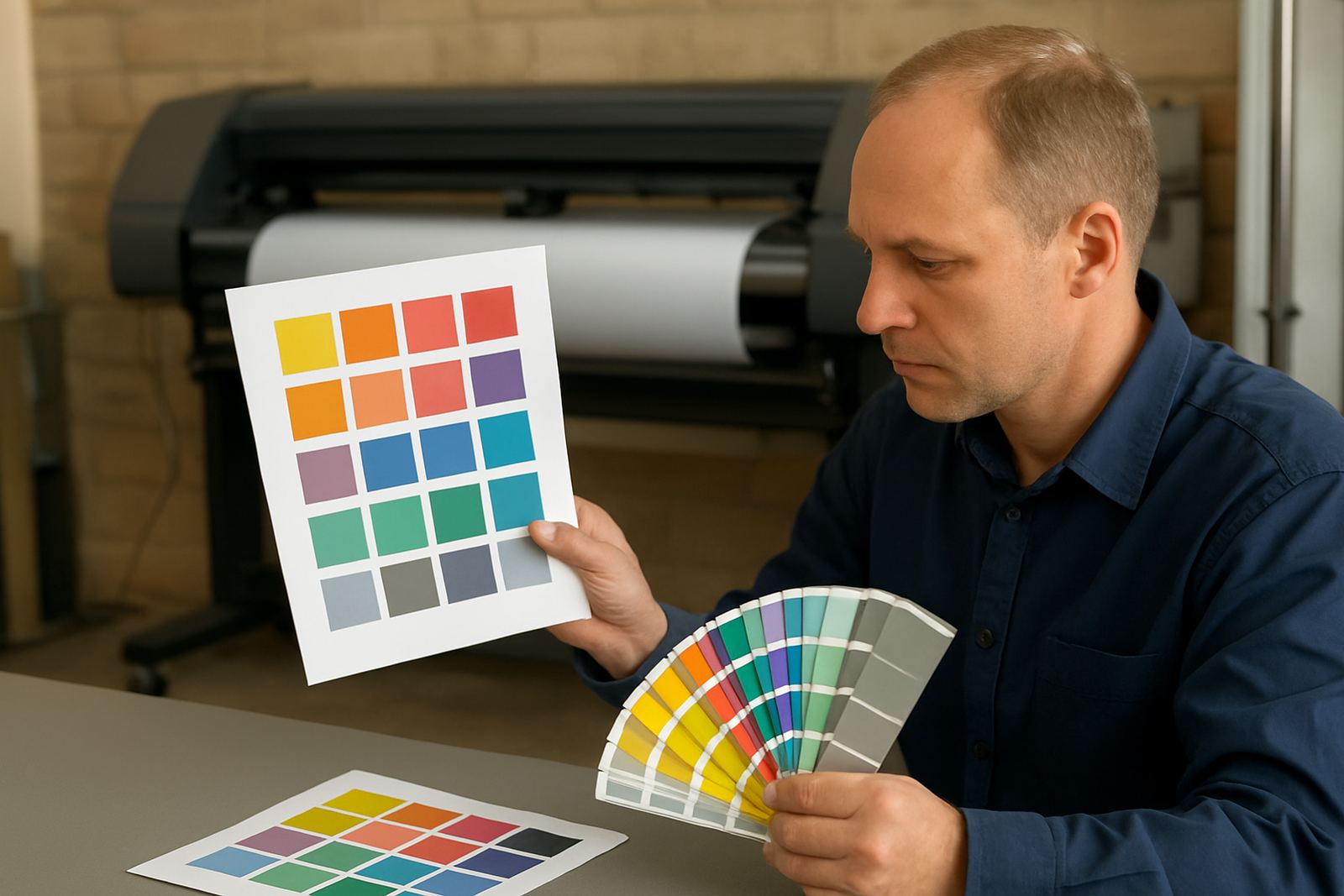
Spot Colour Tools are used when a client asks for a named colour and you need a repeatable result on screen, in the RIP, and at the cutter or printer. Instead of guessing by eye, you can assign a named spot colour to a fixed process build, profile or output setting, then keep that mapping for future jobs. That is useful for repeat customers, franchise work and seasonal reprints where colour drift costs time and material.
In a South African sign shop, this matters when you are moving between coated self-adhesive vinyl, backlit print, PVC board and short-run decals. A colour that looks fine in a bright Pretoria shop can shift in a humid Durban bayfront install or under warm LED lighting in a mall. Spot colour mapping helps reduce those surprises and gives your team a clear process to follow.
- Named colour matching for repeat jobs
- Cleaner handover between design and production
- Better control for multi-device output
- Less waste on reprints and test runs
Where it fits in the shop floor workflow
This toolset suits sign makers, graphic designers and print service providers who produce branded work week after week. It is especially practical where one person designs, another prepares the RIP queue, and a third runs the cutter or printer. With a shared colour workflow, the team spends less time fixing mismatched proofs and more time moving jobs through the shop.
It works well for Johannesburg production rooms, Pretoria corporate work, Durban retail signage, Cape Town coastal work and Gqeberha print and cut jobs. If your business handles vehicle graphics, site boards, shop fronts, event signage or in-store promotions, spot colour control helps keep production predictable. It also helps when you need to standardise output across more than one machine, or when new staff are still learning your colour process.
- Sign shops with mixed print and cut work
- Teams sending jobs between design and production
- Businesses with recurring brand colours
- Print rooms managing multiple devices or operators
Options and setup choices for different work levels
Spot Colour Tools can be used in a simple setup for a single operator or in a fuller production setup with colour libraries, queue presets and operator handover notes. The right choice depends on how many users need access, how often you repeat jobs, and whether you are matching output for vinyl cutters, wide-format printers or both. If your work is mostly short-run decals, you may need only basic named colour mapping. If you manage a busy production floor, you may need more control over profiles, queue rules and approval steps.
For larger teams, we can help with licence activation, upgrade planning and workflow setup so the colour process does not depend on one person alone. That is useful where staff changes are common or where training needs to happen at different branches. We also help shops build a practical setup for load-shedding conditions, so saved presets and restart procedures are clear when power returns.
- Single-user or multi-user setup
- Basic spot colour mapping or fuller workflow control
- Useful for printer, cutter and hybrid production
- Can be paired with training and support plans
Installation, power and working environment needs
Spot Colour Tools are software-based, so there is no gas requirement. Installation needs a suitable computer, stable storage and enough access for licence activation and updates. In most shops, a dedicated production PC gives the cleanest result, especially where artwork is large or the RIP queue runs all day. If your team shares one machine between design and output, we recommend checking memory, disk space and screen calibration before rollout.
Power matters more than people expect. In areas with load-shedding or unstable municipal supply, use a proper UPS for the production computer and any attached cutter or printer controller. A sudden power cut can interrupt a colour queue and create confusion about which job settings were used. Coastal humidity can also affect output consistency, so your team should store media correctly and keep the work area dry and dust controlled.
- No gas, no compressed-air line required
- Needs a suitable Windows-based production computer
- UPS recommended for load-shedding protection
- Best used in a clean, dry print room
Care, servicing and keeping colour repeatable
Because the toolset sits inside your production workflow, care is mostly about keeping the colour process tidy and consistent. Back up your settings, keep a record of accepted spot colour builds, and make sure staff know which profile or preset to use for each material. If you change printers, inks, cutters or media suppliers, review the colour mapping before the next customer run.
We suggest a regular review with your support team, especially if you are doing frequent brand work or seasonal signage. Small changes in media batch, printer condition or operator settings can move colour off target. A short support check can save a lot of rework, and it helps your team avoid the common habit of changing values without recording what was done.
- Back up saved spot colour settings
- Review mappings after machine or media changes
- Keep a simple job log for repeat orders
- Use annual support to catch drift early
What to check before you order
Before ordering, check how your team currently handles named colours and whether you need basic control or a deeper production setup. It helps to know how many users will work on the system, which printer or cutter models you use, and whether you need onsite training in Randburg, Johannesburg, Pretoria, Durban, Cape Town, Gqeberha, Midrand or Centurion. If you are adding the toolset to an existing RIP workflow, confirm whether the current machine can handle the job load without slowing down the queue.
Also check the way your shop records customer colour references. If your team still relies on memory or rough notes, you will get better results by putting a simple naming standard in place from day one. For ordering, have the following ready so we can recommend the right setup and support level.
- Number of users and locations
- Printer, cutter or hybrid machine details
- Current RIP and design workflow
- Need for onsite training or remote support
- Typical media types and repeat job volumes
Key facts
| Product type | Spot colour mapping and workflow tools |
|---|---|
| Use case | Named colour repeatability for sign shops and print rooms |
| Compatibility | Design and RIP production environments on suitable Windows PCs |
| User level | Single operator to multi-user production teams |
| Setup support | Software installation, licence activation and workflow setup |
| Service areas | Randburg, Johannesburg, Pretoria, Durban, Cape Town, Gqeberha, Midrand and Centurion |