What the Starter Design Licence covers
This licence is for straightforward sign design work where speed and accuracy matter more than advanced production tools. It gives you the core functions needed to set up vinyl lettering, simple logos, basic layouts and artwork that can go straight into a cutter or RIP workflow.
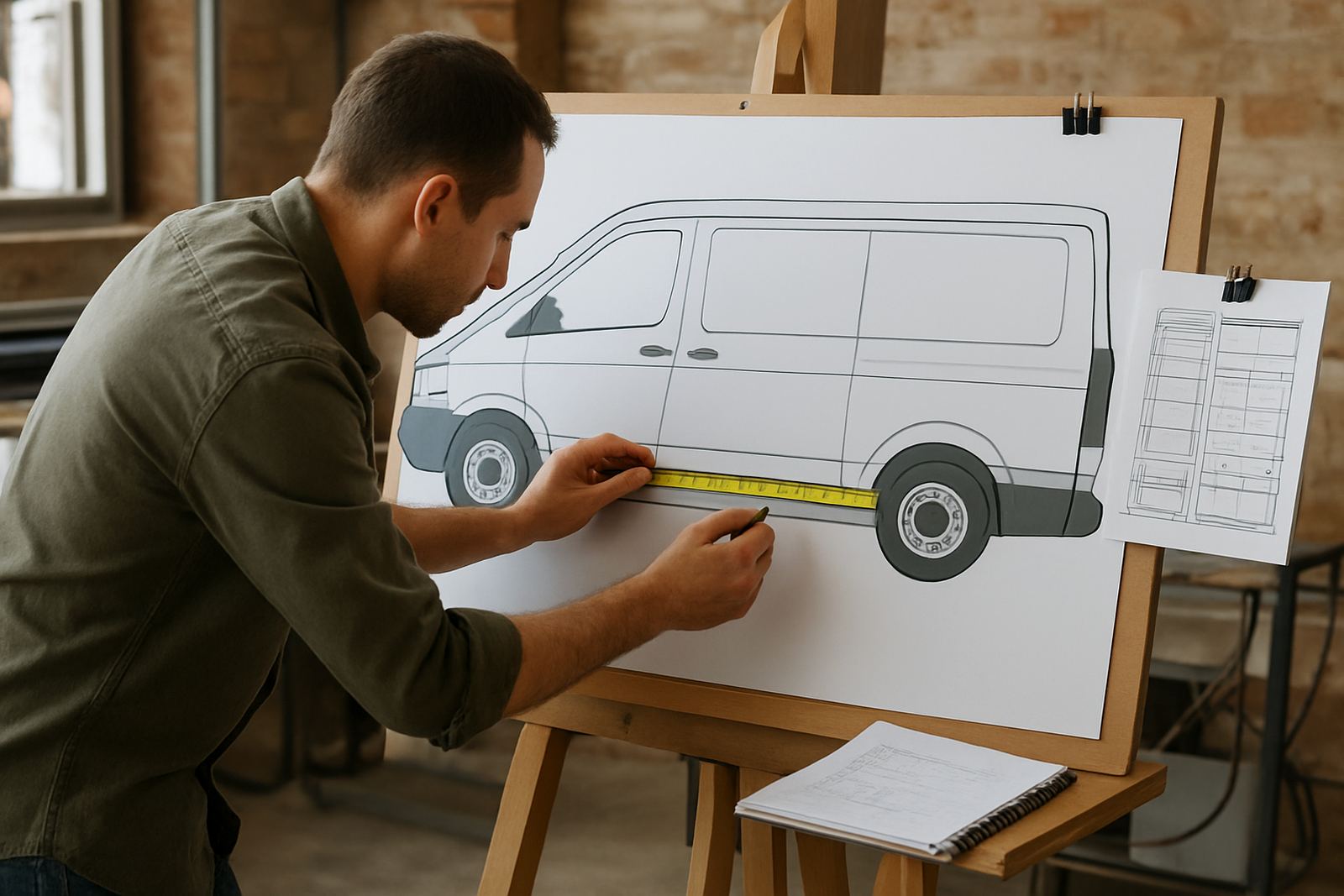
For many South African shops, that means fewer steps when preparing jobs for shop fascias, vehicle lettering, estate agent boards, safety signs and POS work. You can build from text, shapes and imported artwork, then check sizing before output. It is a practical choice if you are starting out in Randburg, running a one-person studio, or adding a second workstation for a growing team.
The licence is also useful for businesses that already have production running and need a dependable entry point for new staff. It keeps the learning curve manageable, and helps avoid waste from poor sizing, incorrect line work or artwork that is not cut ready.
- Basic layout tools for text, shapes and simple artwork composition
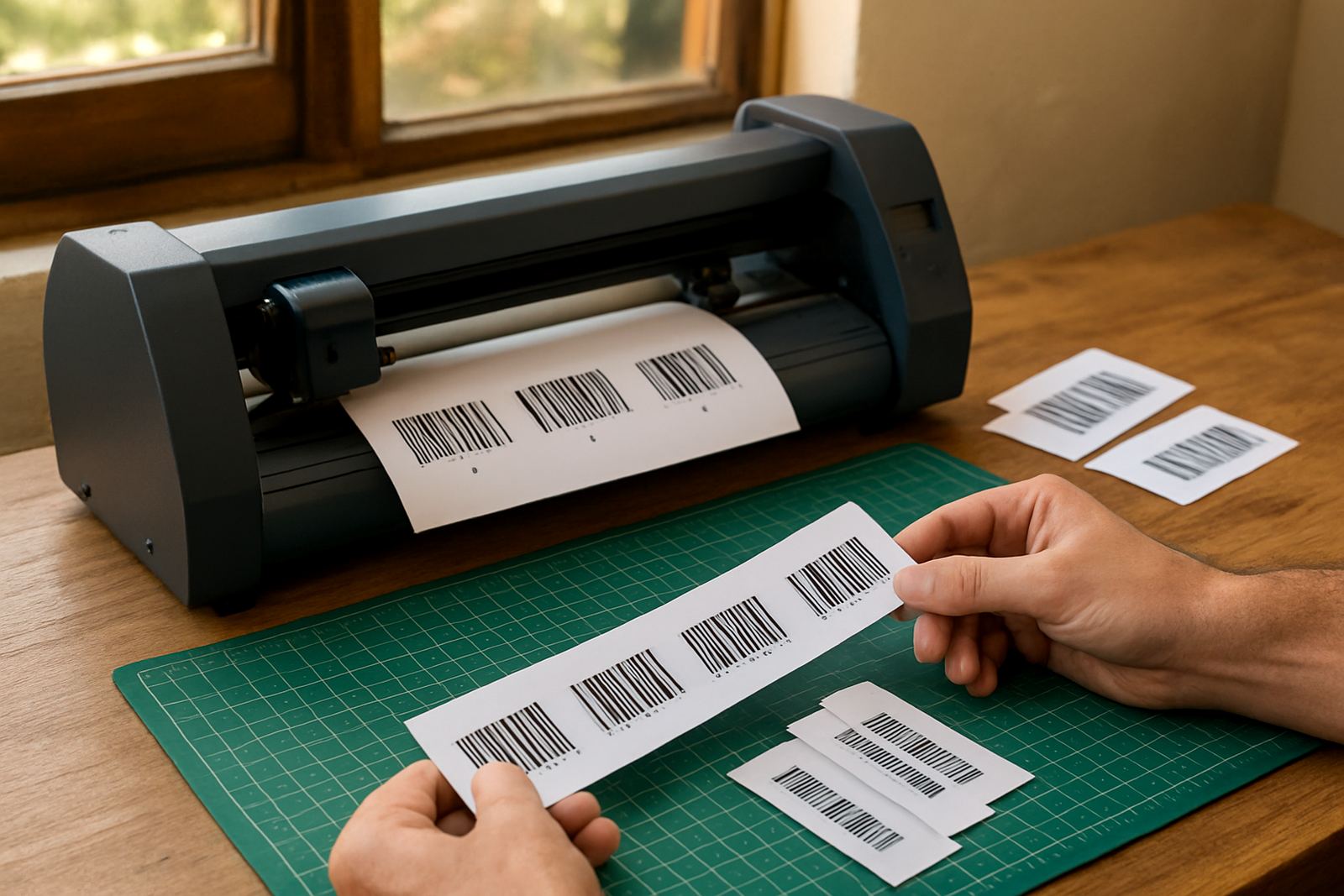
- Cut-ready output for vinyl cutters and related production workflows
- Suitable for everyday sign work, labels and basic print prep
- Designed for small teams, trainees and counter staff handling routine jobs
Where it fits in a South African workshop
The Starter Design Licence suits sign shops that deal with repeat work and quick turnaround jobs. If you are handling a lot of name boards, window graphics, price signs or temporary promotions, this licence gives you the essentials without paying for features you may not use.
It is a good fit for businesses across Johannesburg, Pretoria, Durban, Cape Town and Gqeberha, especially where operators need software that can be taught quickly and used consistently. In coastal areas, where humidity can affect vinyl storage and media handling, having a neat digital workflow helps reduce rework because artwork is prepared properly the first time.
It also works well where load-shedding is part of daily planning. The software itself does not need gas, but your workstation should be on stable power, with proper surge protection and a UPS if you want to protect ongoing jobs. For live production, that small bit of backup makes a big difference when you are halfway through a queue and the power trips.
- Small sign shops with limited space and basic production needs
- Print service providers adding simple cut work to their offering
- Training rooms where new staff must learn the basics quickly
- Sites that need a clear workflow for routine vinyl and cut jobs
Licence sizes, user options and workstation setup
The Starter Design Licence is usually selected for a single user or a single production workstation. That keeps the setup simple and makes support easier when you need help with installation or activation. If you are running more than one operator, you can plan licence placement around your busiest machine and add more seats as production grows.
When deciding on an option, check how many people will design, who will output to the cutter, and whether the same PC must also handle RIP work. A starter setup often suits one design station linked to one cutter or one print queue. If your staff swap between different tasks, training and role assignment become important so everyone uses the software the same way.
We also recommend checking the operating system, available storage and screen size before ordering. A larger monitor makes text spacing, outline checks and cut path review much easier. If the machine is shared, the user account setup should be tidy so job files and presets are not mixed up.
- Single-user licence for one design workstation
- Best for one cutter or one basic print and cut station
- Works well on a dedicated PC with enough RAM and storage for regular artwork files
- Suitable for shared environments where access control and file naming matter
Installation, activation and what your workshop needs
Installation is straightforward, but the job goes better when the workstation is ready before activation. We usually look at the computer specification, cutter connection method, printer or RIP links and any existing artwork folders that need to be kept in order. If the machine is used for production, it should be free of unnecessary software and has a reliable backup routine.
For power, no gas supply is required at all. What matters is clean electricity, a proper plug point, and protection against surges and interruptions. In many shops, especially where municipal outages or load-shedding hit at peak time, a UPS and backup power plan are worth the money because they protect licences, queues and unsaved jobs.
Remote support can be used for many activation issues, but onsite work is often better when a cutter must be connected, colour workflow needs checking, or staff need to see the process step by step. Our Randburg base supports jobs across South Africa, with visits in Midrand and Centurion where needed, and training in Johannesburg, Pretoria, Durban, Cape Town and Gqeberha.
- Stable power point and surge protection recommended
- UPS advised for load-shedding areas and live production stations
- Internet access helpful for activation, updates and support sessions
- PC should have enough storage for artwork, job files and backup copies
Care, servicing and keeping the licence in order
The software licence itself does not need mechanical servicing, but the workstation around it does. Keep the operating system updated, back up artwork regularly and avoid filling the hard drive to the point where performance drops. A cluttered file system slows down production and makes it harder to find the right version of a job.
In busy shops, staff should also agree on naming rules for files, folders and versions. That keeps sign jobs from being overwritten and helps when you need to reprint an item six months later. If you are using it with a cutter, keep the machine driver and communication settings checked, because the best artwork in the world wont help if the cut line does not reach the cutter properly.
We also suggest periodic review of user access, activation records and support contacts. If a new staff member joins or an existing operator moves to another task, the licence use should be adjusted so there is no confusion over who controls the workstation.
What to verify before ordering a FlexiSIGN Studio dongle licence
Before ordering, it helps to be clear about the exact use case. A starter licence can do a lot for basic work, but it should still match the way your shop produces jobs. If you are only cutting simple names and shapes, the setup is easy. If you expect more advanced print and cut routines later, it may be worth planning ahead now so you do not outgrow the workstation too quickly.
Check whether you need training for one person or a full team, and whether the first session must be onsite or remote. Some clients in Johannesburg and Pretoria want installation and induction on the same day, while others prefer a quieter class setting in Randburg before the licence goes live on the production floor. If the team is new to sign software, that early guidance can save plenty of time.
- Confirm whether the licence is for one user or a shared workstation
- List the cutter model, printer setup and any existing workflow tools
- Check the PC spec, screen size and available storage before activation
- Decide if you need colour management, cutter setup help or staff training
- Plan backup power if the site is affected by load-shedding
Key facts
| Licence type | Entry-level single user design licence |
|---|---|
| Main use | Basic layout, text, shapes and cut-ready artwork |
| Output | Prepared files for vinyl cutters and simple production workflows |
| Best for | Small sign shops, new staff and basic daily jobs |
| Setup needs | Windows PC, stable power, internet for activation |
| Support options | Remote support, onsite training, workstation setup and activation help |