Built for daily sign and print production
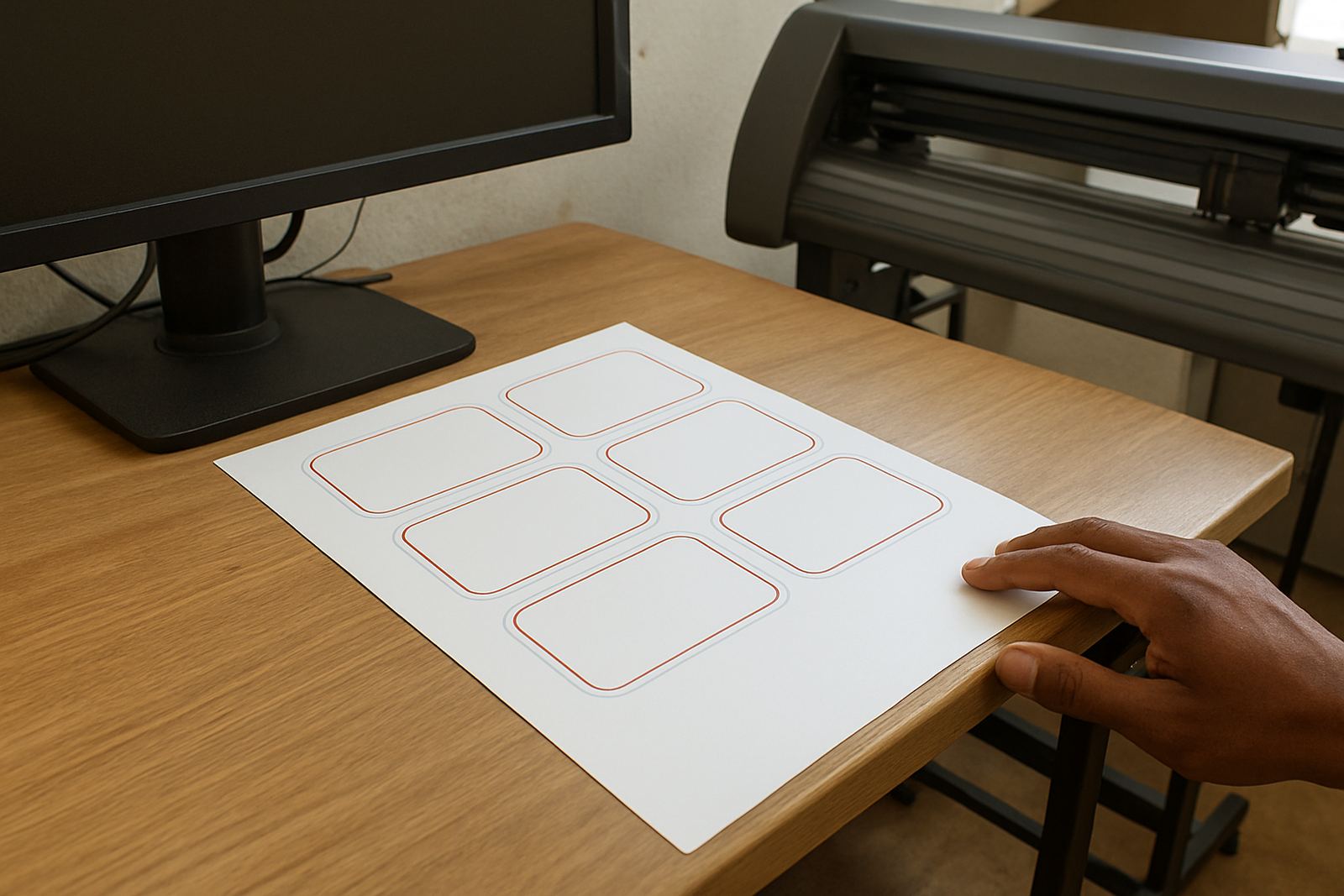
The Production Design Licence is aimed at sign shops that produce artwork every day for vinyl cutters, large-format printers and mixed production work. It gives your team a stronger working setup for layouts, nesting, cut paths, tiling and print prep, with tools that are practical for real shop use rather than one-off jobs.
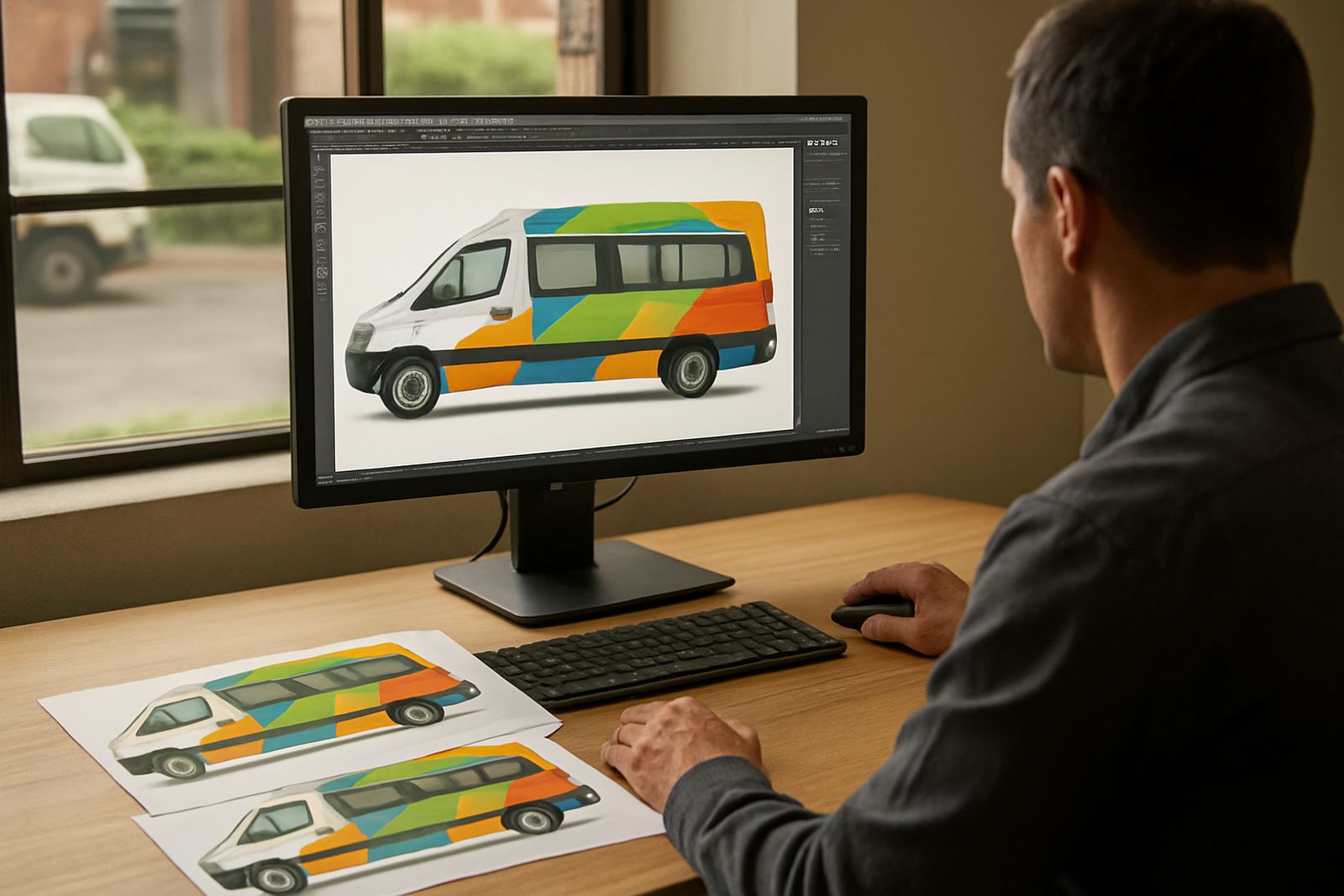
This licence suits businesses in Randburg, Johannesburg, Pretoria, Durban, Cape Town and Gqeberha that need a dependable workflow for retail signage, vehicle graphics, window vinyl, trade show graphics and short-run print work. It is a better fit when one person handles design, output and file checks, or when a small team needs to work on the same production standard.
For shops where time matters, the licence helps reduce back-and-forth between design and production. You can keep files moving from concept to cutter or printer with less manual fixing. That matters when the queue is full and a client wants the job out today, not tomorrow.
Licence options and workstation sizes
The Production Design Licence is typically supplied as a single-user licence for one workstation, with options for additional seats where a studio has more than one operator. It can be matched to the scale of the shop, from a compact print room to a multi-user production floor. If you are expanding, it is worth planning the licence count before new staff start, so there is no downtime on installation day.
- Single workstation licence for one production operator
- Multi-seat planning for growing teams
- Remote support setup for distributed offices
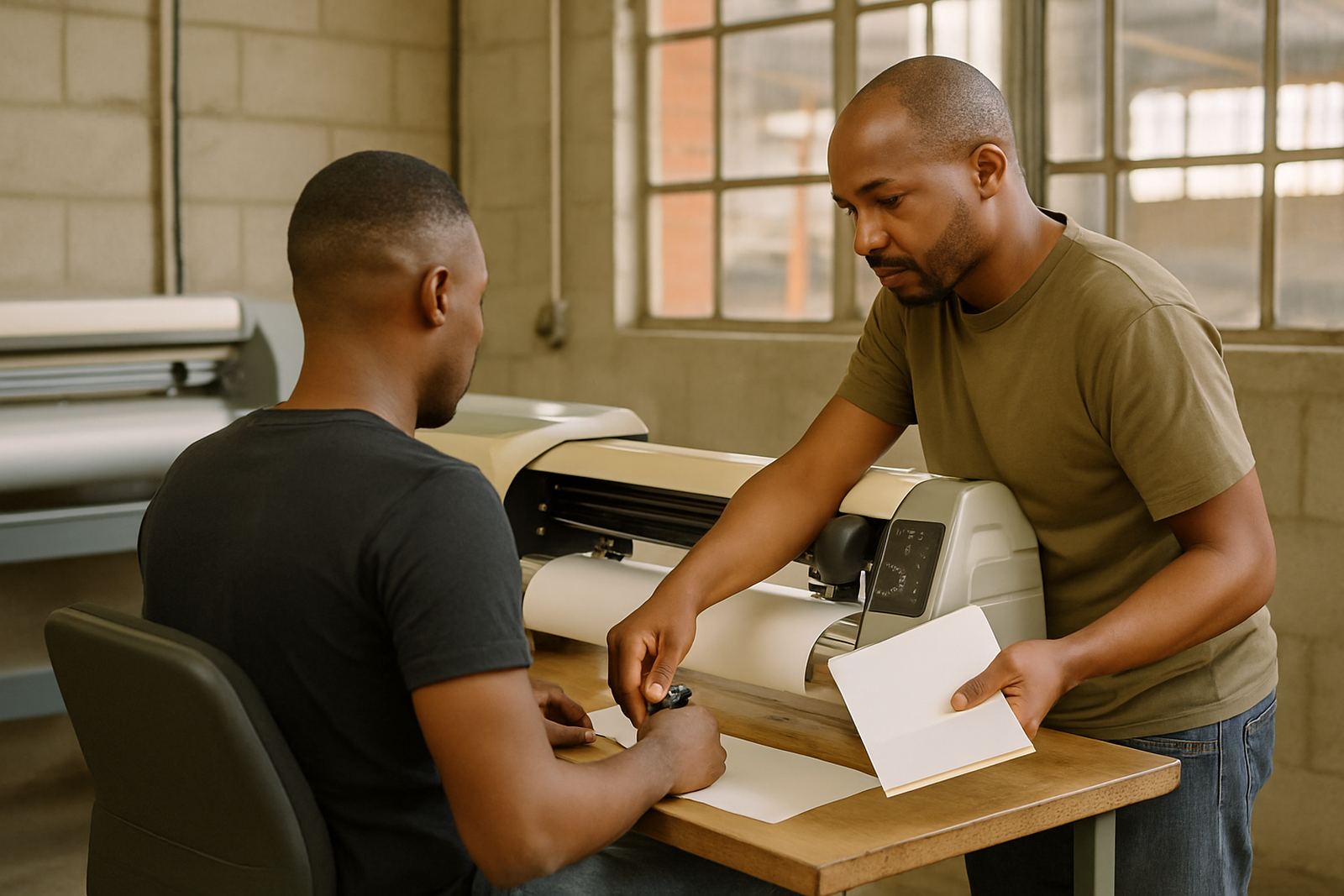
- Training for new staff and changing workflows
It works well in small and medium studios that already have a cutter, printer or both. If your team is moving from basic artwork handling to more structured output, this licence gives you room to standardise file naming, production paths and output settings. That makes handovers cleaner and less confusing, especially when jobs are passed between design and finishing.
Where it suits best
This licence suits sign makers, graphic designers and print service providers who are dealing with regular production pressure. It is especially useful where the team handles vinyl cutting, contour cutting, print-and-cut work, spot colour preparation and repeat orders with the same client branding. Busy studios in coastal areas also benefit from tighter workflow control, because humidity can affect media handling and final output, so you want files and settings right first time.
It is a practical choice for shops working from a workshop, retail unit or industrial space where load-shedding can interrupt the day. With proper saving habits and stable backup power, your team can keep working through short outages and avoid losing time on redo work. A good production licence also helps where municipal compliance matters and jobs need tidy records, clear versions and consistent results.
- Sign studios producing daily cutter and print jobs
- Print shops handling short runs and repeat artwork
- Teams that need better colour and cut control
- Businesses training new staff on standard production steps
Installation, power and workspace needs
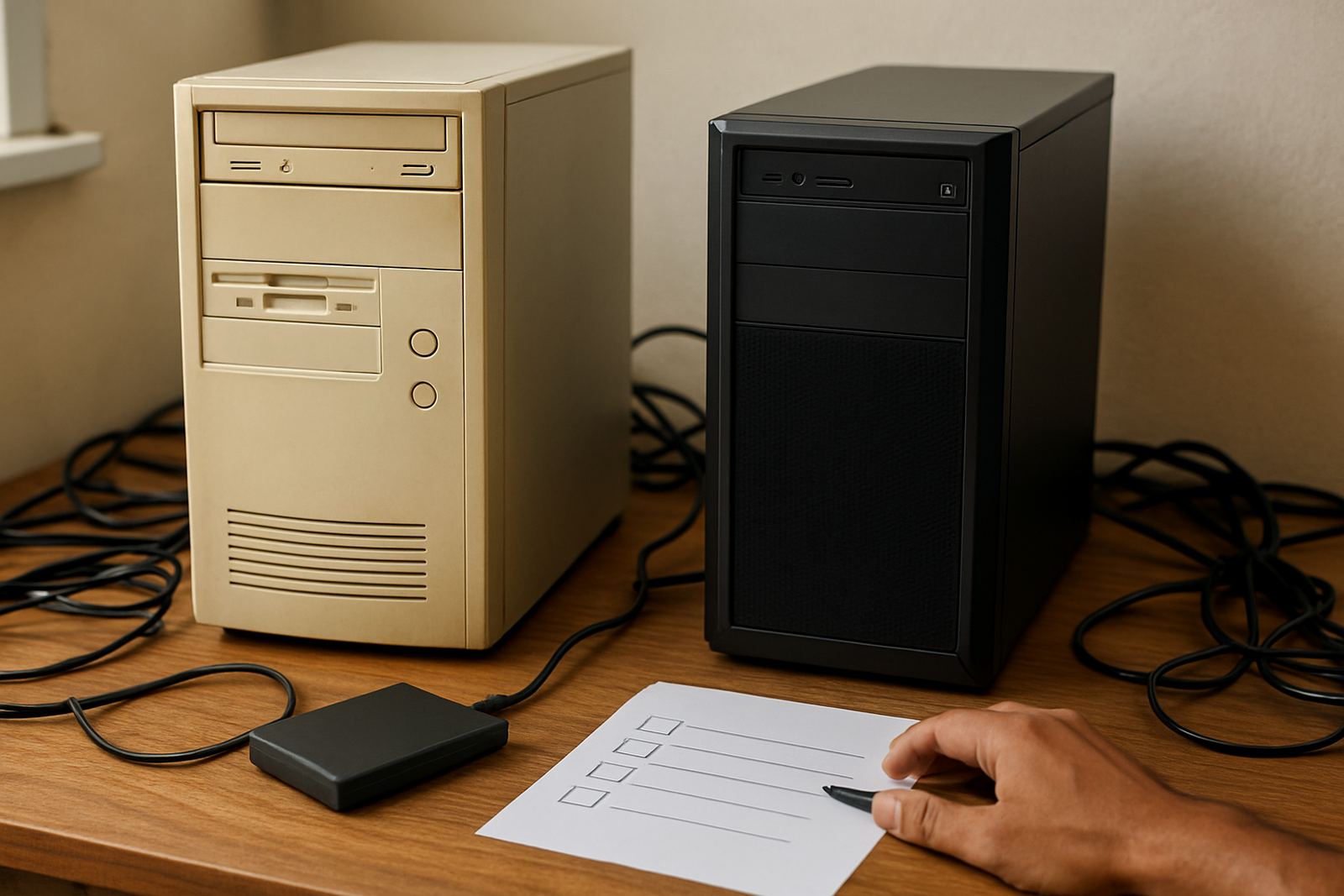
Installation is straightforward, but the workstation should be ready before activation. A current operating system, enough storage space and stable internet for licence activation are important. A proper backup routine is also recommended, because production files build up quickly and nobody wants to lose artwork from last week when a machine gives trouble.
There are no gas requirements for this licence, only stable electrical power and a suitable computer environment. In most sign shops, a small UPS is a smart addition for the PC, especially in areas where load-shedding or voltage dips are common. If you run a cutter, printer or laminator in the same space, keep cabling neat and allow enough room for the operator to work comfortably, not crammed beside the machine.
- Workstation with enough RAM and storage for large production files
- Stable power with UPS protection recommended
- Internet access for activation and updates
- Clean, dust controlled workspace for reliable operation
Care, servicing and everyday use
A software licence does not need mechanical servicing, but the workstation and workflow around it do. Keep the computer updated, clear old temporary files and back up your production folders on a regular basis. If several people touch the same job, set simple file rules for naming, version control and output approvals so files do not get mixed up.
Support is most useful when the studio wants to improve colour matching, cutter setup or RIP queue handling. We also help with annual support planning, so your team knows what is covered and when to schedule checks. For shops that print across different substrates, colour workflow review is important, because a good profile on paper may behave differently on vinyl, banner or coated media.
- Keep regular backups of jobs, presets and profiles
- Use a UPS to protect against outages and file loss
- Review cutter and printer settings after upgrades
- Schedule refresher training when new staff join
What to check before you order
Before ordering, check how many users need access, what machines you are outputting to, and whether the team needs training at Randburg, onsite in Johannesburg or remote support elsewhere in South Africa. It helps to confirm your cutter model, printer setup, file types and current computer specs, because the right licence plan depends on how the shop actually works, not just what is on paper.
Also think about the jobs you do most often. If you are producing vehicle graphics, labels, wall vinyl or printed panels, the setup may need different defaults and queue settings. If you are growing fast, it is better to sort licence activation and upgrade planning before the next busy season starts. That saves a lot of frustration later on, trust me it does.
- Number of users who need access
- Type of cutter and printer in the shop
- Computer specs and backup power in place
- Need for onsite training, remote support or annual support
Key facts
| Product type | Production design and RIP software licence |
|---|---|
| Licence size | Single-user licence with multi-seat planning available |
| Best for | Busy sign studios, print shops and production teams |
| Outputs supported | Cutting, print prep, contour work and queue handling |
| Setup requirement | Windows workstation, internet for activation, UPS recommended |
| Support areas | Randburg, Johannesburg, Pretoria, Durban, Cape Town, Gqeberha and surrounding areas |