What a perpetual licence covers
A perpetual licence gives your studio ongoing use of the software version you bought, without a monthly rental cycle. For many South African sign makers, print service providers and vinyl cutting teams, that makes budgeting easier when margins are tight and jobs change from week to week. You pay once for the licence, then keep using it on the approved workstation in line with the licence terms.
This option works well where the business wants to control costs over the long term, especially in studios that already have a reliable design PC, cutter or print room workflow. It is practical for owners who prefer to own the software asset outright rather than carry a recurring fee on every month-end.
- Once-off purchase for long-term use
- Suitable for design, RIP and cutter workflow stations
- Good for studios that want fixed software budgeting
- Can be paired with training, setup and support
Licence options and workstation fit
The perpetual licence is usually supplied as a single-user licence for one workstation, with options depending on whether you need design, RIP or combined workflow functions. Some studios run one licence on the output computer in the print room, while others place it on the main design station where artwork prep, nesting and cutter output happen. The right choice depends on how your team moves files through the shop and who needs access day to day.
When planning the order, check how many users will touch the software, whether the machine is dedicated to RIP work, and if you need room for a second station later. If you are running from Randburg, Midrand or Centurion and the setup is shared between design and production, we often recommend mapping the workflow first so you dont end up buying the wrong option.
- Single-workstation licensing is common
- Options can suit design only or RIP plus production use
- Best matched to dedicated PCs in the print room
- Useful for small to medium sign shops and busy in-house studios
Where this fits best in South African sign production
This product suits sign shops that cut vinyl, print graphics, output to large-format devices or manage daily signage jobs for retail, vehicle graphics and municipal work. In Johannesburg and Pretoria, it is often chosen by teams that need predictable running costs. In Durban and Gqeberha, the focus is often on a stable workstation with good colour control because coastal humidity can affect material handling and print consistency. Cape Town studios also tend to ask for a setup that copes with busy seasonal workloads and staff changes.
It is also a strong fit for businesses that want to train new staff on a known setup and keep the same environment for years. If your shop handles external installations, weekend work or load-shedding interruptions, a perpetual licence gives you one less ongoing payment to worry about while you plan backup power and production timing.
- Sign shops with cutters, printers and laminators
- Studios handling retail signage and vehicle branding
- Teams needing stable budgets across the year
- Businesses that want to standardise training for new staff
Installation, activation and workstation requirements
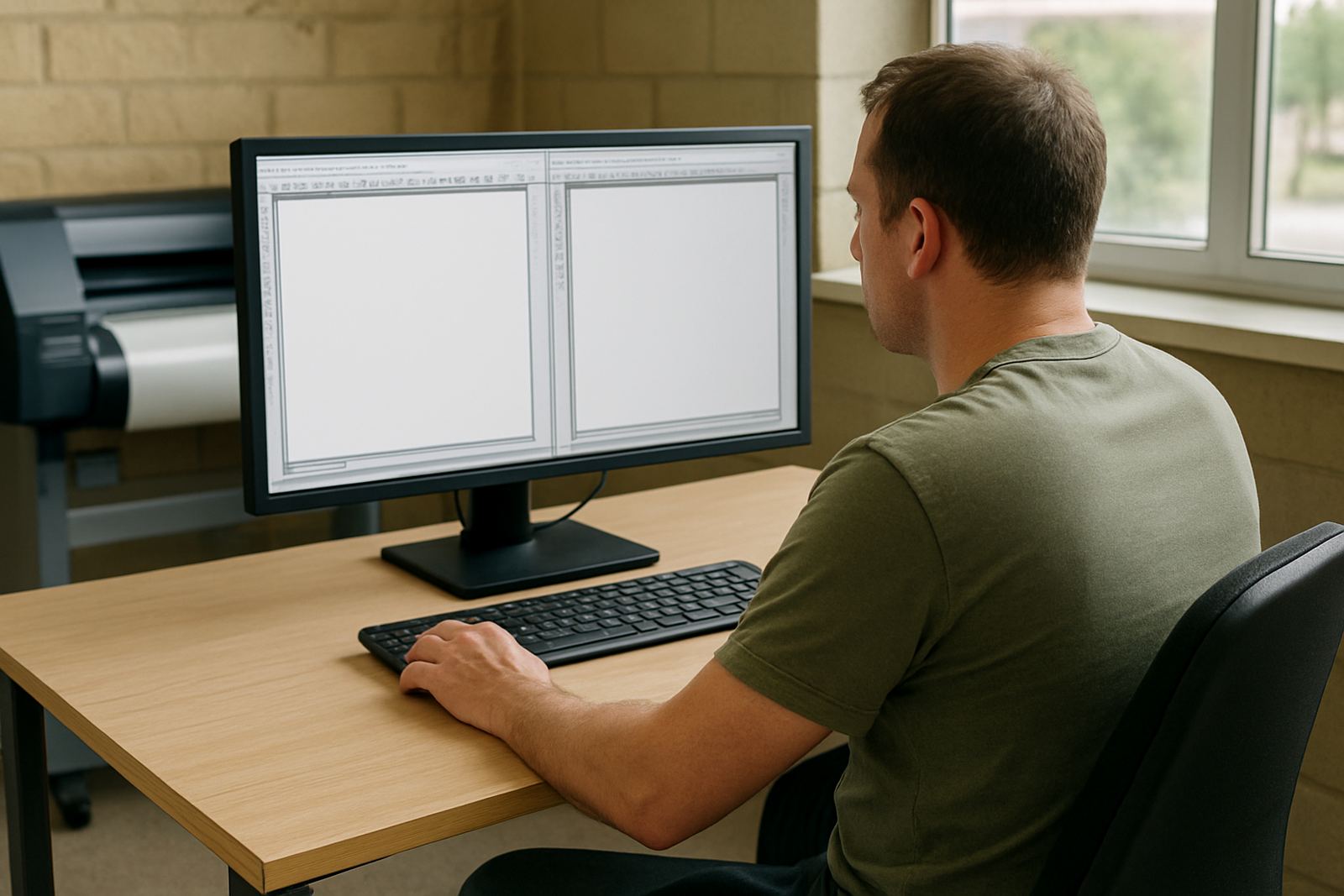
Installation is normally done on a Windows workstation with enough processor speed, memory and drive space for design and RIP work. The exact spec depends on the modules you are taking, but a modern business PC with a current operating system and a solid graphics setup is the safe starting point. You will also need a stable internet connection for licence activation and any remote support steps, although day-to-day operation may not rely on constant online use.
There is no gas requirement. For power, we recommend a machine, monitor and printer or cutter on clean supply with surge protection, and where possible a UPS for short outages and load-shedding steps. In many shops, power dips are what cause the worst file corruption and queue issues, so this matters more than people expect.
- Windows-based workstation recommended
- Internet needed for activation and some support steps
- Use surge protection and a UPS where possible
- The software itself does not need gas or compressed air
Care, servicing and upgrade planning
Software care is mostly about keeping the workstation tidy, updated and backed up. Store job files in a proper folder structure, keep colour profiles organised, and make sure only the right people change output settings. If the machine is used for daily RIP work, a regular check on storage space, queue settings and printer communication helps avoid missed jobs and wasted media.
Because a perpetual licence is a long-term purchase, it is worth planning servicing around your production calendar. That may include annual support, remote checks, colour workflow tuning, or upgrade planning when a new staff member joins or your output volume increases. A small typo in the queue setting can hold up half a day of work, so it pays to keep the setup consistent.
- Keep backups of artwork, presets and colour profiles
- Review queue settings and output folders regularly
- Plan support before busy season or staff turnover
- Consider annual support for ongoing stability
What to verify before ordering a FlexiSIGN Studio dongle licence
Before ordering, confirm exactly which modules you need, how many licences are required and which workstation will host the software. Check your cutter or printer model, the computer spec, and whether your team needs installation, licence activation, cutter setup help or onboarding for new staff. If the studio is split between Randburg, Midrand and on-site visits around Gauteng, it helps to know where the first install must happen so the schedule is clear.
You should also confirm your training needs. Some teams only need a quick run-through on RIP queues and colour management, while others need full class training in Randburg or onsite training for multiple users. If you are buying for a new branch or replacing older software, ask about workflow setup at the same time so the purchase matches your production process from day one.
- Confirm the exact module and licence type
- Check computer spec and connected equipment
- Decide on installation, training and support needs
- Plan for future upgrades and staff induction
Key facts
| Licence type | Perpetual, once-off ownership option |
|---|---|
| Typical use | Sign-making design, RIP and cutter workflow |
| Installation | Windows workstation setup with licence activation |
| Power needs | Standard mains power with surge protection and UPS recommended |
| Internet needs | Required for activation and some support functions |
| Support options | Remote support, onsite training, workflow setup and annual support plan |