Remote licence activation that gets you working sooner
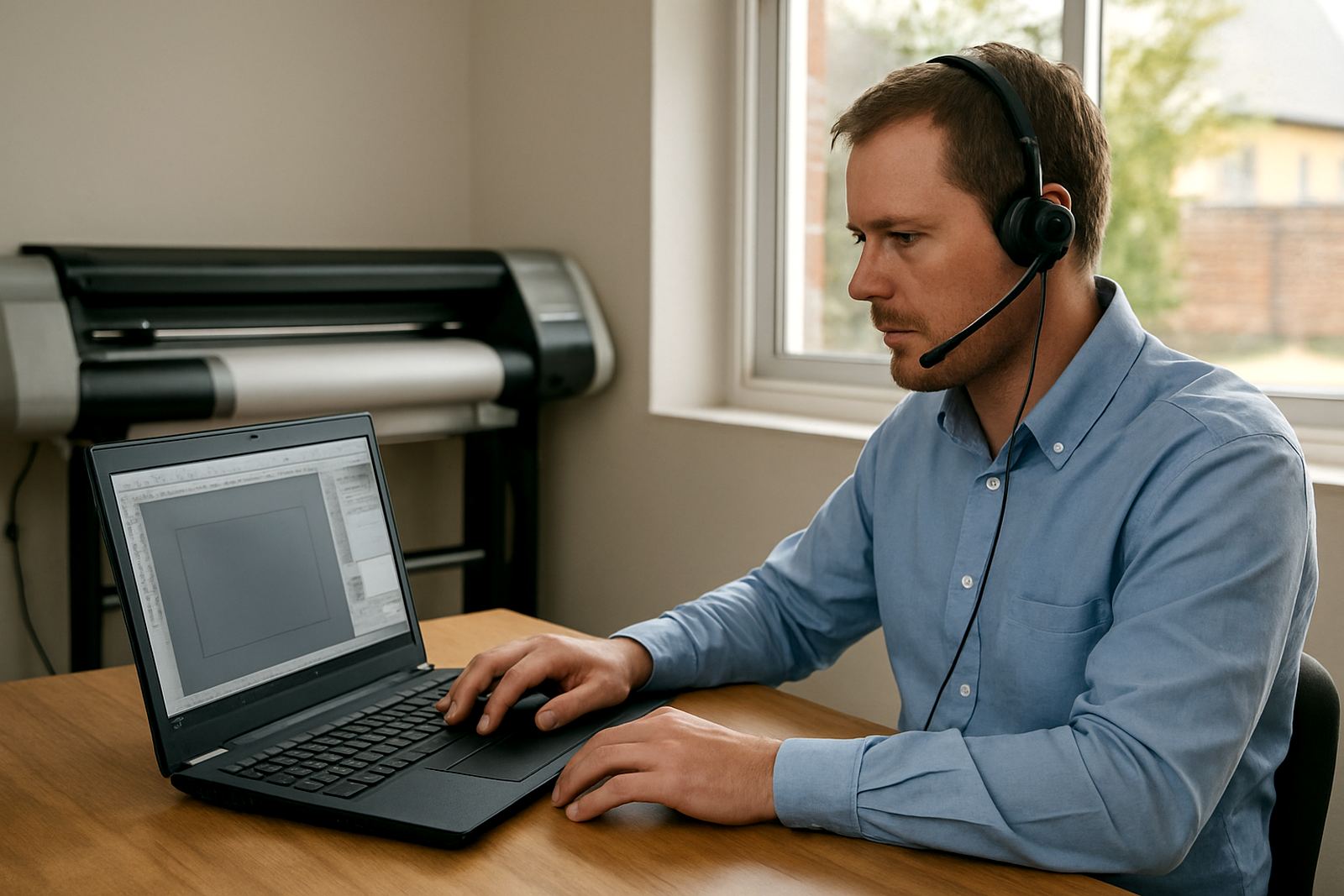
Our Remote Activation Service is for clients who need software licencing sorted quickly and cleanly, without sending a technician to site. It suits sign makers, vinyl cutter operators, graphic designers and print service providers who are ready to work but need their licence confirmed, checked or revalidated first. From Randburg we assist clients in Johannesburg, Pretoria, Durban, Cape Town, Gqeberha and surrounding areas, with remote support arranged through the enquiry form on our contact page.
The process is practical. We confirm your order details, check the machine or workstation details, complete the activation steps, and make sure the licence is valid for the intended use. If your team is replacing a PC, moving to a new workstation, or setting up a second operator, we can guide the changeover and help avoid downtime. It is a useful option when load-shedding, travel delays or busy print schedules make an onsite visit less efficient.
What is included in the remote service
This service covers the licencing side of your software setup and the basic checks needed to get it ready for use. It is not just a code entry. We verify the product version, confirm the licence type, and check that the software is aligned with your day-to-day production needs. Where needed, we also assist with licence transfer steps, validation after a re-install, and activation after a computer upgrade.
- Remote licence activation and validation
- Licence transfer support for a new computer or workstation
- Version checks for current production use
- Basic setup guidance for first-time users
- Remote assistance for reactivation after system changes
- Support for single-user and small team environments
If you are running a sign shop with more than one operator, we can also advise on how the activation fits into your workflow so the right person has access at the right time. That includes planning around shift handovers, shared production PCs and busy release times before a delivery run.
Where this service suits best
Remote activation is ideal where the software is already installed or ready to install and the main need is licence confirmation. It works well for cutters, print rooms, design studios and production offices that already have a stable internet connection and a Windows workstation set up for business use. If your team is working from Randburg, Sandton, Midrand, Centurion, Pretoria East or the Durban metro, this is often the fastest route to getting back to work.
It is also a good option for clients who are setting up a new branch, opening a small production unit, or bringing new staff into an established workflow. For coastal areas such as Durban and Gqeberha, where humidity can affect hardware and storage conditions, remote support reduces the need to rush equipment around while the room is still being prepared. For inland sites, it helps when municipal access rules, security gate delays or after-hours production schedules make a visit less convenient.
- New workstation setup
- Reinstallation after a PC replacement
- Licence confirmation before staff induction
- Secondary operator access on the same site
- Quick recovery after a Windows refresh or service issue
Computer, power and connection requirements
Because this is a remote service, the main requirements are on the computer side rather than on physical installation. You need a suitable Windows workstation, administrator access on the machine, and a stable internet connection during the activation session. If your office is affected by load-shedding, it helps to have backup power in place so the session can be completed without interruption. A UPS is usually enough for the PC, screen and network equipment during a short activation window.
There is no gas requirement for this service. For most clients, the practical concerns are power continuity, internet stability and access permissions. If the machine is on a shared network or behind strict IT controls, we may ask for temporary changes so the licence can validate properly. Keep antivirus or endpoint protection settings in mind too, as these can block licence checks on some systems. If needed, we will talk you through the exact steps before we begin.
- Windows workstation with admin access
- Stable internet connection during activation
- UPS or backup power recommended during load-shedding
- Temporary access to security or firewall settings if required
- Correct product and version details on hand
What to check before you order
Before placing an order, it helps to have the right information ready so we can move quickly. Check the software version you are using, the number of machines that need activation, and whether this is a first-time licence, a transfer, or a revalidation after changes to the PC. If you are running cutter production, print workflows or a design-to-cut process, tell us how the software fits into the rest of your setup so we can avoid unnecessary disruption.
You should also confirm who will be available for the session. Someone on site must be able to log in, approve prompts and confirm the final checks. If your office is in a shared building, industrial park or home-based studio, make sure the network and security access will not delay the session. A small amount of preparation saves time and cuts the risk of needing a second booking.
- Current software version
- Number of licences needed
- New install, transfer or reactivation
- Workstation and user login details
- Any IT restrictions, firewalls or antivirus controls
- Preferred timing for the session
Support, care and follow-up after activation
Once the licence is active, we do not leave you guessing. If you need a quick check on the machine after activation, we can assist with post-activation validation and make sure the software opens correctly and saves its settings properly. Where a production team is involved, we can also advise on basic care such as version control, licence recording and who should keep the master access details.
If your setup changes later, for example when you move to a faster PC, change user accounts or rebuild the system after a crash, the same support route can be used again. For many clients, pairing remote activation with an annual support plan gives a safer way to manage updates, staff changes and the occasional hardware problem. It keeps your sign-making and print work moving without unnecessary stops.
We can also guide you on licence planning if you expect growth over the next year. That is useful for businesses taking on extra staff, opening a second production point, or increasing cutter and RIP use during busy season. If you are not sure whether a remote activation is enough, send the details through the enquiry form and we will advise on the cleanest option.
Key facts
| Service type | Remote software licence activation and validation |
|---|---|
| Coverage | South Africa nationwide from Randburg |
| Typical turnaround | Often same day, subject to order details and availability |
| Requirements | Windows PC, admin access, stable internet connection |
| Best suited to | Sign shops, vinyl cutters, print service providers and design teams |
| Related services | Software Installation, Remote Support, Workflow Setup, Upgrade Planning |