What a floating seat licence does in a busy print room
A floating seat licence lets one licensed user session move between computers on the same network or via approved remote access, depending on your setup. In practical terms, the licence is checked out by the person who needs it, then released again when they log off, so another team member can use it later in the day.
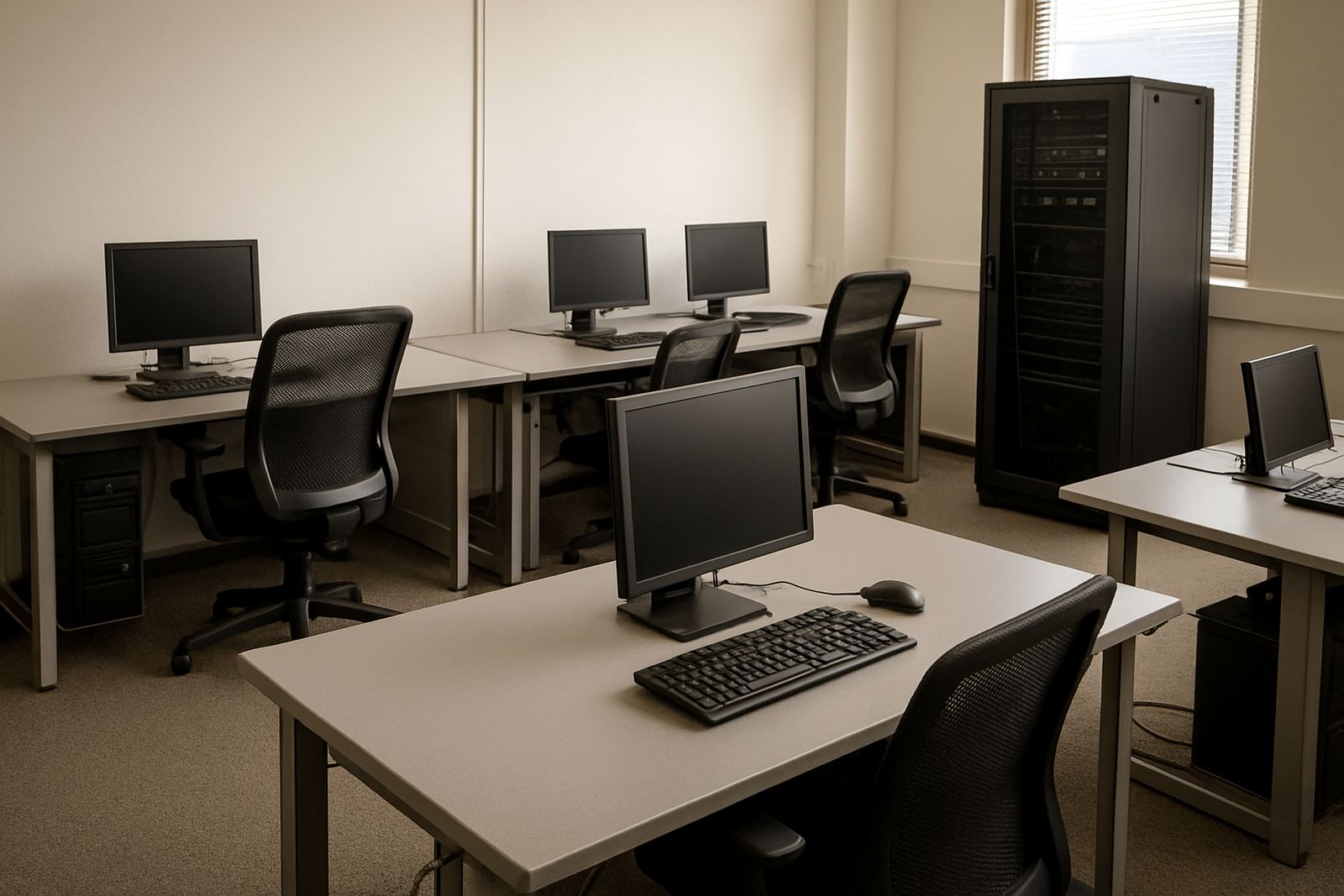
This is useful where staff share one design area, a RIP station and a cutter station, or where the office runs mixed shifts. Instead of buying a licence for every PC, you can match access to actual daily use. For many South African shops that are short on floor space and have staff working around load-shedding windows, that flexibility matters.
The licence is best suited to teams that need controlled access, clear user responsibility and less idle software time. It also helps when a designer is away on site in Midrand, then needs to continue work from the Randburg base or from another branch later on.
Licence sizes and access options for different teams
Floating seat licensing is normally selected by the number of simultaneous users you need, not by the number of computers in the building. A small sign shop may only need one floating seat for a single operator who moves between office and production stations. A larger print provider may need two or more seats to keep design, output and reprint work moving.
Options commonly considered include the following:
- Single floating seat for one active user at a time
- Two-seat or multi-seat packs for busier teams
- Local network use for one site
- Remote access for approved users, where the setup allows it
- Annual support plan for ongoing updates and licence help
When ordering, it helps to count the people who need access during the same hour, not just the number of PCs in the company. If three staff members all need to prep jobs before 08:00, one seat may be too tight. If one operator handles artwork while another handles RIP output, a different mix may suit you better.
Where a floating seat licence suits best
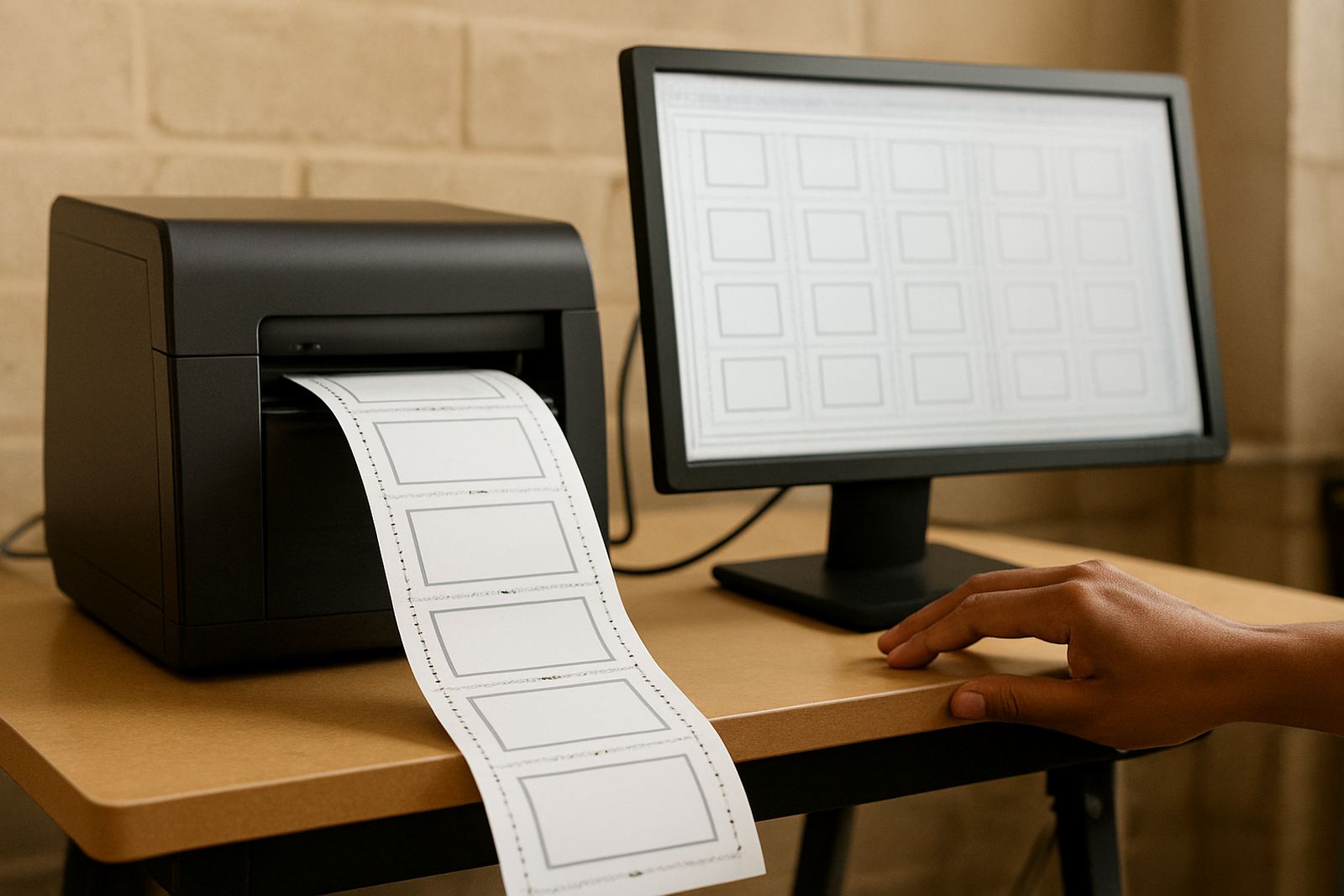
This product suits sign makers, graphic designers and print service providers who do not work on one fixed machine all day. It is common in shops with vinyl cutters, digital printers, flatbed cutters and separate pre-press computers. It is also a practical fit for branches in Johannesburg, Pretoria, Durban, Cape Town and Gqeberha where teams need to keep production moving while staff rotate.
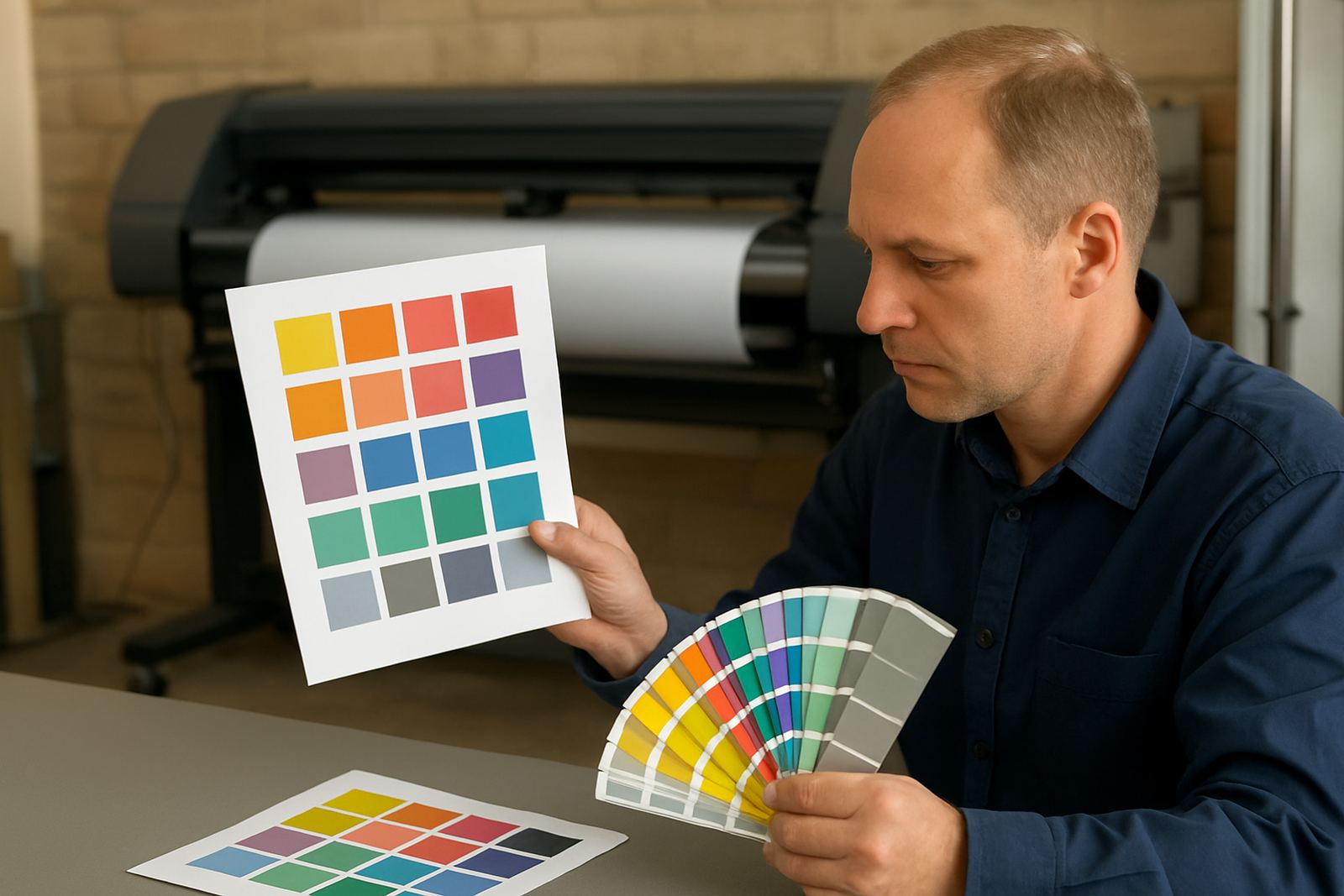
It is especially handy where one person handles design in the morning, then spends the afternoon on colour checks, cutting layouts or RIP queue work. In coastal towns, where humidity can affect media and inks, shops often prefer to keep the software accessible at more than one station so work can be checked quickly before output. That saves time and reduces rework.
- Sign shops with shared production PCs
- Print rooms with changing shifts
- Teams that move between branches
- Studios that need one main licence but several approved users
- Operations that want tighter control over licence use and budget
Installation, activation and network needs
We assist with software installation, licence activation and first-run checks from our Randburg base, with onsite or remote support depending on your site and urgency. Most floating seat setups need a stable Windows PC, a local network or internet connection for licence communication, and admin access on the machine being configured. No special power or gas supply is needed, just normal office power and a reliable UPS where you already use one for load-shedding.
For a smooth start, the machine should meet the recommended software spec, have enough free storage for presets and job files, and be connected to the correct cutter or RIP output device if that is part of the workflow. If you are running on a shared office line, we can help you test whether the connection is stable enough for licence check-out and revalidation. In some sites, that step saves a lot of frustration later.
We also help with cutter setup help, RIP queue optimising and workflow setup, so the licence is not just working but working in the right place. If the team is moving between Randburg, Midrand and Centurion, we can plan access in a way that matches how the staff actually work.
Care, servicing and keeping the licence in good order
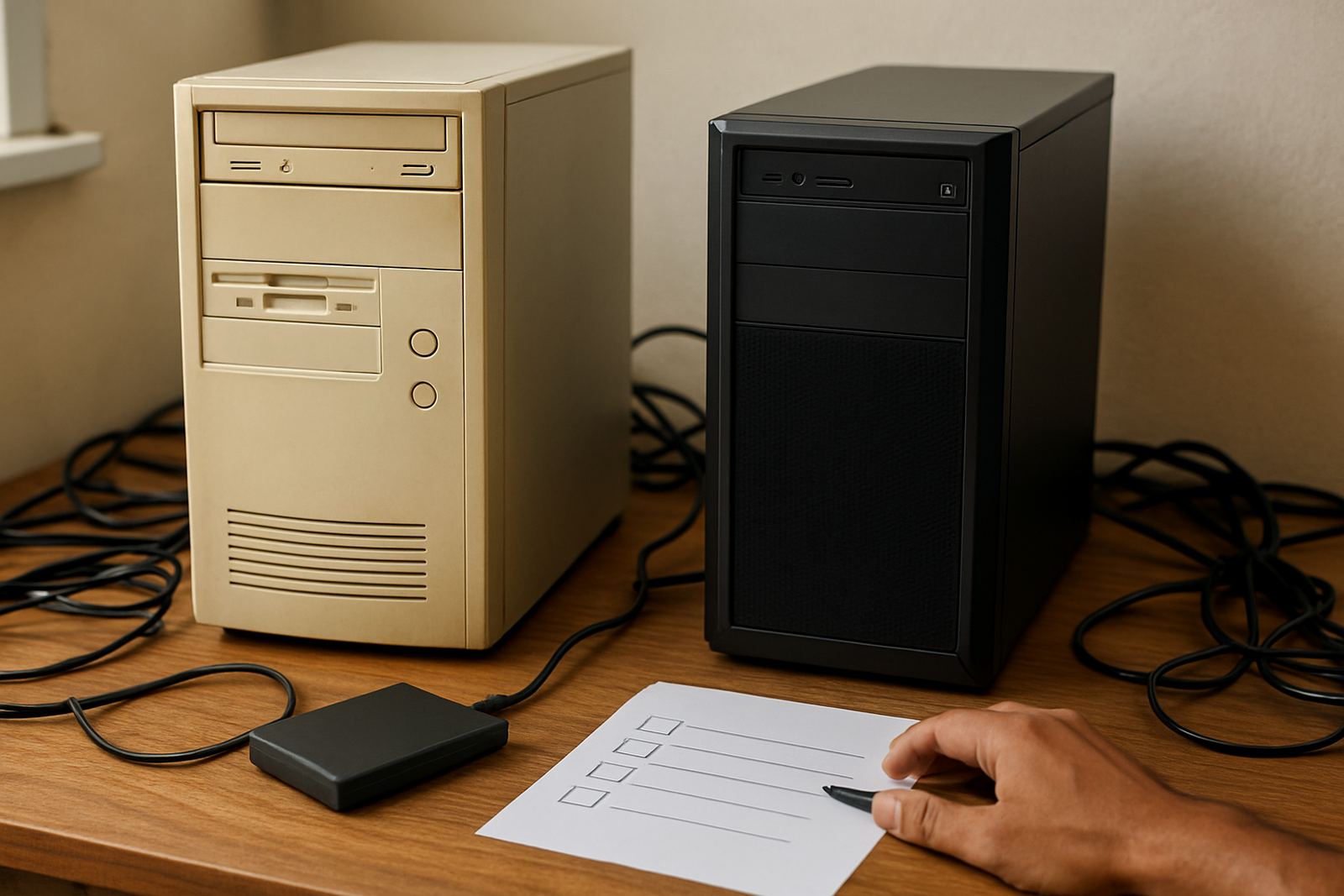
A floating seat licence needs less physical care than hardware, but it still benefits from good admin. Keep track of who is using the seat, when it is released and which PC is set up as the main production station. That makes support faster if anything goes wrong. If a machine is replaced or reformatted, the licence record should be updated straight away, not a week later when production is already behind.
For long-term use, we recommend routine checks as part of your annual support plan. This can include update planning, user re-induction for new staff and checks on colour workflow if the team is outputting to multiple devices. If staff leave or move roles, the licence access should be adjusted so the wrong person is not holding it open overnight. It sounds simple, but that one step avoids a lot of wasted time.
In coastal areas, keep the PC area dry and dust controlled. In inland shops, power interruptions are the bigger issue, so a proper shutdown routine and backup plan matter more. Either way, a licence that is treated like part of the production process, and not an afterthought, stays easier to manage.
What to check before you order
Before you place an order, have a clear picture of how many users need access at the same time, which PCs they use, and whether they need remote access between branches. It also helps to know what output devices are attached to the workflow, such as vinyl cutters, digital printers or a RIP station. If you already have a colour-managed process, we can work that into the setup from day one.
- Number of concurrent users required
- Which PCs will be used for design and RIP work
- Whether access is local only or shared across branches
- Any operating system or hardware limits
- Need for installation, activation and training
- Whether new staff need induction on the workflow
If you are upgrading from an older licence arrangement, tell us what has changed in the shop. A better cutter, a new printer or a bigger team can change the right licence choice. We would rather size it properly now than have you buy again later because the workflow outgrew the original setup.
Training and support from Randburg to your site
We support sign makers and print providers across South Africa with software installation, remote support, onsite training and class training in Randburg. The team includes Mandla Jacob Maseko, Nadia Blignaut, Luthando Mlambo, Sifiso Mabena, Liezel Barnard and Lungile Ndlovu, each focused on a part of the process from sales through to support and colour workflow. That means you get help from people who understand the production side, not just the licence paperwork.
If your team needs help getting the most from a floating seat licence, we can assist with licence activation, workflow setup, upgrade planning and annual support planning. Many clients start with one seat and later expand once the process is clear. Others need a tighter setup from the beginning because they are running several stations across Johannesburg or taking work between Pretoria and Gqeberha. Either way, we will help you set it up in a practical way that fits the shop and the people using it.
Key facts
| Product type | Floating seat software licence |
|---|---|
| Access model | One active user can move between approved PCs |
| Typical use | Sign design, RIP output, cutter prep and workflow control |
| User capacity | Single seat or multi-seat options, depending on team size |
| System needs | Compatible Windows PC, stable network or internet connection, admin access for setup |
| Support included | Installation, activation, training, remote support and onsite assistance where needed |