What the Operator Training Seat is for
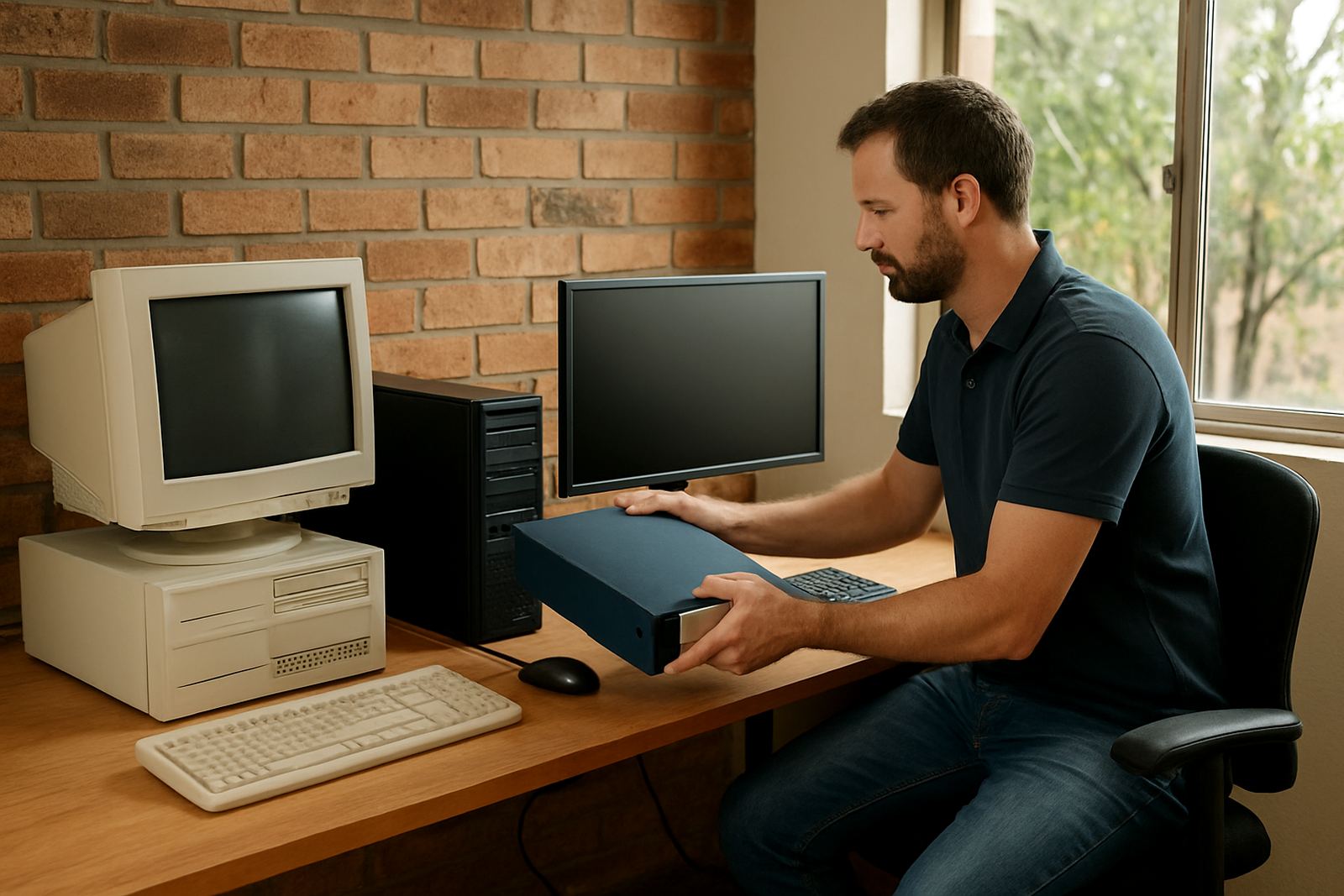
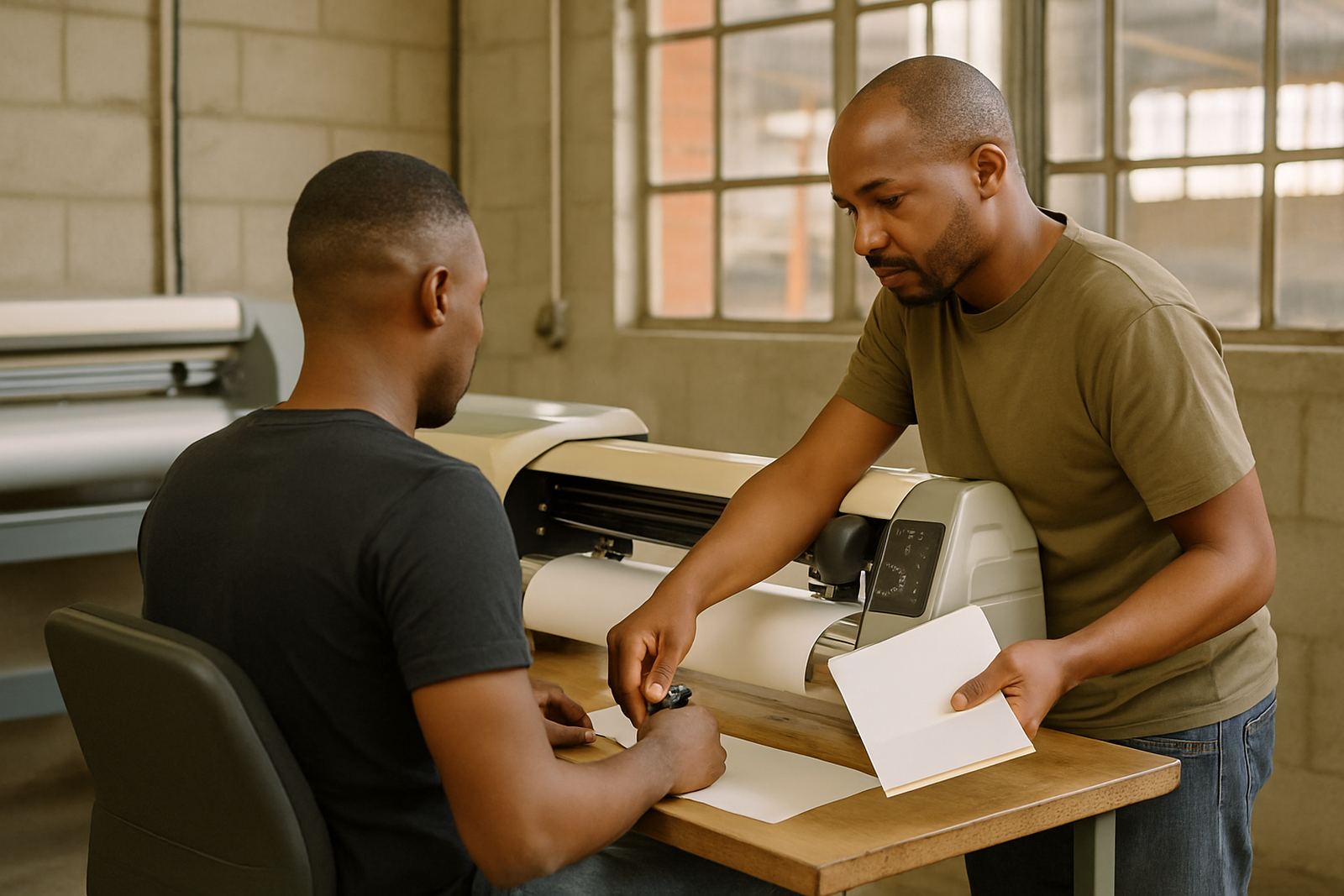
An Operator Training Seat is an additional software seat set aside for learning, setup and workflow practice. It lets a trainer, new operator or production lead work through artwork prep, RIP settings and cutter output without interrupting live production on your main workstation. For sign makers in Randburg, Johannesburg or Pretoria this is especially useful when you are onboarding staff after a busy season or when a machine upgrade changes the way jobs are handled.
The seat is intended for controlled use in a training room, office or production office. It is not just a spare login, it gives your business a proper place to test colour settings, queue handling and cut paths before you commit a job to vinyl, print or lamination. That reduces waste and keeps daily output moving even when someone is still learning the system.
- Extra licence seat for training and practice
- Useful for new staff induction and refresher sessions
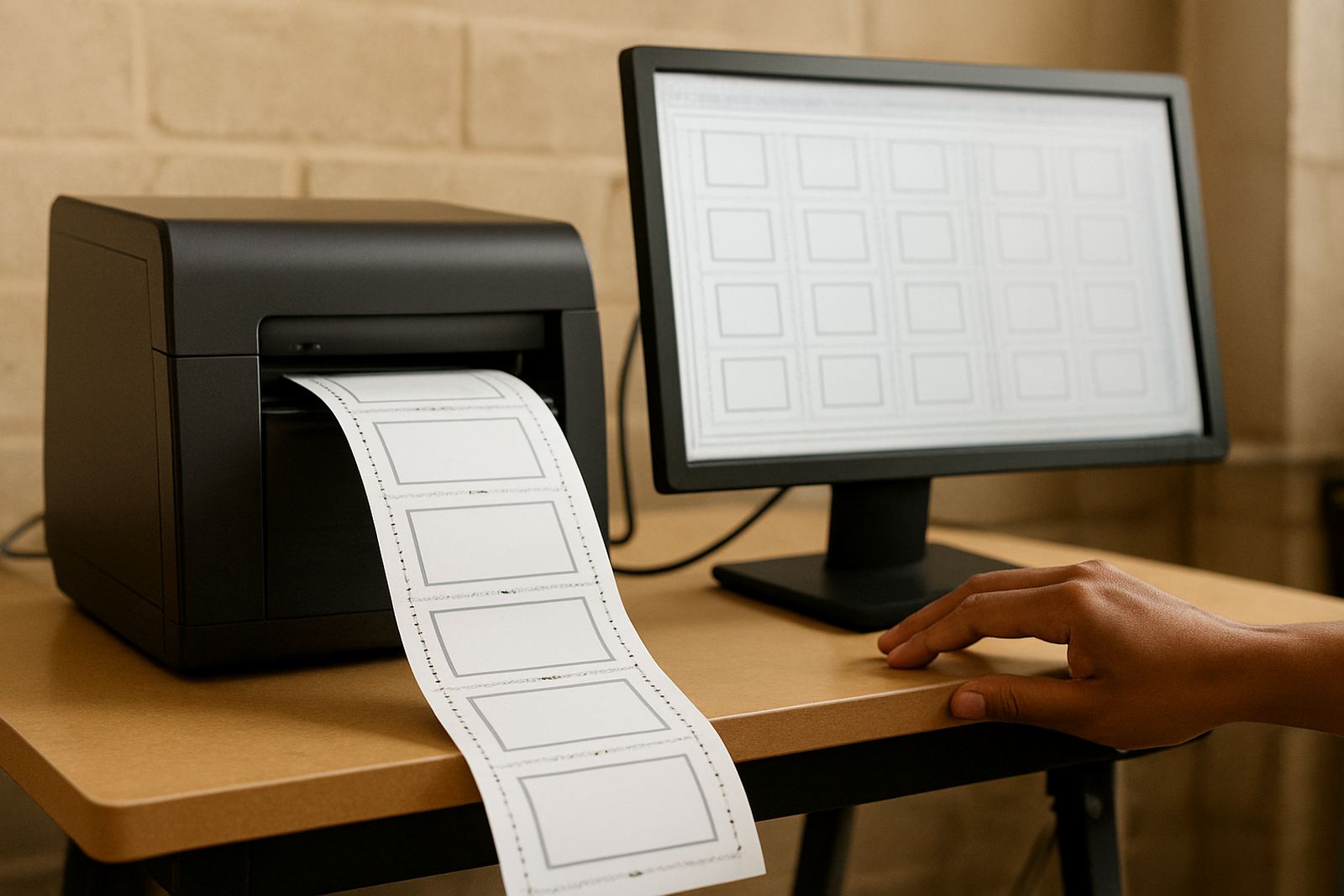
- Helps test RIP queues, colour profiles and cutter output
- Prevents disruption on the main production machine
Where it suits best in a South African print workflow
This option suits sign shops that produce vehicle graphics, shopfront vinyl, wall branding, posters, labels and display work. It also helps print service providers who need one person preparing files while another person runs output, or where the owner wants a safer handover when a new operator starts handling day to day production. If you work with municipal notices, school signage or retail rebranding, the seat gives you a controlled space to check output before deadlines hit.
Businesses in Durban and Gqeberha often ask for a dedicated training seat because humidity, media storage and colour shifts can affect the way jobs finish. In Cape Town, where wind and coastal conditions can affect install schedules, teams often use the seat to rehearse file checks and installation notes before sending work out. It also helps when load-shedding causes stop start production and you want a clean place to review jobs after power returns.
- Sign shops with more than one operator
- Print rooms handling fast turnaround jobs
- Teams training new staff or seasonal workers
- Businesses planning a software upgrade or workflow change
Options, access and seat sizing
The Operator Training Seat is supplied as a single dedicated software seat, with the option to add more if your training intake grows. Some teams need one seat for the trainer and another for the learner, while larger shops may want multiple seats across departments. We help you plan the right number based on your staff count, daily volume and whether you use the seat for ongoing practice or only for new staff induction.
You can use the seat alongside your production licence setup to separate live work from practice work. That is helpful when you want one person focusing on design fixes while another keeps the main queue moving. If you are in Midrand, Centurion or the wider Gauteng area, onsite visits can be arranged for setup planning, while remote support is available for most licence and workflow questions.
- Single seat for one trainee or operator
- Can be expanded for multi-user training needs
- Works well with separate production and training workflows
- Suitable for both office based and workshop based teams
Installation, activation and power needs
Installation is straightforward, but the seat still needs a properly prepared computer and a stable workflow. We assist with software installation, licence activation and cutter setup help where needed. For best results, the workstation should have a reliable Windows system, enough free storage for artwork and job files, and a stable internet connection for activation and updates. If your office experiences load-shedding, a UPS is strongly recommended so the machine does not shut down mid lesson or while files are being written.
There is no special gas requirement for this product. A standard office power supply is enough, although many South African print rooms run a UPS or inverter because a sudden outage can interrupt training, corrupt settings or force a restart. If your business is on a generator, make sure the machine gets clean power and that the trainer can still access the network or dongle, if your setup uses one.
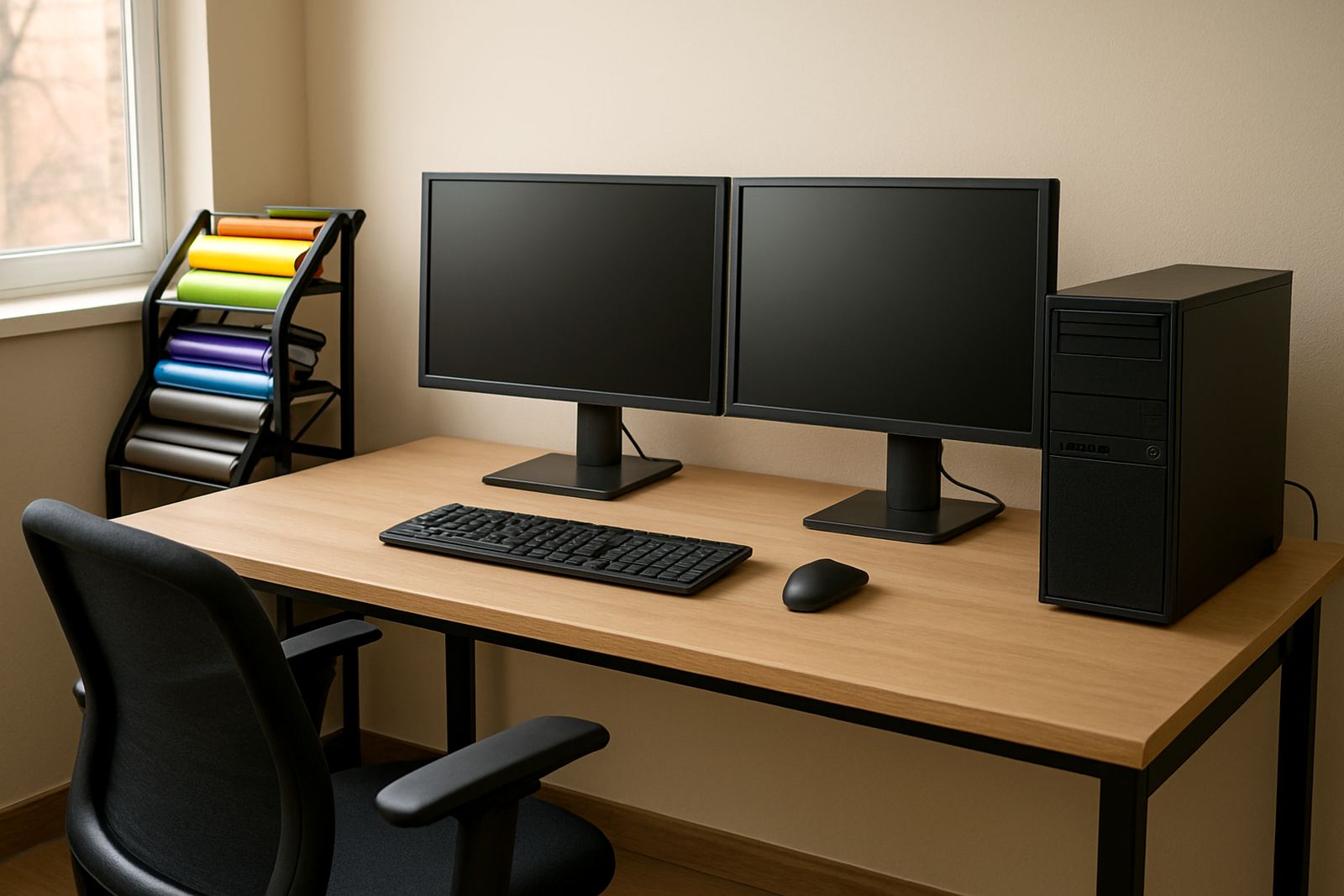
- Requires a compatible Windows workstation
- Stable internet helps with activation and updates
- UPS recommended for load-shedding protection
- No gas or compressed air requirement
Care, servicing and keeping the seat in shape
Because this is software, care is mostly about good housekeeping and planned support. Keep the workstation updated, back up templates and keep a record of colour profiles, device presets and queue settings. If a trainer changes the workflow and nobody records it, the next operator may spend time fixing avoidable errors. For busy shops, an Annual Support Plan helps keep the seat ready for use and reduces the scramble when a new intake starts.
We also recommend checking the workstation every few months for storage space, antivirus conflicts and printer or cutter connection problems. In coastal areas, especially Durban and Gqeberha, humidity can affect office equipment and cables so tidy cable routing and regular checks matter. If you move the seat between training rooms or branch sites, make sure the machine is reactivated correctly before the next session starts.
- Back up job presets and colour profiles regularly
- Keep notes on workflow changes and naming rules
- Check storage, updates and device connections often
- Use support plans for smoother long term upkeep
What to check before you order
Before ordering, confirm who will use the seat, how often it will be used and whether it is for training only or for ongoing workflow testing. Check the number of operators, the age of your computers and whether your production team needs remote support, onsite training or a mix of both. If your shop runs vinyl cutters, make sure the cutter setup is known and that the person training has access to sample files and the correct output settings.
It also helps to know whether the seat must fit into an existing licence structure or whether this is a new training setup for a growing team. Tell us if you need Randburg class training, Johannesburg support, Pretoria training, Durban support, Cape Town training or Gqeberha support. That lets us plan the right handover and avoid delays when staff are ready to start using the seat.
- Number of operators who need access
- Whether the seat is for induction, practice or testing
- Computer specs and operating system version
- Need for onsite training, remote support or both
Key facts
| Product type | Additional software seat for operator training and workflow practice |
|---|---|
| Licence use | Dedicated seat for one user at a time unless otherwise agreed |
| Setup | Software installation, licence activation and workflow configuration support |
| Compatibility | Windows workstation with stable internet for activation and updates |
| Power needs | Standard mains power with UPS recommended for load-shedding |
| Best suited to | Sign shops, print service providers, vinyl cutter operators and new staff induction |