Contour cut setup for print and cut work
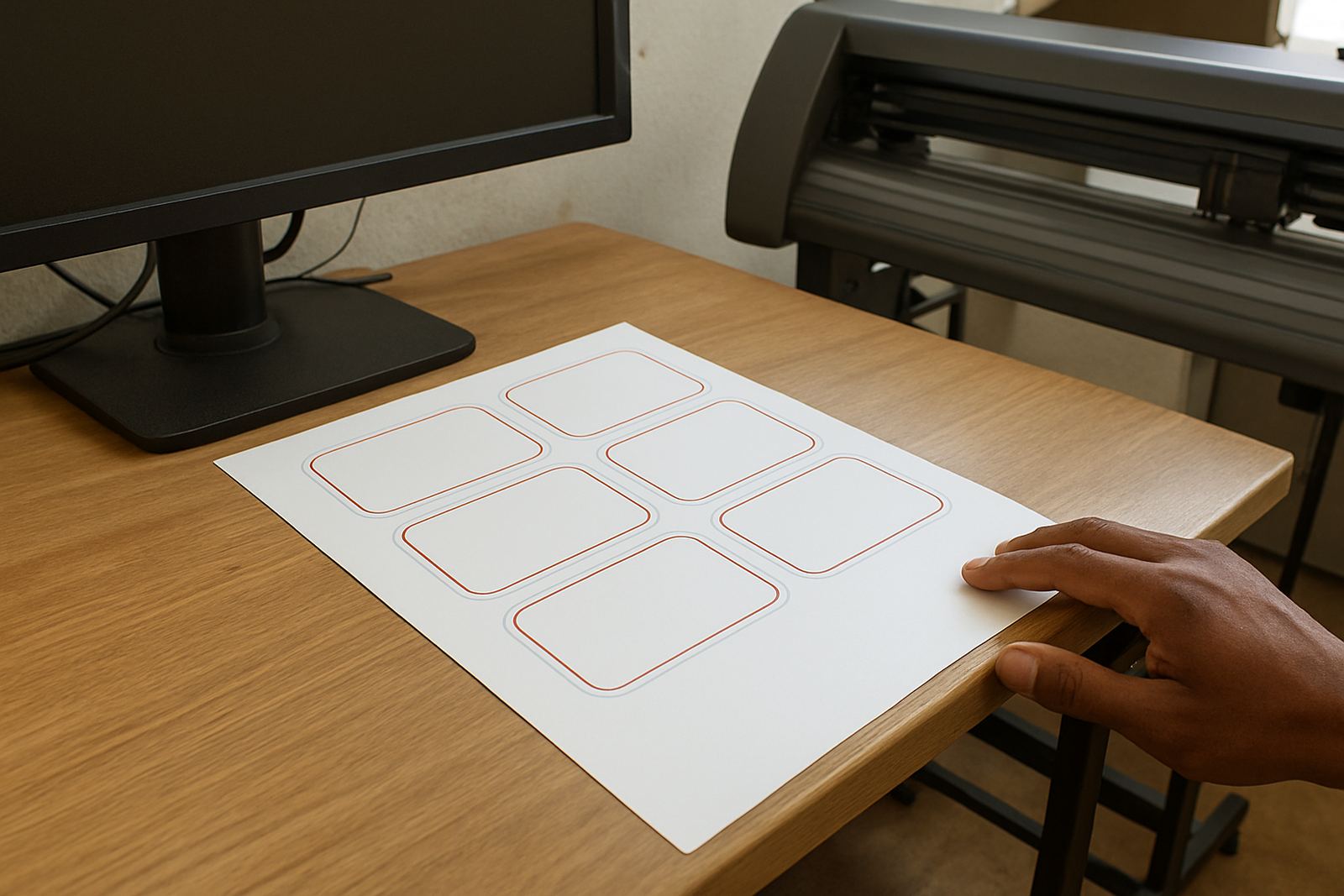
The Contour Cut Module is used to prepare printed graphics for finishing on a vinyl cutter. It creates the cut path around artwork, adds the marks needed for registration, and helps you send the job through a clearer print then cut workflow. For shops producing stickers, promo labels, window decals and short-run decals, it saves time on manual tracing and reduces rework when a job has to be repeated.
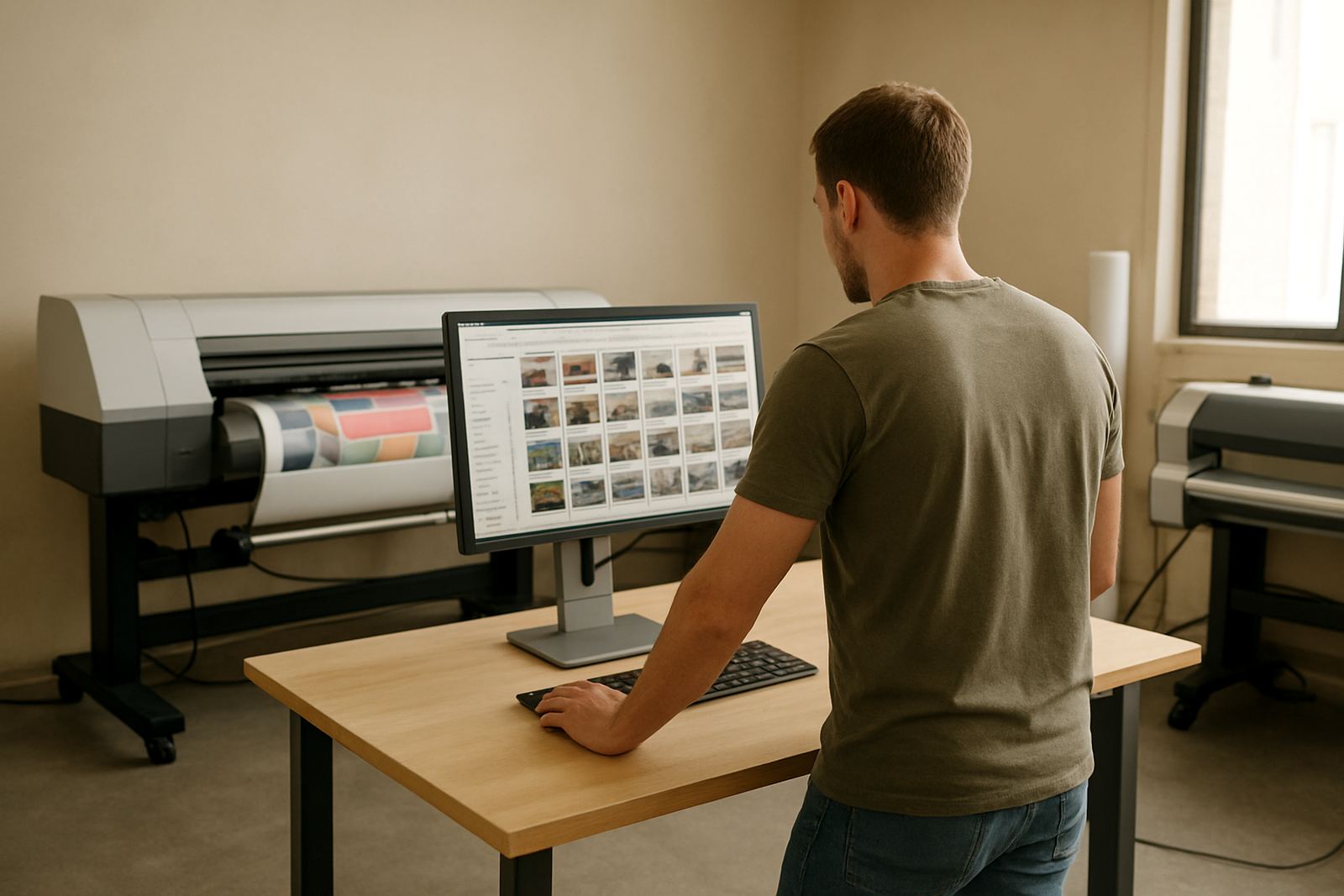
It is well suited to compact production rooms in Randburg, Midrand and Centurion where one operator may handle layout, print and finishing in the same shift. The module is also practical for teams working under load-shedding pressure, because once a job is set up properly it is easier to recover and rerun with less waste. The aim is simple, keep the cutter following the right path and keep production moving.
- Contour path creation from artwork outlines
- Registration mark support for print and cut jobs
- Useful for stickers, labels, decals and small signage runs
- Helps reduce manual cutting and trimming errors
Sizes, licence options and job volumes
The module is suited to small, medium and larger sign-making setups, from a single vinyl cutter in a starter shop to a busy print room handling daily batches. The exact workflow depends on your output format, cutter width and the software licence in use. In most cases, the module is set up to match the cutter bed or roll width you already run, whether that is 600 mm, 1.3 metres or wider production equipment.
There are licence and activation choices for different business sizes. Some teams need one workstation for artwork preparation, while others need a shared setup across a small production office. The right option depends on how many people prepare jobs, how often you output contour cut work, and whether you also need support for colour workflow and RIP queue control.
- Suitable for entry level and production level print and cut work
- Works with common cutter widths from 600 mm upward
- Can be matched to single-user or multi-user office setups
- Handy for shops that do short runs, repeat orders and weekly label batches
Where the module fits in South African production
This module suits sign makers, graphic designers and print service providers who handle vinyl stickers, safety labels, product decals, machine decals and branding labels for local businesses. It is especially useful where jobs must move between design, print and finishing without losing cut accuracy. Shops in Johannesburg and Pretoria often use it for fast turnaround work, while Durban and Cape Town users appreciate the help it gives with neat finishing on outdoor jobs exposed to coastal humidity.
It also fits municipal and site work where labels need to be clean, readable and properly trimmed. If your team produces wayfinding decals, event branding or batch-labelled products for installers, the module supports a more orderly workflow from file prep to final cut. It is also useful for training new staff because the cut process becomes more predictable and easier to explain.
- Ideal for sticker shops and small print rooms
- Useful for product labels, decals and short-run signage
- Works well for teams training new operators
- Helpful for repeat work where cut accuracy matters
Installation, activation and system requirements
Installation normally starts with software licence activation and a check that the workstation and cutter driver are speaking to each other correctly. A stable Windows-based computer is typically used, with enough memory and storage for artwork handling, RIP processing and queue management. If your shop runs a cutter beside a printer, we check the communication path, test output and make sure the module is ready before the first production job goes through.
No gas connection is needed for this module. Power needs are the same as the computer and connected production equipment you already use, so it is wise to keep the workstation on surge protection and, where possible, a small UPS. That is especially helpful in South African shops dealing with outages or voltage dips. If the office is in a shared industrial park, cable routing and safe machine placement should also be checked before installation.
- Requires a suitable Windows workstation
- Needs a working cutter connection and driver setup
- The software itself does not need gas or compressed air
- Surge protection and backup power are recommended
Care, servicing and everyday upkeep
The module itself needs software maintenance rather than mechanical servicing, but the cutter and the workstation still need regular care. Keep the cutting blade, pinch rollers and media path clean, and check that the cutter is tracking straight before long jobs. If marks are printed slightly out, the issue is often in the print setup, media feed or cutter calibration rather than the contour path itself.
For busy teams, an annual support plan is useful because it helps with updates, activation checks, queue troubleshooting and workflow tweaks when the shop changes from one product type to another. If a new operator joins the team, a short training session can save a lot of wasted vinyl and ink. A quick check each month is better than a rushed repair during a deadline week.
- Keep cutters clean and calibrated
- Check media feed and registration marks regularly
- Use support updates to avoid production interruptions
- Train new staff before they run live jobs
What to check before you order
Before ordering, confirm the cutter model, connection method, computer operating system and the type of jobs you want to produce. If you print on gloss vinyl, clear film or laminated stock, mention that as it can affect registration and finishing. It also helps to know whether your work is mostly indoor labels, outdoor decals or high-volume sticker batches, because that changes how the module should be set up.
It is also worth checking who will use the module day to day. A single operator in Randburg may need a different setup to a production team serving Johannesburg, Durban and Gqeberha from more than one branch. If you are planning cutter upgrades, new staff induction or a wider RIP workflow change, note that at the same time so the licence and training can be matched properly. This avoids buying the wrong option and having to adjust later on, which can cost time and Rand.
- Cutter model and connection type
- Computer operating system and available storage
- Type of media used, including gloss or clear stock
- Expected job volume and number of users
Key facts
| Product type | Contour cut path creation and cut job preparation module |
|---|---|
| Primary use | Stickers, labels, decals and print then cut work |
| Suitable equipment | Vinyl cutters and print production workstations |
| Typical media | Self-adhesive vinyl, label stock, clear film and laminated prints |
| Power needs | No separate power supply, uses the connected workstation and cutter setup |
| Support options | Licence activation, remote support, onsite training and annual support plan |