A practical profile set for everyday production
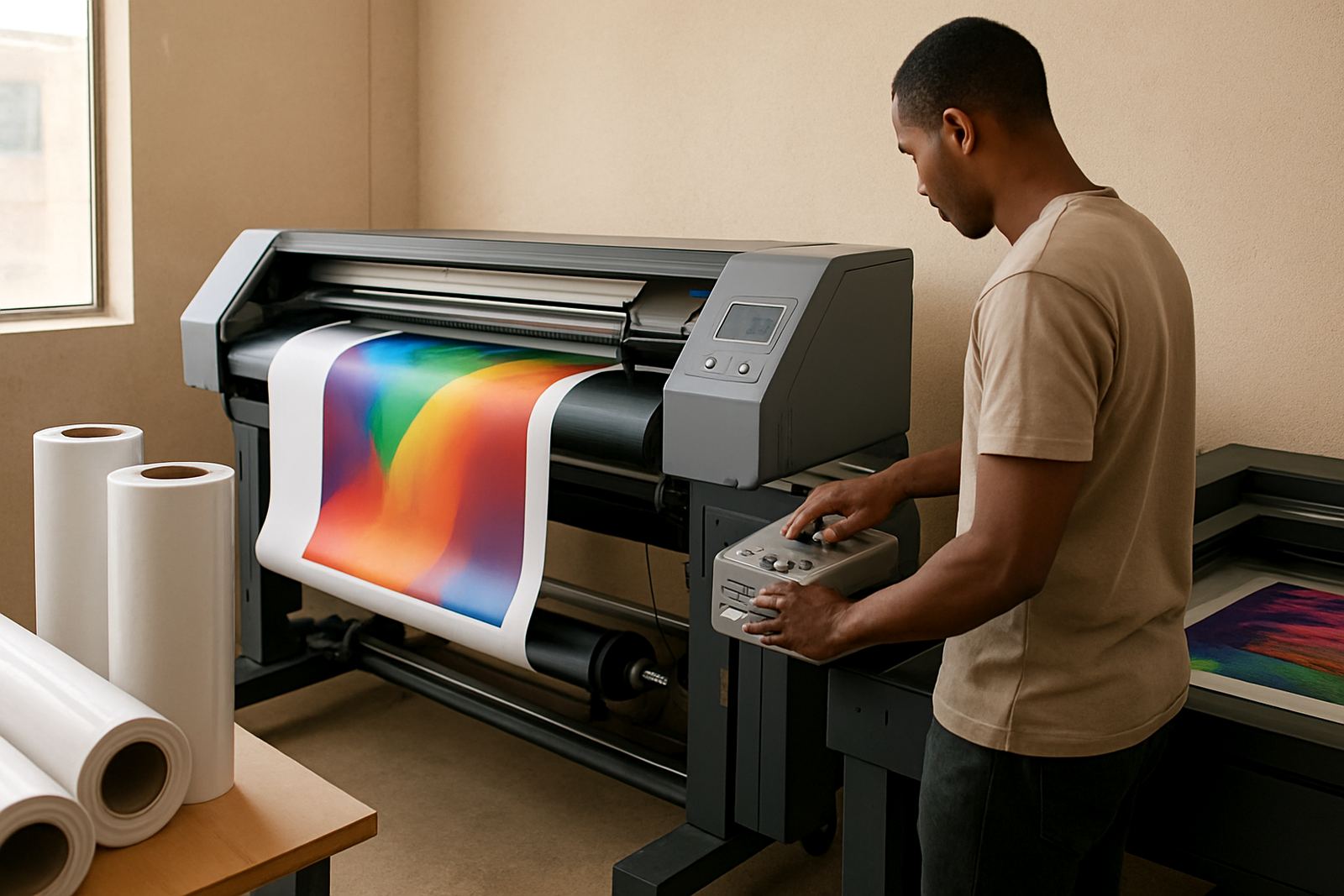
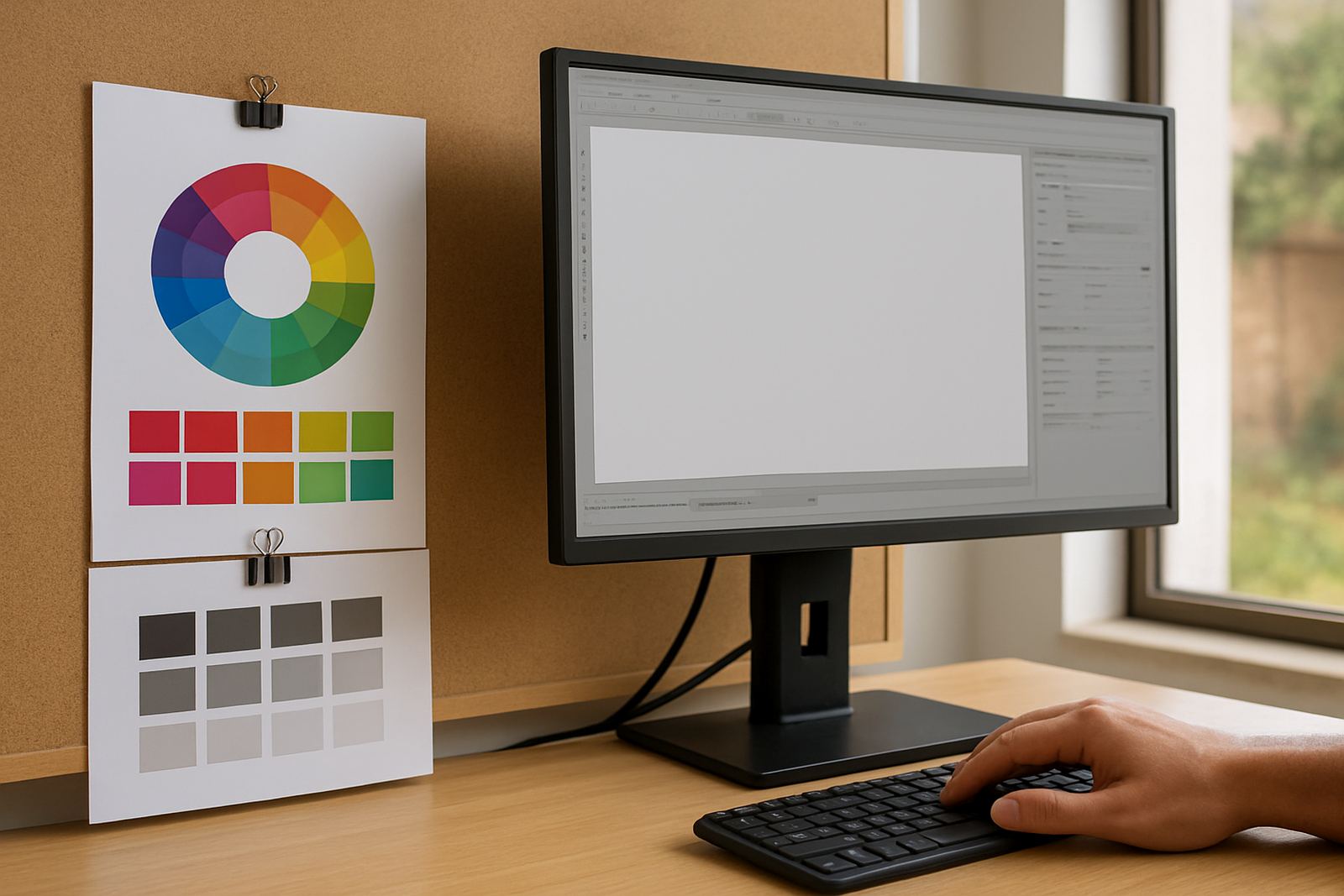
The Colour Profile Pack is set up for shops that want steadier colour from job to job, without spending half the day chasing a match. It gives you a profile set for common production modes so artwork, RIP settings and output stay closer to each other on the materials you use most. That matters when one customer wants a batch of indoor stickers and the next order is a lightbox print or a laminated panel for a storefront in Randburg or Midrand.
It is not a one-size-fits-all shortcut. The pack works best when your printer, media and ink set are already in decent working order and you want a cleaner starting point for production. For many South African sign shops, that means less wasted media, fewer reprints and fewer arguments over why a blue banner looks different on the second run.
- Better starting point for repeated jobs
- Useful for common print and cut workflows
- Helps reduce colour drift between runs
- Suitable for shops handling mixed media daily
Where the profile pack suits best
This profile set suits sign shops, print service providers and designers who produce work on a regular basis and need dependable colour control. It is a good fit for vinyl cutters paired with print workflows, indoor display graphics, decals, exhibition pieces and general signage where the same artwork may be reprinted months later. In Durban and Gqeberha, where coastal humidity can affect media handling, a stable profile base can make day-to-day results easier to manage.
The pack is also useful for teams that are growing and bringing in new staff. If one operator handles artwork, another runs the RIP and someone else finishes and packs the job, a standardised profile set helps everyone work from the same reference. That can be especially handy in busy shops around Pretoria and Cape Town where jobs move quickly and there is no time to rework every file from scratch.
- Indoor signage and point of sale graphics
- General vinyl print and cut work
- Short-run production for retail and events
- Mixed operator environments with more than one user
Sizes, options and production fit
The Colour Profile Pack is supplied as a profile set rather than a physical product, so the key choice is which media types and production modes you need covered. Some shops want a compact pack focused on their main materials, while others need a broader set for different ink limits, print speeds and finishing methods. If you run a queue with high job turnover, it is worth ordering the set around your most used media first, then adding extra profiles later if needed.
When ordering, think about the actual work you do each week. A shop that prints mostly self-adhesive vinyl has different needs from one handling backlit film, banner material or rigid board. The profile set should match the way your machine lays down ink, the drying time of the media and whether you finish with lamination, contour cutting or both.
- Choose profiles by media type and output mode
- Match to printer, ink set and RIP workflow
- Plan for the jobs you do most often
- Ask for help if you run more than one machine
What is needed for installation and setup
Because this is software-based, there are no gas requirements and no special site works. You do need a capable computer, a working RIP environment and a printer that is already connected and ready for profiling. In practical terms, the machine should have enough storage for job files and enough processing power to handle queue management without slowing your production line. A stable mains supply is important too, especially in areas where load-shedding can interrupt a profiling session and leave you with half-finished tests.
For onsite setups in Johannesburg, Pretoria, Durban, Cape Town and Gqeberha, we look at the full workflow rather than only the profile files. That includes the print path, cutter setup if you are producing print and cut jobs, and the way your team prepares artwork before it enters the RIP. If your shop in Centurion or Randburg is running during busy periods, it helps to plan the install around quiet production hours so testing does not hold up live jobs.
- Computer with enough processing power and storage
- Working printer and RIP software environment
- Stable power supply for test and setup sessions
- Good network or local access for support if needed
Care, maintenance and keeping profiles current
Profiles stay useful when the rest of the workflow is kept consistent. Clean heads, correct media loading, regular nozzle checks and the right print settings all help maintain the result you expect. If the printer is not maintained, a profile can only do so much. Shops near the coast should also keep an eye on humidity, because damp media can change how ink sits on the surface and that affects output more than many operators realise.
We recommend reviewing the profile set after major changes such as a new ink batch, a different media supplier or a printer service. If your team changes the way it prints, dries or finishes jobs, the profile may need a fresh look as well. Annual support planning can help larger teams avoid those sudden colour surprises when a deadline is already tight and the client wants a repeat order that must match the first run.
- Keep printer maintenance up to date
- Store media in a dry, clean area
- Recheck profiles after equipment or material changes
- Review colour settings after staff or workflow changes
What to check before you order
Before placing an order, it helps to confirm the exact printer model, ink type and the media you use most often. If you are running multiple production lines, list each one separately so the profile set can be matched properly. We also need to know whether you are mainly producing indoor graphics, outdoor signage or a mix of both, because the way those jobs behave in production is not the same. A shop that does short-run retail prints will need a different setup from a team preparing event graphics or municipal signage work.
If you are unsure, send through the details on our enquiry form and we will help you narrow it down. We work with sign shops and print service providers across South Africa, with training and support from Randburg, Johannesburg, Pretoria, Durban, Cape Town, Gqeberha and Midrand. That makes it easier to plan the right profile set from the start instead of buying something that only covers part of your work.
- Printer model and number of units in use
- Ink type and main media list
- Typical job size and production mode
- Whether you need support for print and cut workflows
Key facts
| Product type | Software profile set for colour control in print production |
|---|---|
| Use case | Sign making, print service workflows, vinyl cutters and mixed production |
| Compatibility | Supplied to suit specific printer, ink and media combinations |
| Setup need | Computer, RIP environment and connected printer required |
| Power need | No separate power or gas requirement beyond normal workstation and printer use |
| Support | Remote support, onsite training and workflow setup available from Randburg and nationwide |