What Eco Solvent RIP does on a busy print floor
Eco Solvent RIP is RIP software for sign makers and print service providers who need predictable output from solvent-style printers and related production equipment. It handles file preparation, nesting, tiling, cut marks, spot colour handling and job queuing so your team can move from artwork to print with fewer reprints and less waste.
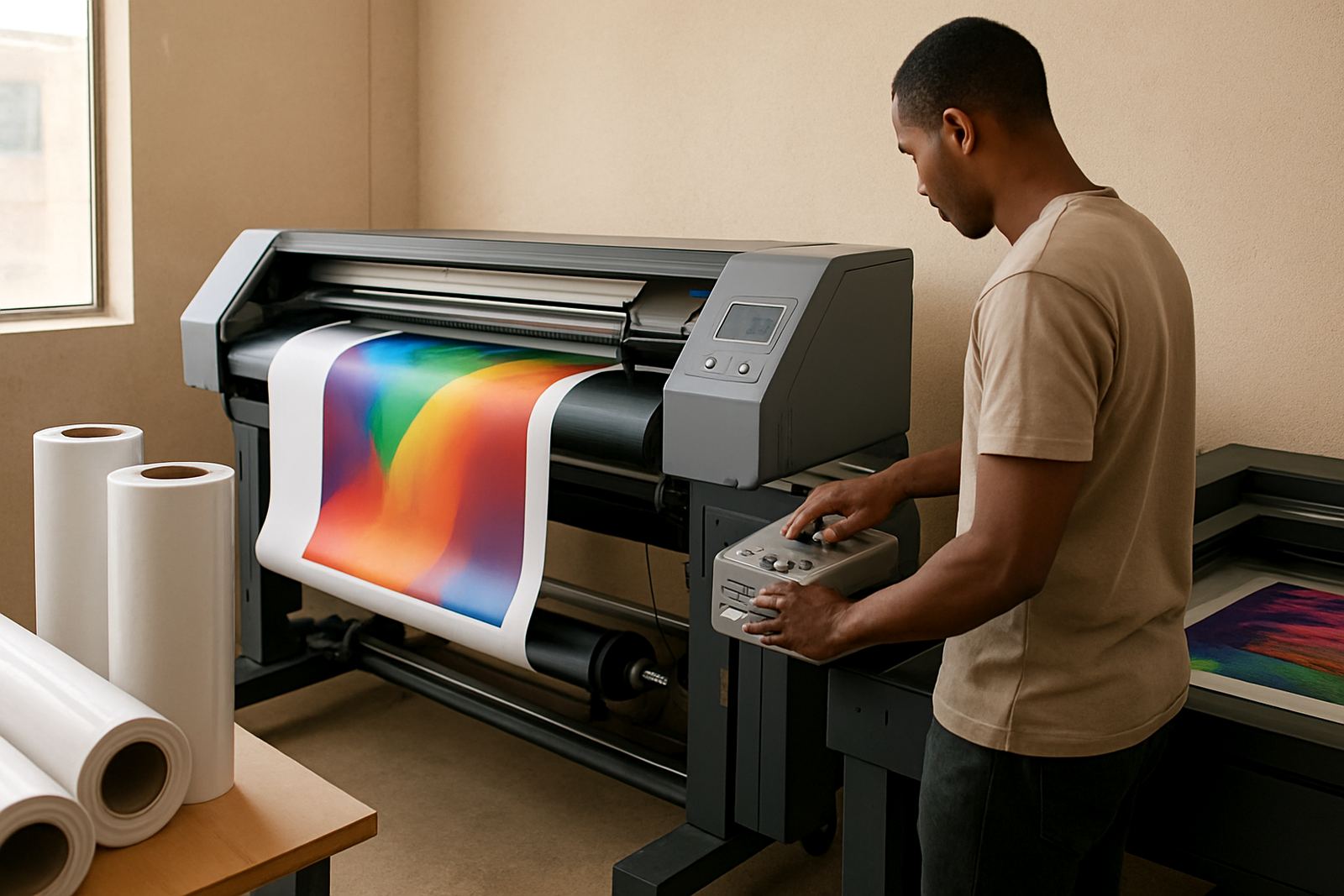
In a shop where one operator is sending banner work while another is handling decals and one-off vehicle graphics, the software keeps the workflow organised. It helps you manage ink limits, colour profiles and output order, which is especially useful when you are matching repeat jobs or running mixed media through a single production line.
- Job queuing for day-to-day print scheduling
- Colour management for repeatable output
- Nesting and tiling to save media
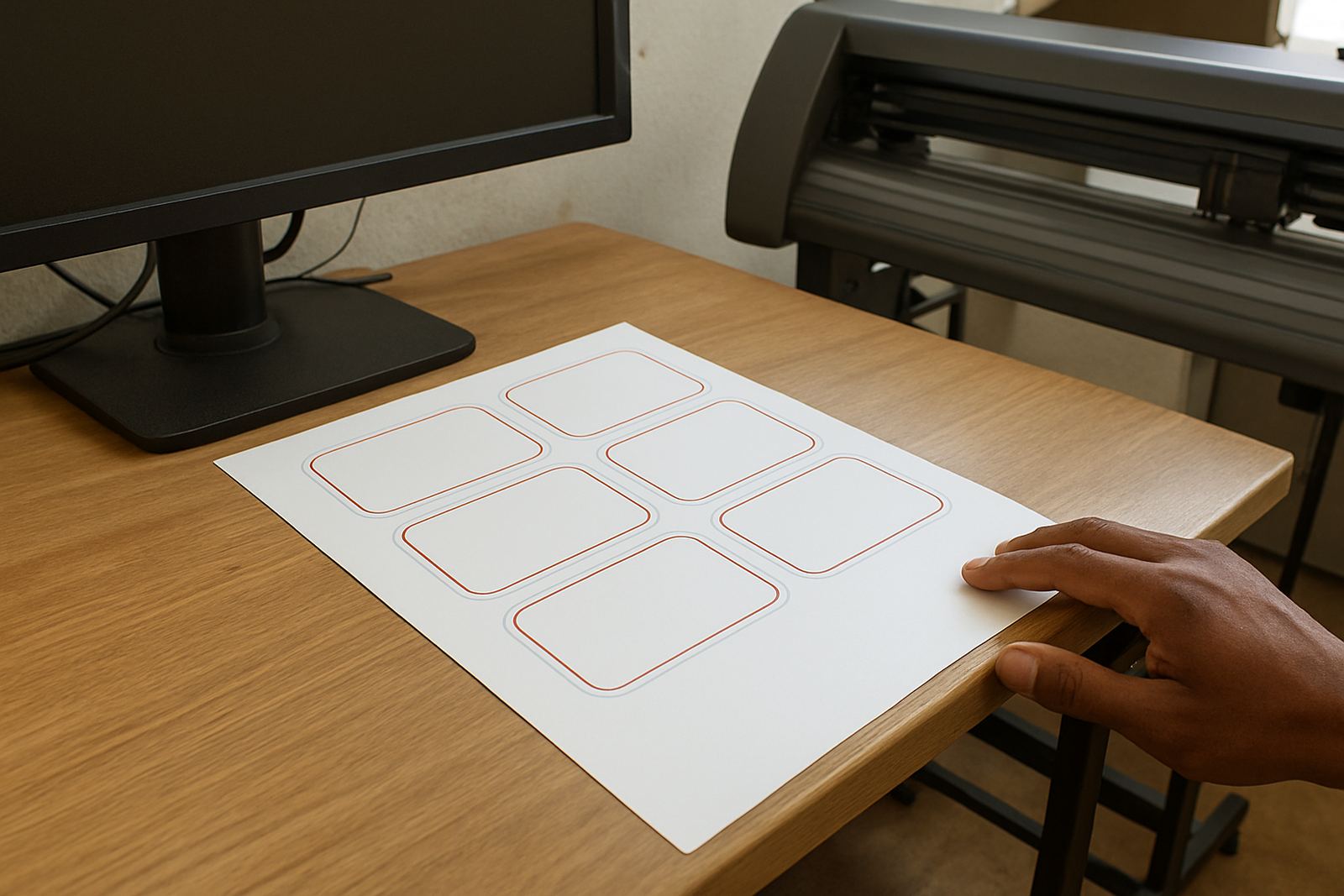
- Cut mark support for print and cut workflows
- Spot colour and channel control for sign work
Sizes and options to match the way your shop works
This product is usually supplied as a software licence sized to suit the number of devices, print stations or users you need to support. Some workshops only need one workstation for a single solvent printer, while larger teams may want a setup that covers multiple operators, a print room and a separate design station. We help you choose the right licence structure before installation so you are not paying for capacity you will not use.
The software can be set up for small cut-and-print shops in Randburg, busy Pretoria production rooms, and multi-machine environments in Johannesburg, Durban, Cape Town and Gqeberha. If your team shares files between design, print and finishing, we can plan the licence and workflow around that. It is common for shops to start with a core setup and add more users later as volume grows.
- Single workstation or multi-user options
- Suitable for solvent printers and print-and-cut setups
- Can be configured for one operator or a full production team
- Upgrade planning available when more output is added
Where Eco Solvent RIP suits best
This RIP is a strong fit for sign shops, wrap teams, decal producers, banner printers and any business that needs colour-controlled output on solvent-style devices. It is also useful for print service providers taking on mixed jobs from trade clients, where the same machine may need to handle signage, labels, short-run promotional work and vehicle graphics.
South African shops often deal with power interruptions, heat, dust and coastal humidity, so stable output settings matter. In Durban and Gqeberha, humidity can affect media behaviour and drying times. In Gauteng, dust and load-shedding can interrupt production schedules. A well-set RIP helps you restart work with less recalibration after each interruption and keeps colour movement under control.
- Sign shops doing daily vinyl and print work
- Print rooms handling repeat jobs and trade work
- Vehicle graphics and wrap preparation teams
- Shops with mixed media and frequent artwork changes
Installation, power needs and setup checks
Installation is usually done on a Windows production computer with enough memory and storage for artwork, profiles and queue files. The RIP itself does not need special gas or compressed air, but the printer and surrounding production area should have stable power, clean ventilation and enough room for handling media rolls. If you are running the system in a shop with load-shedding, it is wise to pair the workstation and printer with backup power sized for a clean shutdown or short running window.
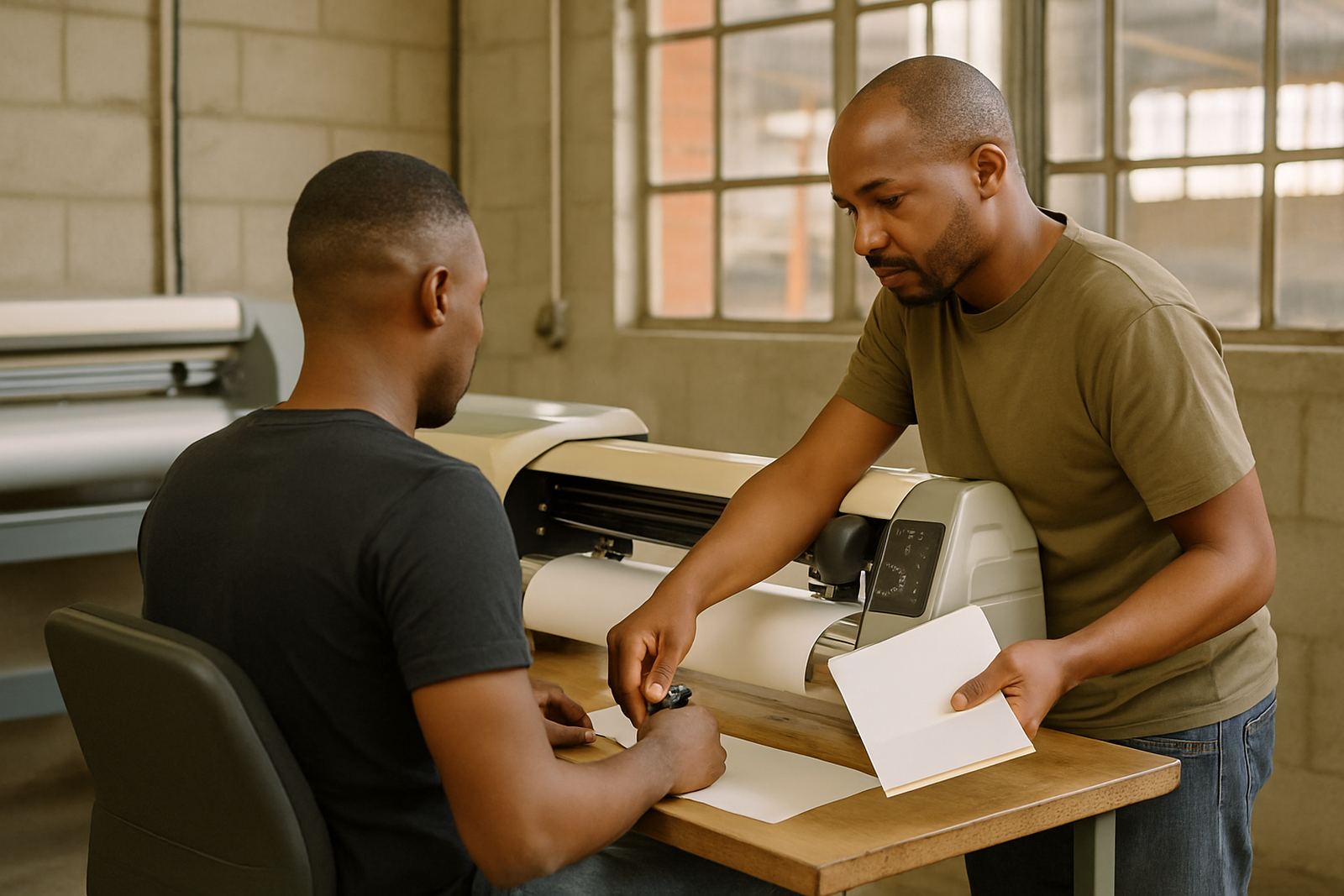
Before setup, check that the workstation can handle your file sizes, that the printer is correctly connected, and that your cutter or finishing unit is ready if you are using print and cut functions. We can assist with licence activation, driver setup, queue paths and colour profiles. For teams in Midrand, Centurion and across the greater Johannesburg area, onsite visits can be arranged where practical, and remote support is available for fast turnaround.
- Windows computer with enough processing power for production files
- Stable power supply or backup power for interruptions
- Printer and cutter connections confirmed in advance
- Clean workspace with enough room for media handling
Care, servicing and keeping output steady
RIP software does not need mechanical servicing in the same way as a printer, but it does need proper maintenance in the workflow. Keep profiles named clearly, remove unused presets, back up your settings and review queue paths after major changes. If a new operator starts in the print room, a short induction goes a long way towards avoiding wasted material and confused job routing.
We also recommend regular colour checks, especially when you are printing across different media types or changing ink sets. If a machine starts drifting, the issue is often not the artwork itself but the setup behind it. Our support team can help with colour management, RIP queue optimising and workflow setup, and we can plan annual support where your shop needs ongoing assistance through busy periods or seasonal spikes.
- Back up profiles and presets regularly
- Review queue settings after staff changes
- Check colour output after media or ink changes
- Ask for refresher training when production volumes grow
What to check before placing your order
Before you order Eco Solvent RIP, confirm what printer model you are using, whether you need print only or print and cut, and how many users will access the software. It also helps to know if you need new staff induction, onsite training or support for an existing setup that is already running but needs tidying up. A clear brief saves time during licence activation and makes installation smoother.
Please also tell us whether your shop needs help with cutter setup, colour management, or an upgrade plan from an older system. If you are based in Randburg, Johannesburg, Pretoria, Durban, Cape Town, Gqeberha or surrounding areas, we can guide the process from enquiry to handover. For a new production room or an existing sign shop, the key details are the machine list, the team size and the kind of work you print most often.
- Printer model and cutter model if applicable
- Number of users and workstations required
- Need for training, support or onsite setup
- Type of media and work you print most often
Key facts
| Product type | RIP software for solvent-style print production |
|---|---|
| Primary use | Output control, colour management and queue handling |
| Compatible workflow | Print only or print and cut setups |
| Typical users | Sign makers, graphic designers and print service providers |
| Support options | Remote support, onsite training, installation and licence activation |
| Service areas | Randburg, Johannesburg, Pretoria, Durban, Cape Town, Gqeberha, Midrand and Centurion |