What the DTF RIP Licence does in a busy print room
This licence gives you the core RIP functions needed for DTF production: job nesting, print queue management, colour control, white ink handling and output settings that keep film transfers consistent from one batch to the next. It is aimed at sign shops, garment decorators and print service providers that need practical control over daily production without wasting film, ink or operator time.
In a small workshop in Randburg or a larger plant in Johannesburg, the difference is usually in how fast you can move a job from artwork to printed film. The software helps with queue ordering, repeat jobs and quick changes when an urgent order arrives. If your team handles multiple operators or shifts, that sort of structure matters even more during load-shedding or when turnaround times are tight.
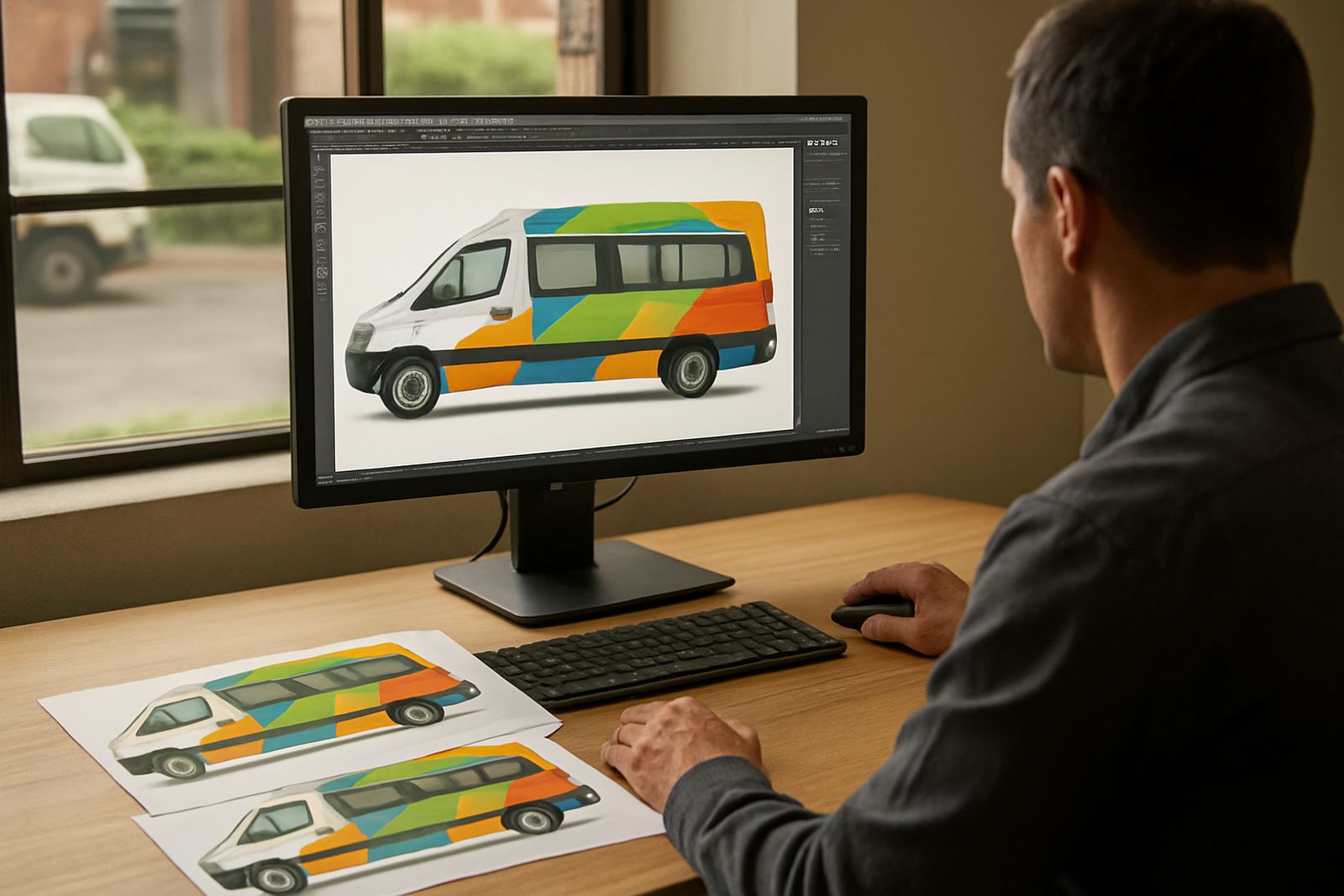
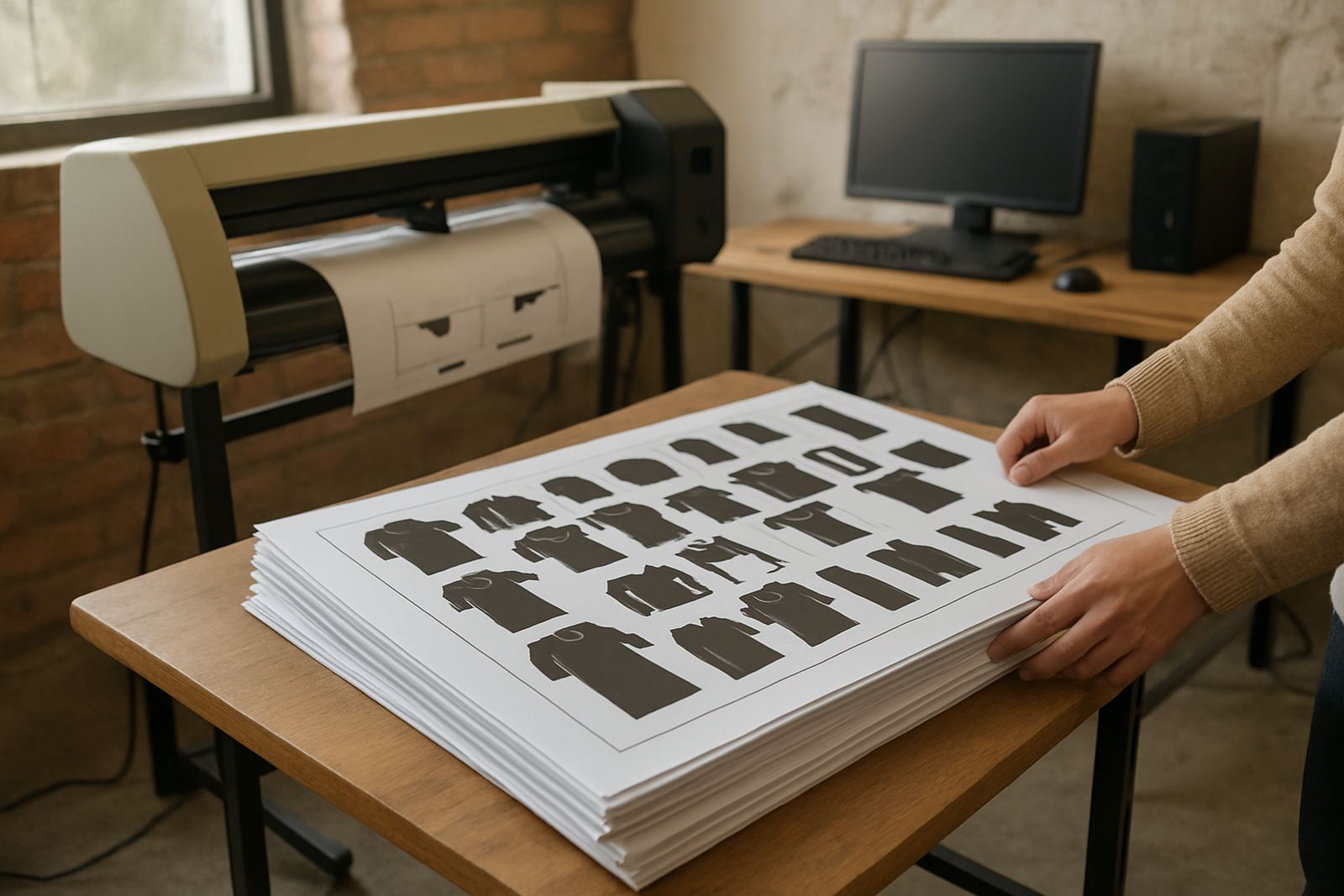
It is also useful when your work includes mixed artwork sizes, custom gang sheets and different image types from clients who send files in all sorts of conditions. With proper setup, you can standardise output and cut down on reprints caused by incorrect scaling, poor colour matching or white underbase settings that are too heavy.
Sizes, licence options and workstation fit
The licence is supplied for single workstation use or for a controlled production environment where one computer manages the RIP queue. It suits compact production rooms as well as larger setups with more than one printer line. Before ordering, check the number of operators, the printer size and whether the RIP station will also handle artwork prep, because that affects performance and licensing choice.
- Single operator setup: best for a start-up or a smaller DTF unit with one main printer.
- Shared production setup: useful where one person manages artwork while another runs print jobs.
- Multi-device workflow: suitable where queues need to be organised across several print devices or shifts.
For most South African print rooms, the main issue is not just software capacity but the computer that runs it. If the workstation is underpowered, queue previews, nesting and colour processing can slow down. We normally check memory, processor speed, storage space and graphics handling before activation so the licence is matched to the actual production load.
Where it suits DTF production and related print work
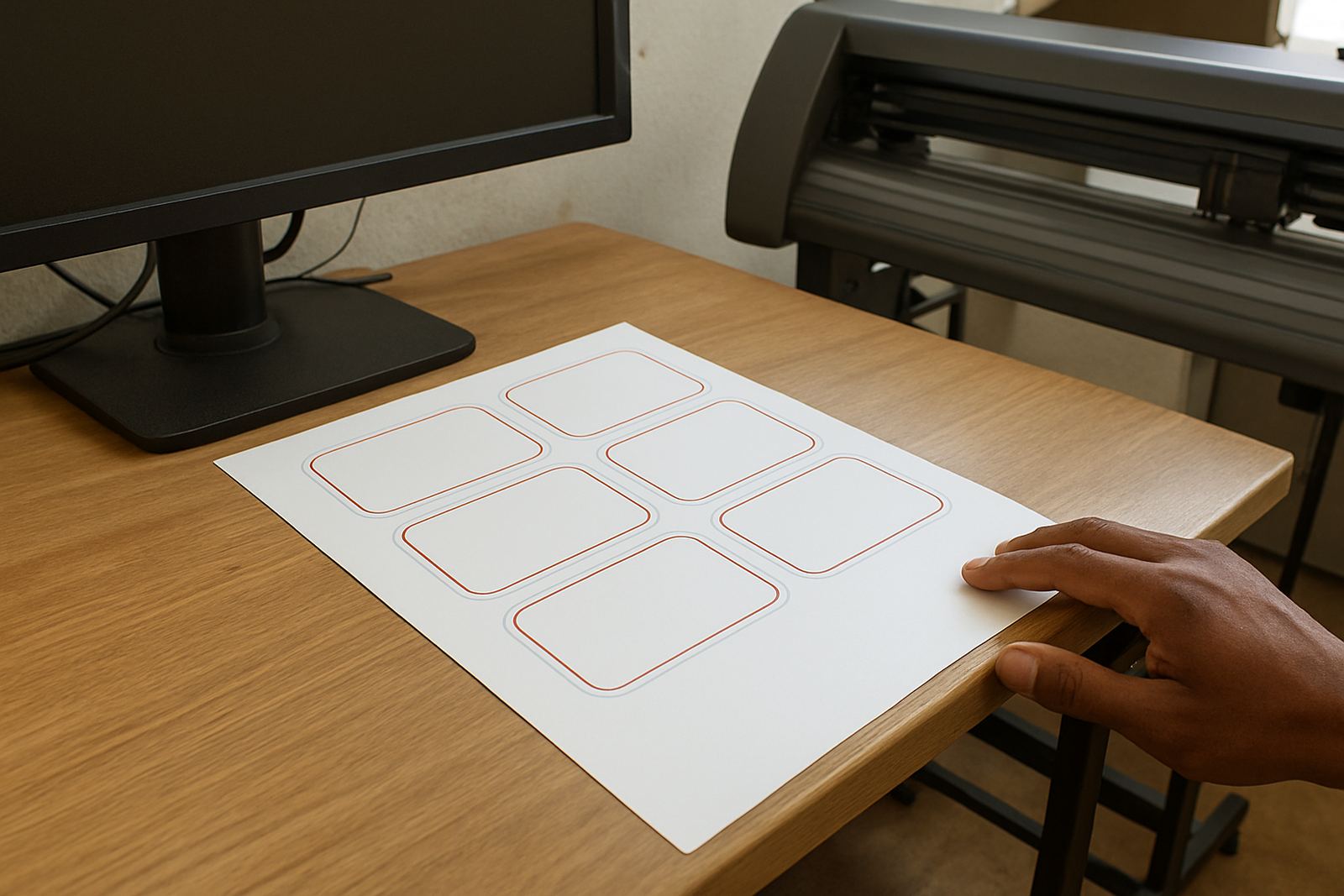
This product suits businesses printing on transfer film for cotton, blended fabrics and promotional apparel. It is also relevant where the same operator handles adjacent work such as vinyl cutting, label output or short-run signage because queue discipline and colour consistency are just as important there. If your shop does mixed jobs in Pretoria, Durban or Cape Town, the licence helps keep production organised rather than reactive.
It works well for:
- Custom garment decorators producing one-off and repeat transfers
- Print shops with batch production and daily rush orders
- Sign makers who also run film-based transfer work for branded clothing
- Service providers who need accurate output from files supplied by outside designers
For coastal areas such as Durban and Gqeberha, where humidity can affect media handling, proper workflow settings are important. Transfer film and powder curing both respond better when the room conditions are understood and the print path is set correctly. In inland areas like Midrand and Centurion, dust and dry air can create different handling problems, so setup should be matched to the site rather than guessed.
Installation requirements, power and practical site needs
Installation is usually straightforward, but the workstation must be ready before activation. A stable Windows environment, enough free storage and a reliable printer connection are the starting point. If the station is also used for artwork or cutter work, the computer should be specified with enough headroom so production does not stall when several jobs are open at once.
For power, the RIP station should be protected by a proper backup solution. Load-shedding and sudden voltage drops can interrupt the queue, corrupt job data or force a restart in the middle of a print cycle. In most cases we recommend a UPS for the computer, monitor and network gear, and where the printer is sensitive a separate power plan should be discussed with the installer. There is no gas requirement for the software itself, but your broader workshop may still need ventilation, especially if curing or heat processes are part of the DTF line.
During installation we can also help with licence activation, printer profile checks and queue naming so your staff can identify jobs quickly. If your team prefers onsite work in Randburg, Johannesburg, Pretoria or Midrand, that can be arranged through the enquiry form on our contact page.
Care, servicing and keeping the licence productive
Software care is mostly about routine checks. Keep the operating system stable, avoid unnecessary updates during peak production and back up your queue settings, presets and colour profiles. When a new operator joins, a short induction helps reduce mistakes with job order, page size and white channel settings. That is often cheaper than reprinting film and wasting powder, ink and time.
We also suggest regular review of:
- Queue templates and default print sizes
- Colour management settings for each printer
- Communication between artwork software and RIP output
- Operator permissions if more than one user is on the system
If you see slow spooling, missing thumbnails or odd colour shifts, the fix may be in the workstation settings rather than the printer itself. Support can include remote help, onsite checks and annual support planning for shops that want fewer interruptions across the year. For busy teams, a scheduled review is usually better than waiting until the machine is already backed up with urgent work.
What to verify before ordering a FlexiSIGN Studio dongle licence
Before ordering the DTF RIP Licence, have the following details ready so the licence is matched correctly to your setup and workflow. This avoids delays and helps the installation go faster, especially if you are opening a new production line or replacing an older system.
- Printer make and model, plus how many units will use the RIP
- Computer details, including Windows version, memory and storage space
- Whether you need colour management, queue control or cutter support
- Whether training is needed for new staff or only for the main operator
- Location for support or installation, such as Randburg, Durban or Gqeberha
- Any existing profiles, hot folders or workflow rules that must be retained
If you are upgrading from another system, it is worth checking what settings can be carried across and what should be rebuilt for better output. A clean start often saves time later. When the order is confirmed, we can assist with activation, setup and practical training so the team knows how to run daily jobs properly from the first week.
Key facts
| Product type | DTF RIP licence for film-based transfer printing |
|---|---|
| Use case | Queue management, nesting, colour control and white ink handling |
| Licence format | Single workstation licence with activation |
| System fit | Windows workstation with sufficient memory, storage and stable printer connection |
| Installation support | Remote support, onsite setup and training available in South Africa |
| Best suited for | DTF print rooms, sign shops and short-run garment decorators |