From artwork file to finished print and cut
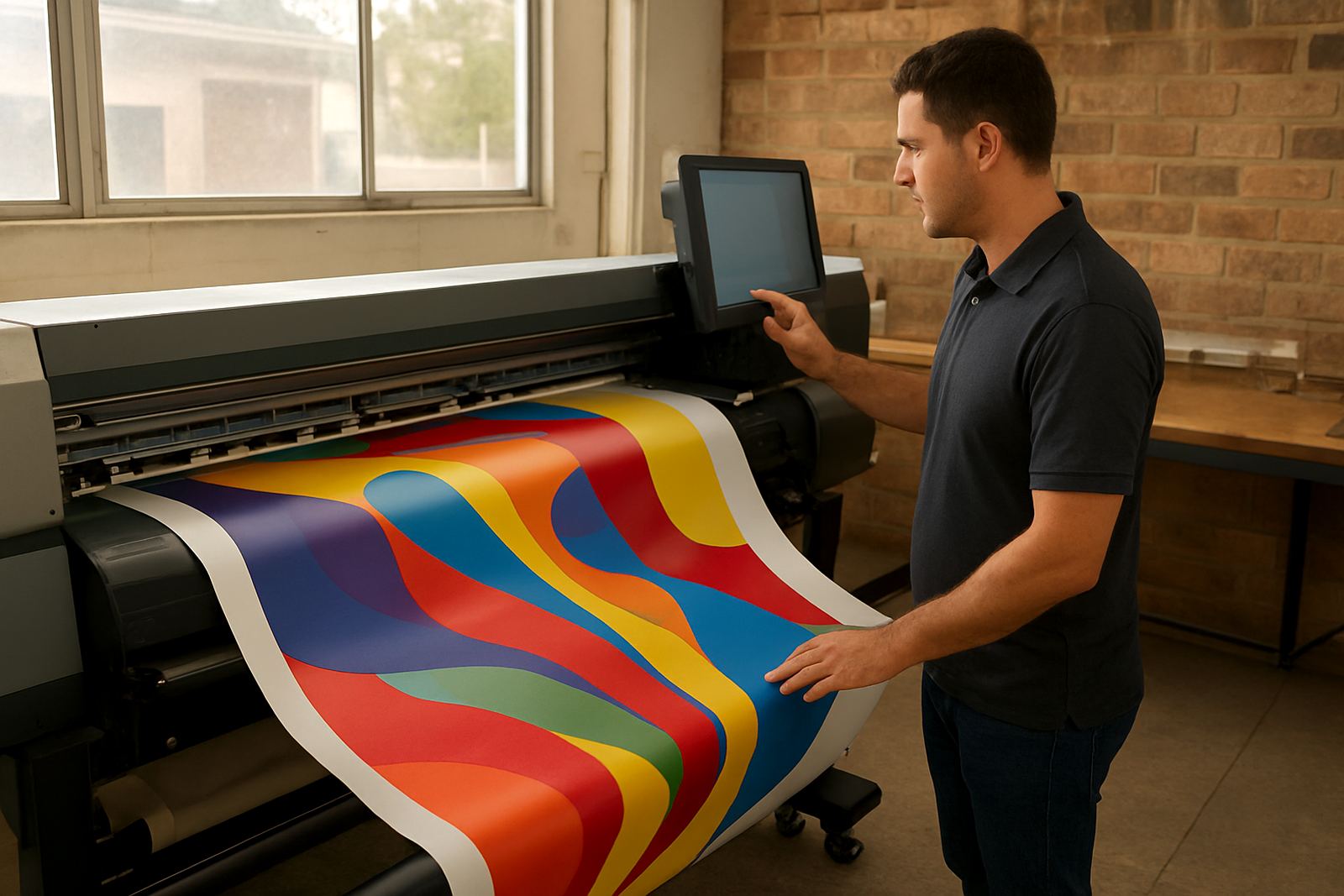
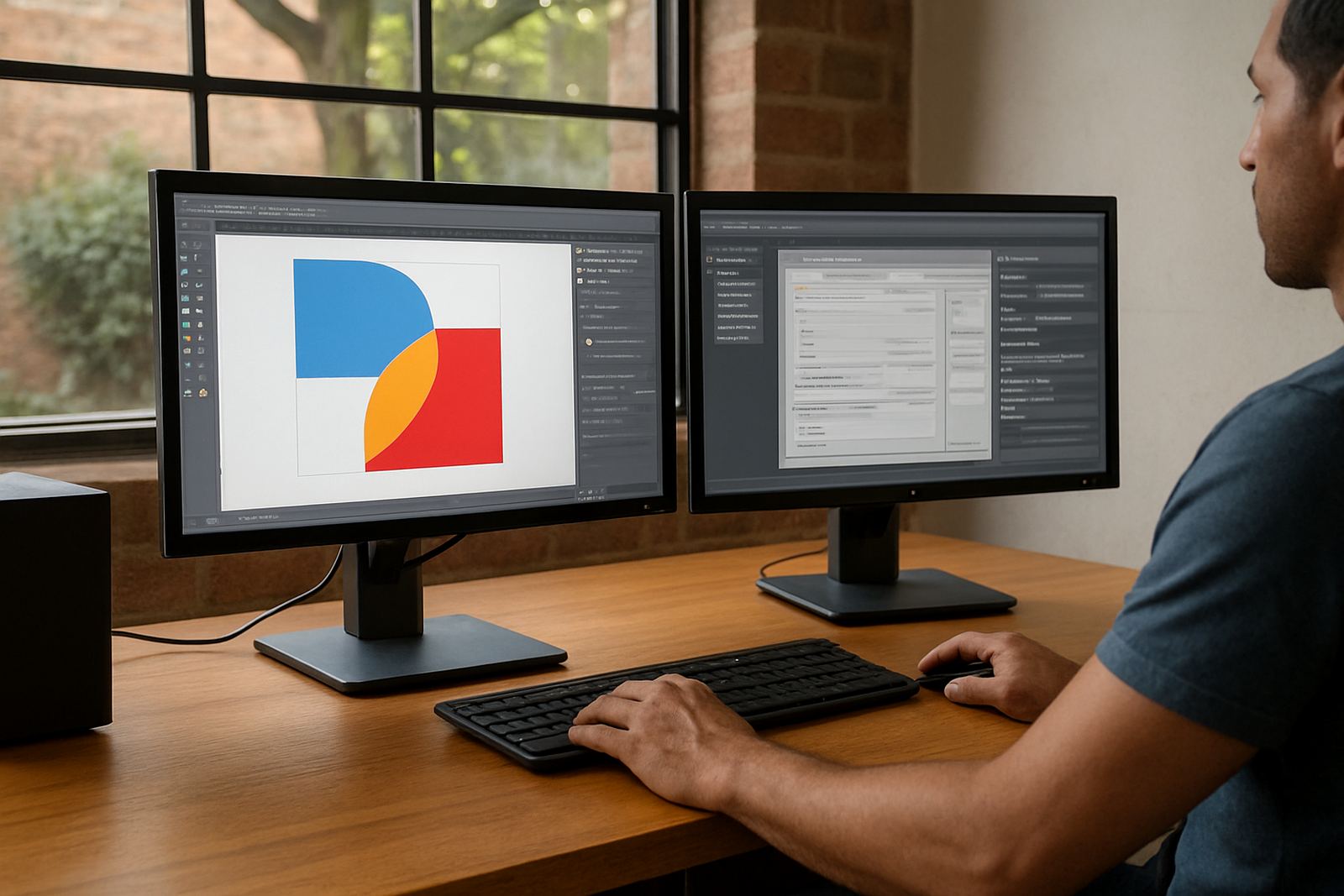
The Design and RIP Suite brings design tools and RIP control into one working setup for sign makers, print service providers and in-house production teams. It is built for daily work such as vehicle decals, shopfront signage, posters, contour cut vinyl, labels and short run print jobs. Instead of shifting files between separate programmes, your team can build artwork, send it to print, manage cut paths and set queues in a single process.
For businesses in Randburg, Johannesburg, Pretoria, Durban, Cape Town and Gqeberha, that matters when deadlines are tight and staff turnover means more than one person needs to handle the same job. The suite supports practical production habits, including repeat jobs, standard templates, colour matching and queue control for mixed media work.
- Layout and artwork preparation in one workflow
- RIP control for print output and production queues
- Vinyl cutter and contour cut support
- Useful for single machine studios and multi machine shops
What the suite handles in a busy print room
This product suits studios that need more than basic design. It covers common production tasks for sign shops that work with cutters, printers and finishing tables. It helps operators prepare files for output with fewer handovers, which is useful when one person designs in the morning and another person runs production later the same day.
It also works well for shops that need stronger control over colour and job tracking. If you are dealing with light box graphics, reflective film, wall branding, corflute boards or sticker batches, the suite gives you a clearer path from design to output. Where teams produce on different machines, the same file can be adjusted for each device and saved with the correct settings.
- Artwork layout and nesting for better media use
- Colour workflow tools for repeatable output
- Cutline and contour setup for cutters and print and cut jobs
- Queue management for mixed production runs
Sizes, seats and setup choices
The suite is supplied as a software package, so the main sizing choice is not physical size but how many workstations and users need access. Small studios often run one production PC at the cutter or printer bay, while larger shops in Gauteng or the coast may need a setup at the design station and another at the production counter. We help you plan the right licence count and workstation layout before installation.
For ordering, check whether you need a single seat for one operator, a shared production seat or a wider setup for training and support. If your team runs more than one device, note the make-up of the room, the number of printers and cutters, and whether you need remote support after hours. That helps avoid delays during setup and reduces rework later.
- Single workstation or multi workstation options
- Suitable for one cutter or several print and cut devices
- Can be matched to classroom training or shop floor use
- Licence planning available before activation
Installation, power and site checks before activation
Installation is straightforward, but the work area still needs to be ready. The computer should have stable power, a current operating system and enough space for design files, spool files and proof images. If you are in an area with load-shedding or unstable supply, a UPS and surge protection are strongly advised. Production stops quickly when a queue is lost during a power cut, especially on long runs or overnight output.
There is no gas requirement for this product, but you should plan for reliable electricity, internet for activation and a clean, dust controlled workstation. In coastal towns, moisture can affect computers, cutters and stored media, so a dry room and covered storage are worthwhile. We also help with cutter communication, driver checks and queue testing so the first live job does not become a trial run.
- Stable power supply and surge protection recommended
- UPS advised where load-shedding affects production
- Internet needed for licence activation and updates
- Clean, dry work area with enough storage for media and files
Colour management and cutter setup that hold up in production
Colour consistency is one of the first things sign shops ask for, especially when a client wants the same red on a reprint or a corporate blue across several branches. This suite includes colour workflow tools that help operators keep settings repeatable. That is important when a job starts on one day and finishes on another, or when different staff members are taking turns on the same production line.
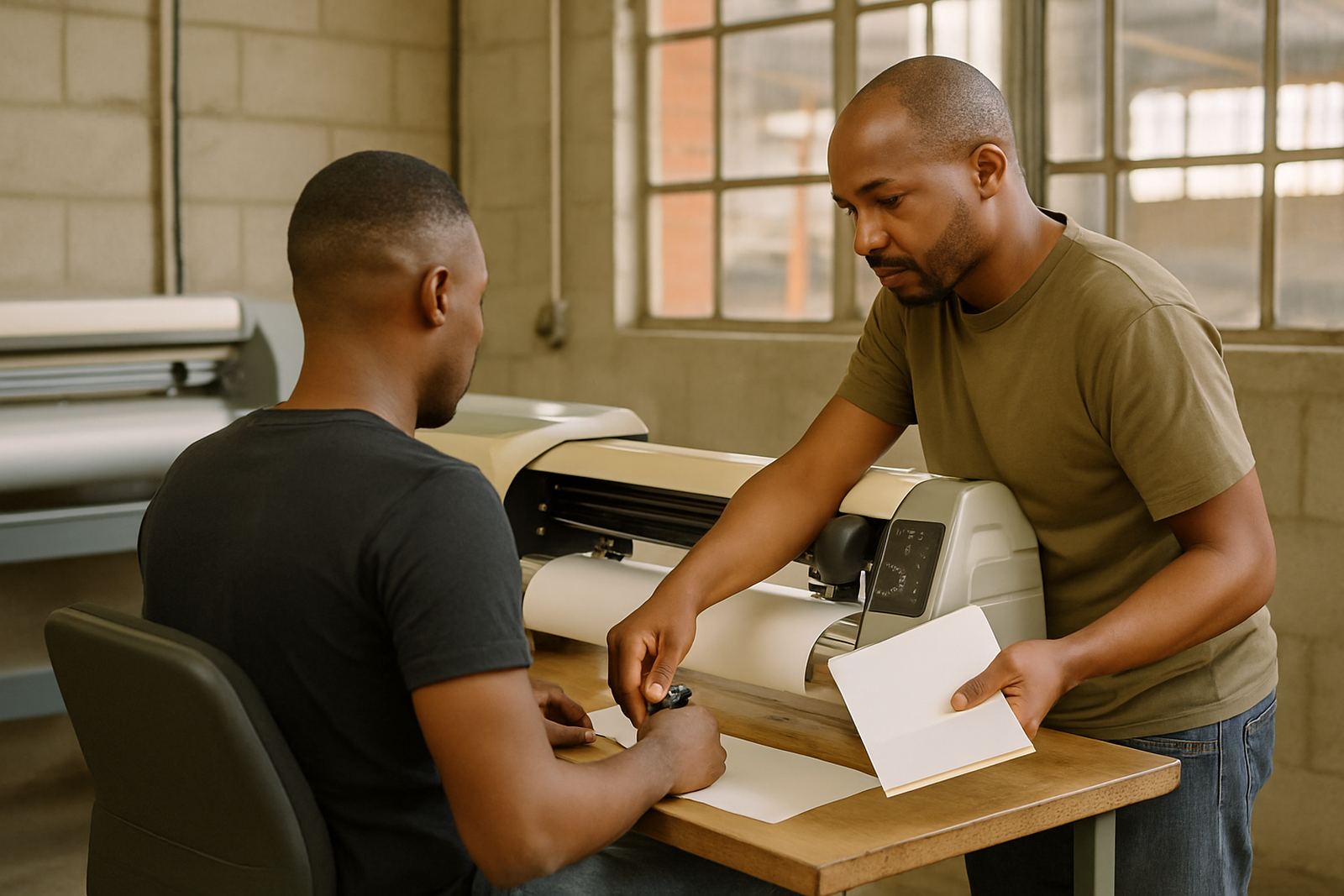
Cutter setup also matters. If a machine is not reading marks properly or cut paths are offset, the job wastes vinyl and time. We help with blade offset checks, contour cut alignment, media settings and queue optimisation so the cutter is not slowing down print throughput. For shops in Midrand, Centurion and the wider Johannesburg area, that can make the difference between same day handover and a missed collection time.
- Repeatable colour workflow for reprints and brand work
- Cutter communication and contour cut setup
- Queue settings for faster throughput
- Useful for vinyl, print and cut, and short run production
Maintenance, support and points to confirm before you order
Like any production software, the suite works best when it is kept current and the workstation is maintained. Back up job files, profiles and presets regularly. Keep the computer free of unused software, update drivers when needed and make sure the operator knows where to find saved templates and queue settings. A tidy file structure saves time when jobs need to be reprinted months later.
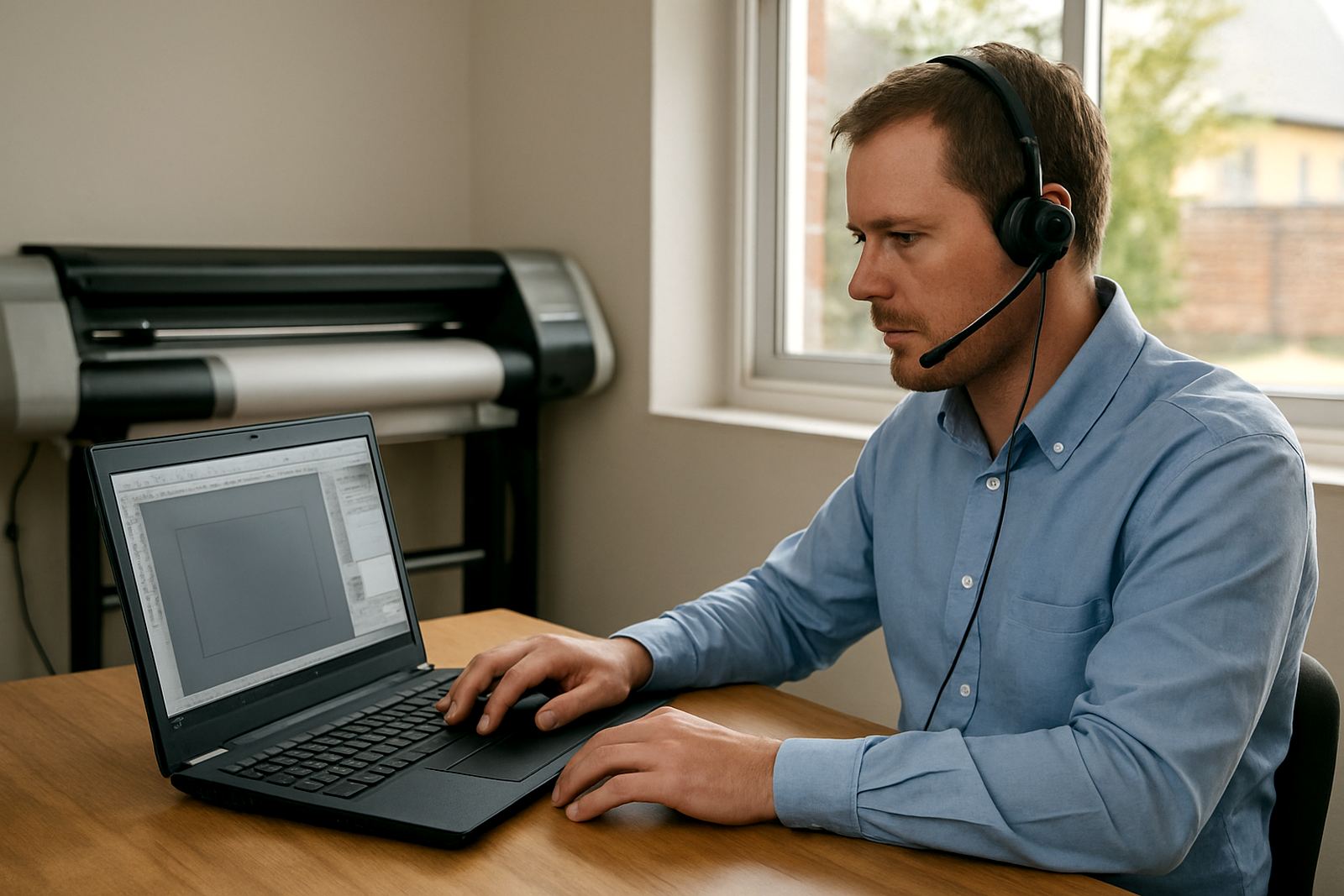
Before ordering, check the operating system on the production PC, the cutter and printer models in use, whether you need onsite training or remote support, and how many people will be working on the system. If a new staff member is joining soon, it is worth planning induction at the same time as installation. That way the team learns the same steps from the start and the shop avoids mixed habits.
- Confirm operating system and computer spec before activation
- List all printers, cutters and output devices in use
- Decide on remote support, onsite training or both
- Plan backups for profiles, templates and queue settings
Key facts
| Product type | Combined design and RIP software suite |
|---|---|
| Primary use | Artwork preparation, print output, cutter setup and queue control |
| Licence format | Single seat or multi workstation options |
| Training | Remote support, onsite training and Randburg class training |
| Support areas | Randburg, Johannesburg, Pretoria, Durban, Cape Town, Gqeberha, Midrand and Centurion |
| Power need | Standard office power, with UPS and surge protection recommended where load-shedding is common |