Built for daily wide format print and cut work
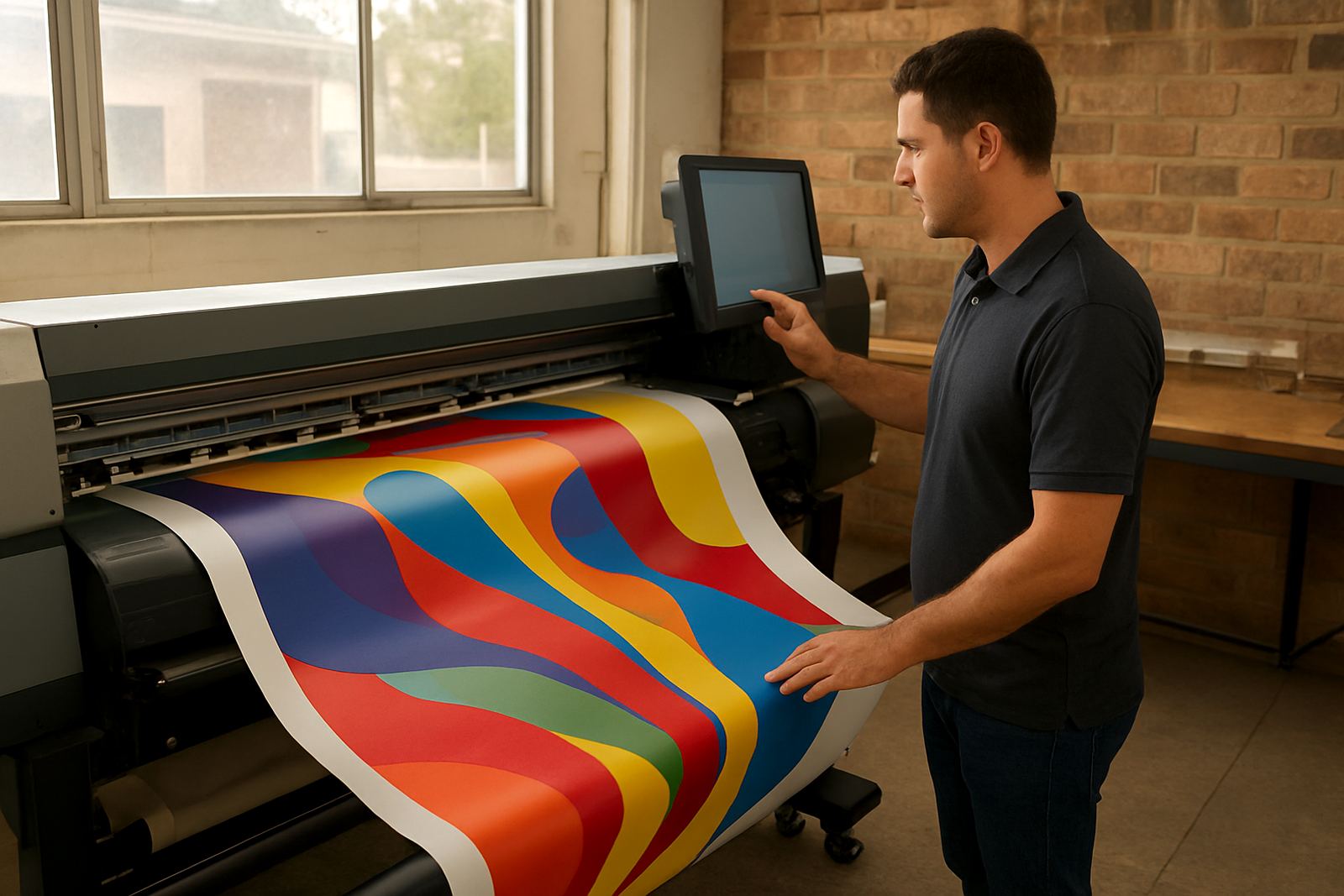
Wide Format RIP is used to prepare artwork for large-format production where speed, repeat jobs and colour control matter. It helps turn supplied files into cleaner print output, more organised queues and better cutter handoff, which is useful when your team is balancing banners, posters, decals, window graphics and exhibition graphics in the same day.
For South African print shops, that usually means handling jobs across different substrates, from self-adhesive vinyl and solvent media to coated poster stock and banner material. A good RIP setup keeps production moving even when staff changes, load-shedding hits, or a client sends artwork in odd sizes late in the afternoon.
We support shops in Randburg, Johannesburg, Pretoria, Durban, Cape Town and Gqeberha, with remote help and onsite visits where needed. If you are setting up a new printer, adding a cutter or trying to reduce reprints, the workflow can be tuned around your actual output, not a generic setting sheet.
- Suited to banner, decal, poster and signage production
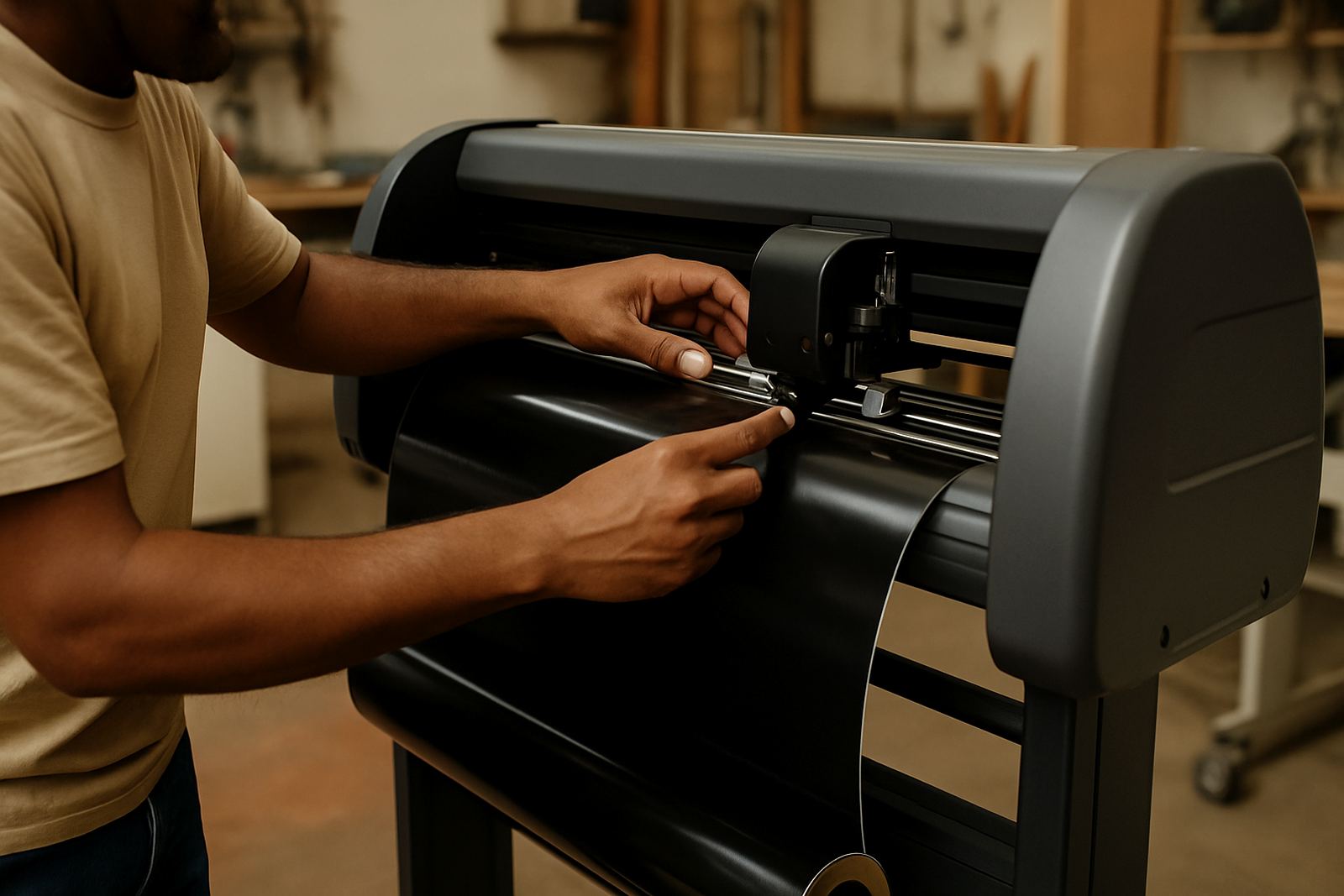
- Supports print and cut workflows for vinyl cutters
- Useful for new shops and established production teams
What the RIP handles in a busy production room
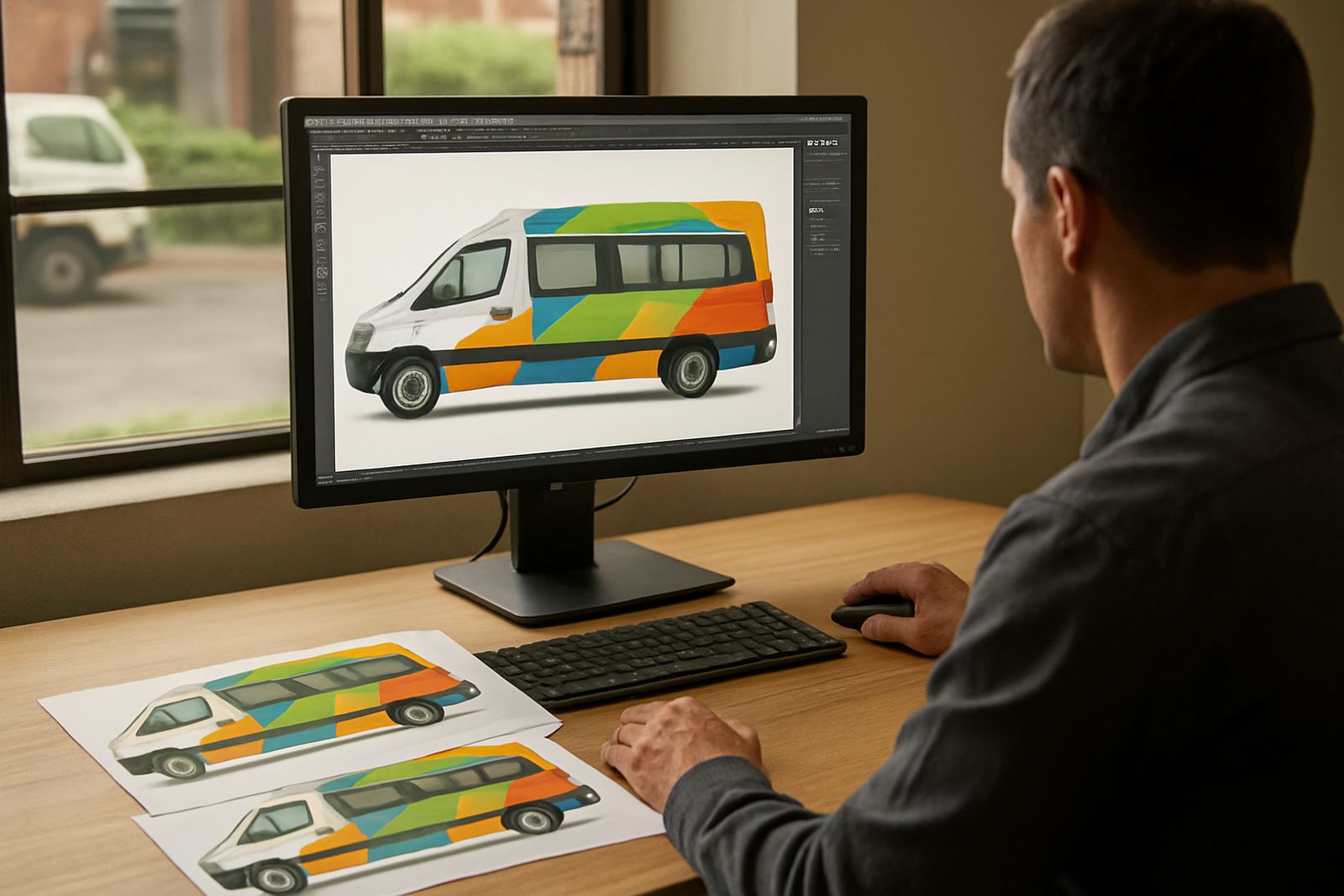
The software is used to process files before they go to the printer or cutter. That includes colour conversion, nesting, tiling, scaling, queue control and spot colour handling where the job calls for it. If a shop prints a lot of repeat work, the saved presets can cut setup time and reduce operator mistakes.
It also helps when output needs to match across different devices. One machine may be used for short-run stickers, another for posters and a third for contour cut vinyl. With the right workflow setup, the team can keep profiles and job settings clear enough that the next person can pick up the job without guessing.
Common production uses include:
- Banner production for shop fronts, events and promotions
- Poster printing for indoor displays and retail campaigns
- Decal and sticker work with cut lines and contour finishing
- Signage and panel graphics where consistent colour matters
Sizes, device options and workflow setup
Wide Format RIP is normally installed on a Windows-based production computer with enough processing power to manage large files and multiple queues. The exact setup depends on your printer size, cutter model and the volume of work you produce. Smaller shops may only need one workstation, while busier shops often prefer a dedicated production PC so the operator is not interrupting layout or admin work.
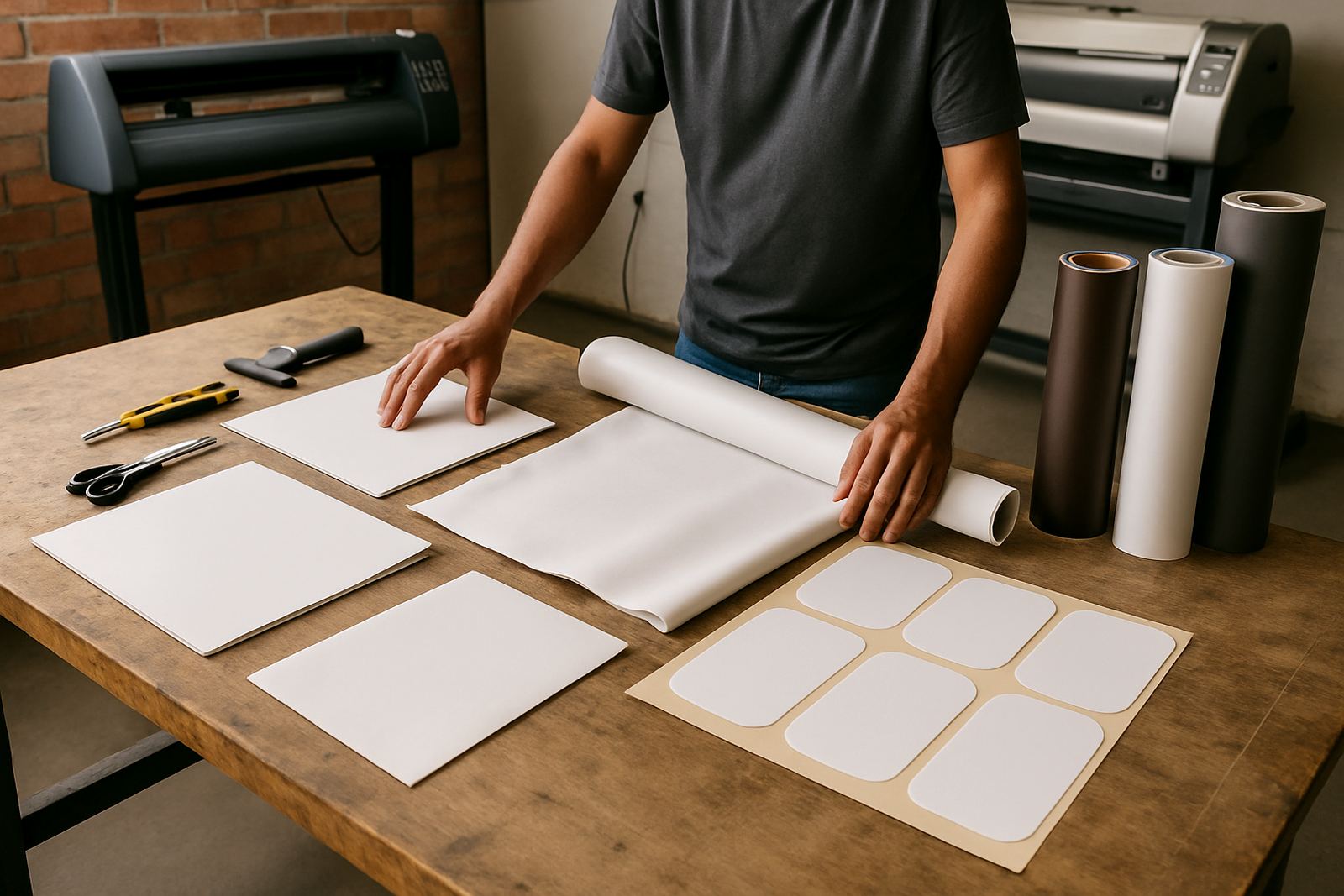
For wide format devices, the main concern is not just the printer width but the way media is handled and sent through the queue. Shops working with 1.3 m, 1.6 m or wider systems usually benefit from a structured setup that keeps media presets, job nesting and cutting marks tidy. If you are handling mixed work from A3 posters to full-width banners, we can help separate those jobs properly.
- Single-workstation or dedicated production computer setups
- Supports mixed print and cut workflows
- Good fit for shops running small runs and repeat orders
- Can be planned around office, workshop or print room layouts
Installation, power needs and what the room should allow
Installation is usually straightforward, but the room should be ready before the software is loaded. A stable computer, a licensed operating system, enough free storage and a reliable network path to the printer or cutter all help. For remote sites, we can also assist with licence activation and queue setup so the operator can start sooner.
Power should be clean and consistent. In South Africa that means planning around load-shedding and voltage dips. A UPS and proper surge protection are strongly recommended, especially where a production PC is used all day. The RIP itself does not need gas or any special utility, only proper electrical supply and a controlled work area with enough ventilation for the printer environment.
Before installation, check the following:
- Computer meets the software requirements
- Printer and cutter drivers are available and compatible
- UPS or backup power is in place for outages
- Space is available for a monitor, keyboard and production access
- Internet access is available for activation, updates and support
Care, servicing and keeping colour under control
A RIP package works best when it is checked regularly. Profiles can drift, operators can change, and media stock often changes from one month to the next. If the shop is printing on coated paper this week and banner vinyl next week, the settings need review so output stays predictable.
Our support team helps with workflow setup, colour management, RIP queue optimising and cutter setup help. That can include new staff induction too, which is important when a busy shop changes hands or adds a second shift. If you are on the coast, dust and humidity can affect media handling and print room consistency, so we often recommend practical housekeeping steps as part of the support plan.
- Review profiles when changing media or ink sets
- Keep job presets named clearly for fast recall
- Back up configurations after major changes
- Plan annual support checks before peak season
Ordering checks for a smooth fit
When ordering Wide Format RIP, check the printer and cutter models, the number of users, and whether you need print-only, print-and-cut or full workflow control. It also helps to know how many jobs are run per day and whether your team needs remote support, onsite training or class training in Randburg.
If you are upgrading from an older setup, bring the current hardware list and a few sample files. That lets us see whether the issue is licensing, queue settings, colour handling or a simple driver mismatch. The better the information upfront, the less time is lost after installation.
Useful details to have ready:
- Printer and cutter model details
- Operating system and computer specs
- Typical media sizes and job volume
- Whether you need installation, training or annual support
Key facts
| Product type | Wide format RIP software for print and cut production |
|---|---|
| Primary use | Banners, posters, decals and large-format output |
| Supported workflow | Print-only and print-and-cut setups |
| Training options | Remote support, onsite training and Randburg class training |
| Power requirement | Standard mains power with UPS recommended |
| Best fit | Sign shops, print service providers and vinyl cutter operators |