When garment transfer work starts slowing the shop down
If you are printing transfer film for T-shirts, sportswear, workwear or promo garments, the pressure usually starts with waste. Jobs come in as mixed sizes, short runs, rush orders and repeat reprints, and suddenly the RIP queue is full while the cutter and press sit waiting. For shops in Johannesburg, Durban, Cape Town and Gqeberha, that kind of delay is expensive because every extra minute affects labour, heat press time and delivery promises.
FlexiSIGN Studio helps sign shops and print service providers set up RIP workflows that suit garment transfer production. That includes cleaner file preparation, better colour handling, faster gang-sheet building and printer output that matches the job ticket. Whether you are running a compact setup in Randburg or sending artwork to multiple branches, the aim is the same: fewer errors, less rework, and predictable production.
- Short-run transfer jobs with mixed artwork sizes
- Daily print queues that need better order and fewer pauses
- Teams that need a repeatable process for each job
Typical equipment in a transfer print setup
A garment transfer printer setup can be simple or quite busy, but most shops use the same core pieces. The RIP software sits between the artwork file and the printer, managing colour output, nesting, white ink steps where needed, and cutting or contour prep if the job needs it. In many South African print rooms, the equipment also needs to cope with dust, power cuts, and coastal humidity, so the workflow has to stay dependable even when conditions are not ideal.
- Large-format printer for transfer film or direct transfer media
- Vinyl cutter or print-and-cut cutter for contour work
- Heat press for garment application
- RIP workstation with enough memory for larger gang sheets
- Basic colour tools for profile checks and repeat jobs
We often help with installation, licence activation, cutter setup help and workflow setup. If your operator is also handling artwork prep, colour work and production scheduling, the software needs to be arranged so the job moves cleanly from design to print without constant manual correction.
Gang-sheet planning that keeps film usage under control
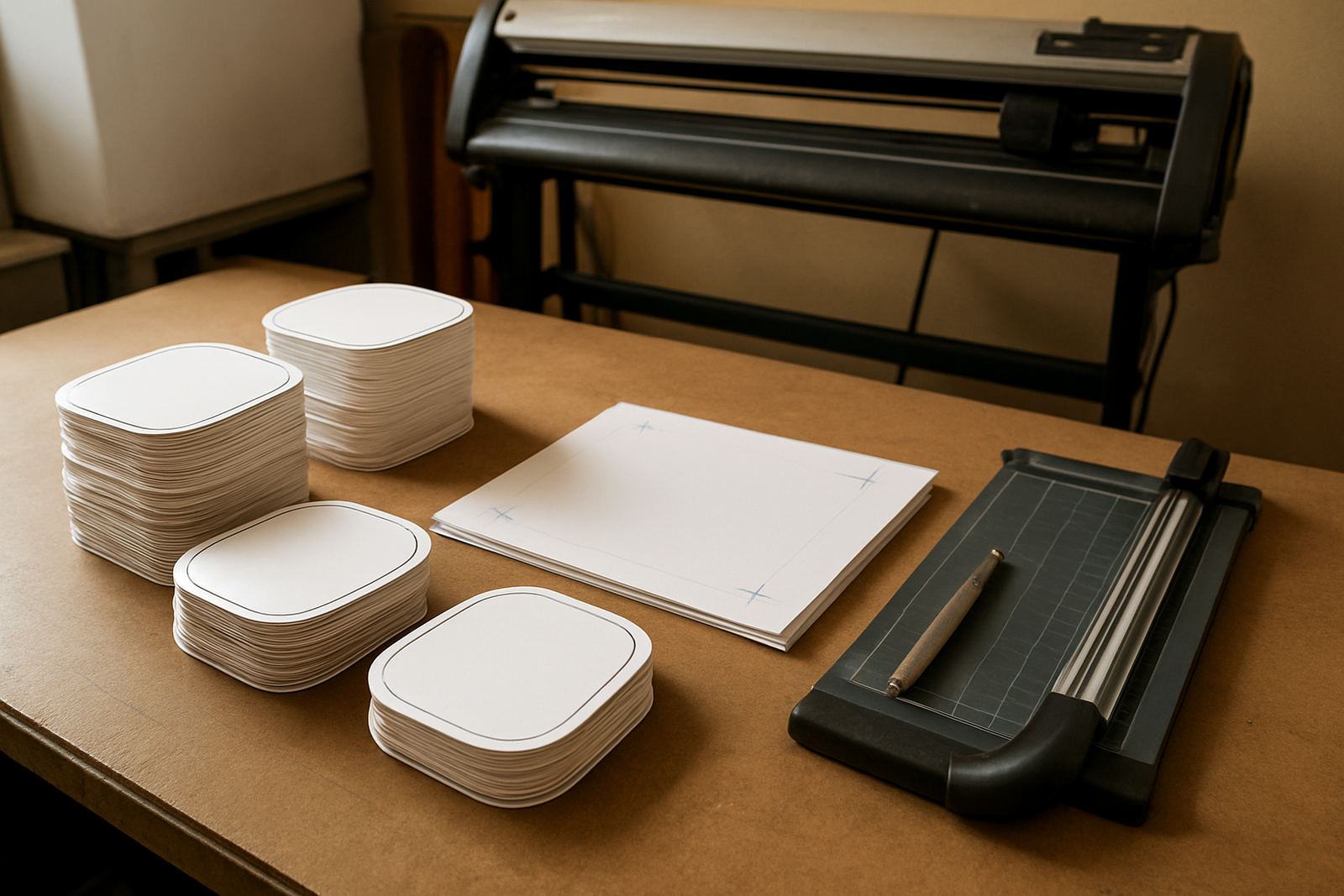
Gang-sheet layout is where many garment transfer shops lose money. A few millimetres of poor spacing, a missed trim line or an awkward rotation can burn through expensive film. Good planning means placing artwork to use the full width of the media, keeping safe margins for cutting, and grouping similar orders so the press operator can work faster.
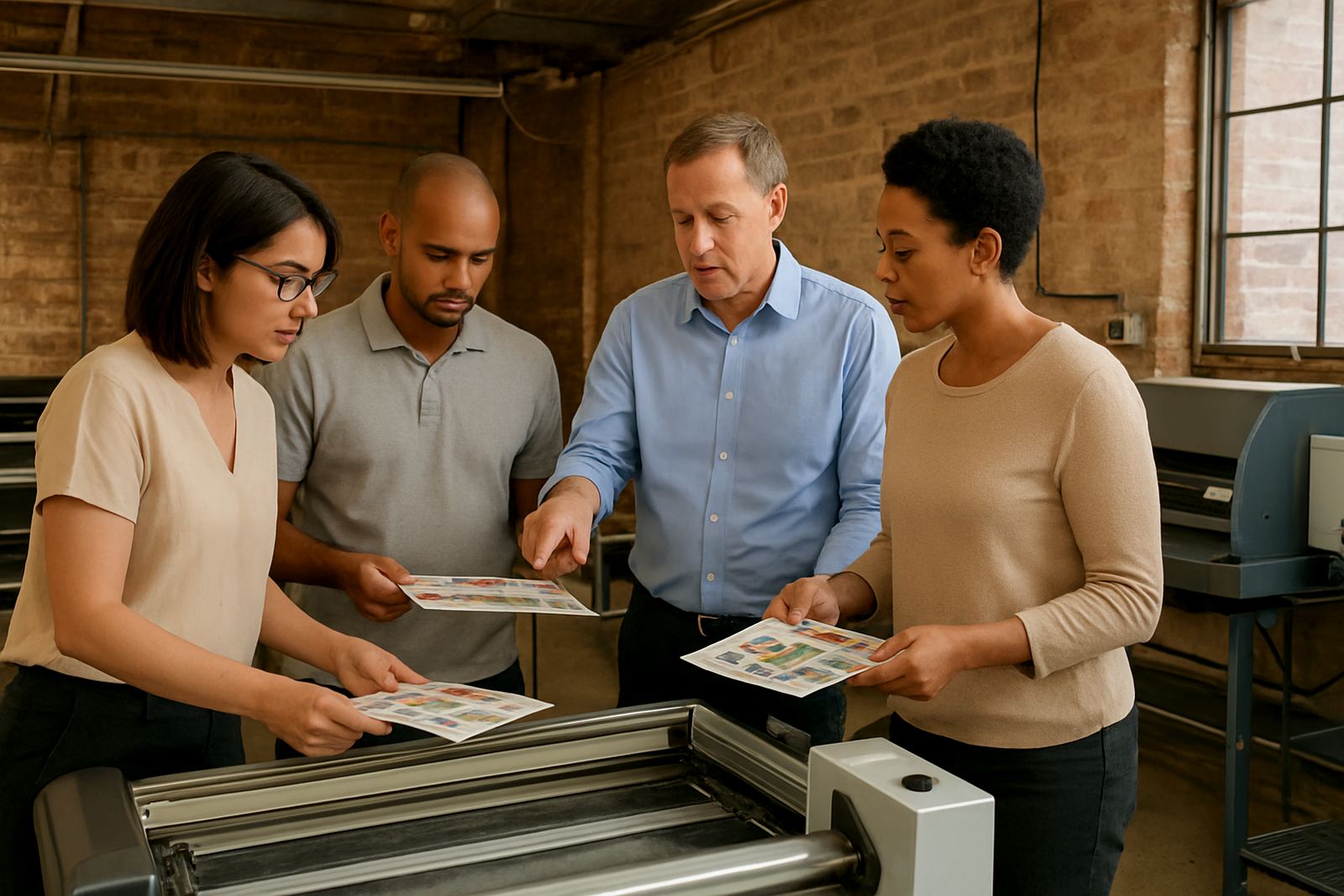
For transfer film production, we normally look at sheet width, artwork size, bleed, cut marks and the way jobs are handed over from sales to production. If your team is printing DTF, sublimation transfers or other film-based jobs, the RIP queue should be organised by media type and urgency not by whatever arrived first in the inbox.
- Use consistent margins so cutters and trimmers are not guessing
- Group artwork by garment size or client before sending to print
- Keep repeat logos and standard prints saved as production templates
- Check every sheet for wasted gaps before committing to print
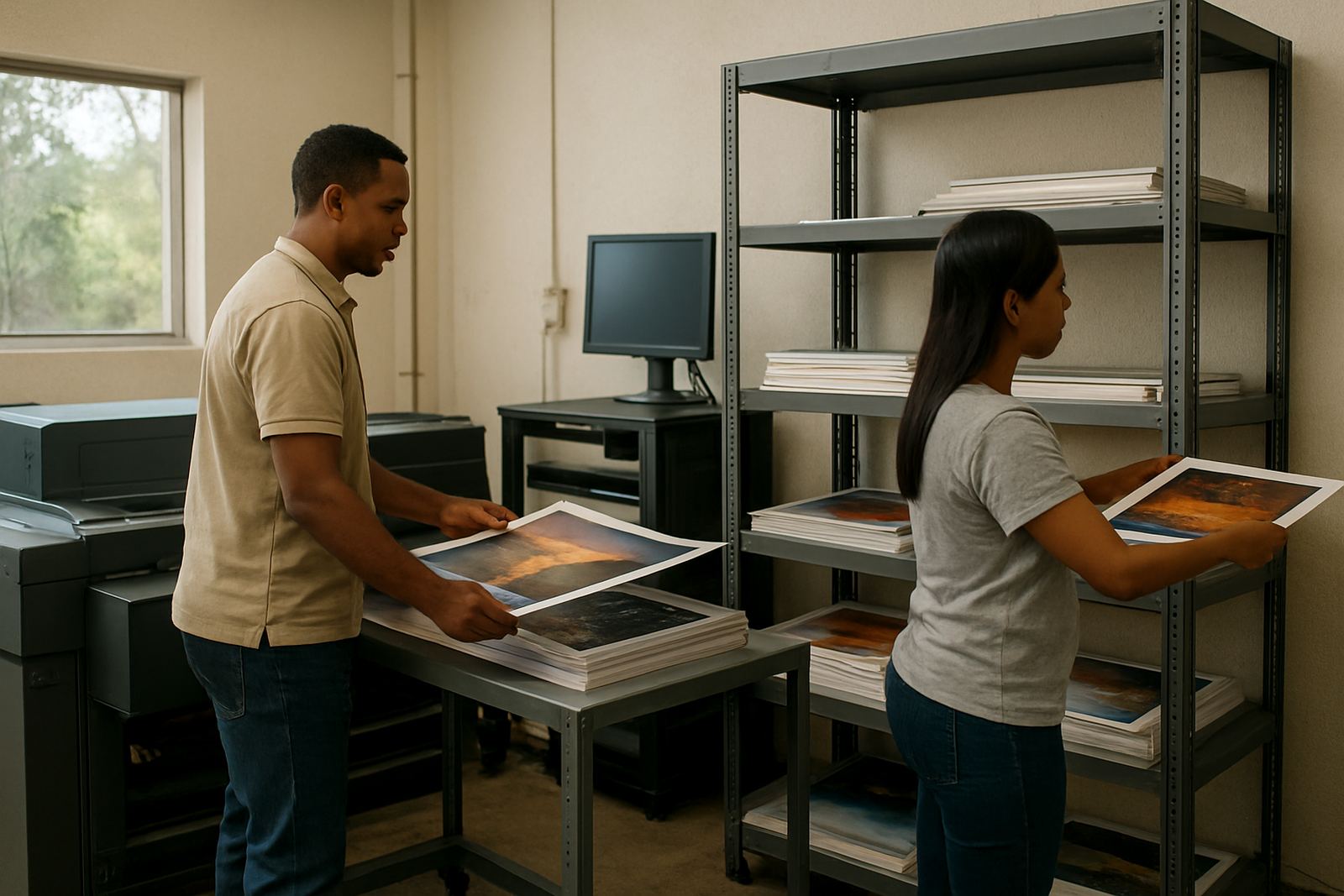
For shops handling many small jobs each day, a better gang-sheet structure can save a noticeable amount of film over a month. Even a small reduction in waste matters when margins are tight.
Colour control for garments that must match the brief
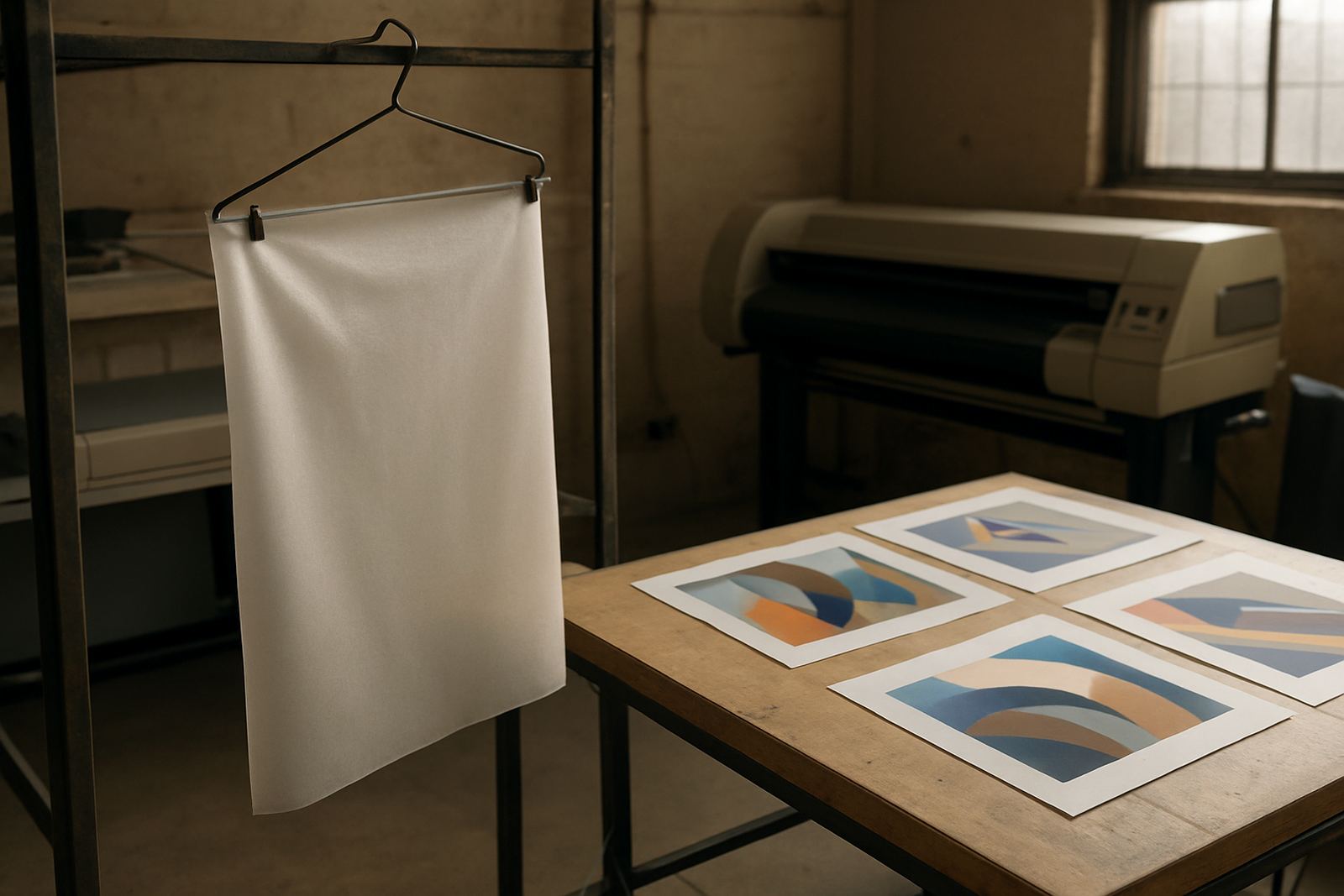
Garment buyers usually notice colour problems immediately. A navy logo that prints purple, a red that looks flat, or a skin tone that shifts from one batch to the next can lead to complaints and reprints. That is why colour management matters in transfer printing, especially when the same artwork is produced in different branches or on different printers.
We assist with colour management, workflow setup and RIP queue optimisation so the same file outputs with less variation. If your shop prints for schools, sports clubs, events or corporate wear, the colour should be close to the approved sample and stay close over time. Coastal moisture in Durban or Gqeberha can affect handling too, so the full process needs a bit of discipline from file to finish.
- Standardise your printer settings for common media types
- Keep named presets for repeat customer jobs
- Use one approved output process for each printer model
- Record the settings used for urgent reprints
When the workflow is set correctly, your team spends less time tweaking and more time producing. That matters in busy months and during load-shedding periods when every productive hour counts.
Common mistakes we see in transfer print rooms
A lot of production problems come from small habits that build up. Operators save files with the wrong preset, cut paths are not checked, or the RIP queue is left in a messy order. By the time the press team notices, the sheet is already printed and the film is wasted. We see this often in shops that have grown quickly and taken on more staff without a clear induction process.
Annual support planning can help, especially where a team uses the software every day but only gets formal help when something breaks. New staff need simple rules for naming files, handling jobs and checking output. If the workflow is not written down, each operator invents their own method and the shop starts losing consistency.
- Printing without checking the media profile first
- Sending mixed jobs to the queue with no priority order
- Using the cutter before confirming alignment and offsets
- Skipping training for new operators during busy periods
These are the issues that usually show up first in garment transfer work. They are also the easiest to reduce once the RIP and cutter process is properly set up.
Budget ranges for garment transfer software and support
Most print shops want to know what kind of budget they should allow before they commit. The answer depends on how many printers you run, whether you need colour workflow setup, and if the team needs onsite training or remote support. A smaller single-printer setup will cost less than a multi-operator shop with cutters, multiple media profiles and branch support.
As a practical guide, South African shops often budget in stages. A basic setup for software installation and licence activation may start from about R3,500 to R8,000, depending on the job size and number of workstations. More complete workflow setup, cutter setup help and colour management can range from about R8,000 to R18,000. If you need onsite training, upgrade planning or a fuller annual support plan, the budget may sit from around R12,000 to R30,000 or more, based on travel, branch count and the depth of the training required.
For businesses in Midrand, Centurion, Johannesburg and Pretoria, we can plan visits and class training around production schedules. For Durban, Cape Town and Gqeberha, remote support is often the first step, then onsite work where needed. That makes it easier to keep the shop running while the system is improved.