Why refresher training beats waiting for a breakdown
Most sign shops do not lose time on one big failure. They lose it in small repeat problems, a wrong RIP preset here, a cutter offset there, or a colour mismatch that needs three reprints before it is accepted. In Pretoria, where many teams are balancing walk in work, municipal notices, vehicle graphics and short lead times, those delays add up quickly.
Refresher training works because it is planned around real production, not panic. Instead of calling for help only when something goes wrong, the team revisits the same tasks on a schedule and tightens the workflow before mistakes become habit. That is especially useful when staff rotate between design, printing and finishing, or when a senior operator is away and the rest of the team must keep jobs moving.
For many print rooms, a short session every quarter is enough to keep the basics sharp. It helps operators remember how profiles are set, how cut paths are checked, and how to keep queue settings neat when a load-shedding interruption forces equipment to restart in the middle of the day.
What Pretoria teams should cover in a training routine
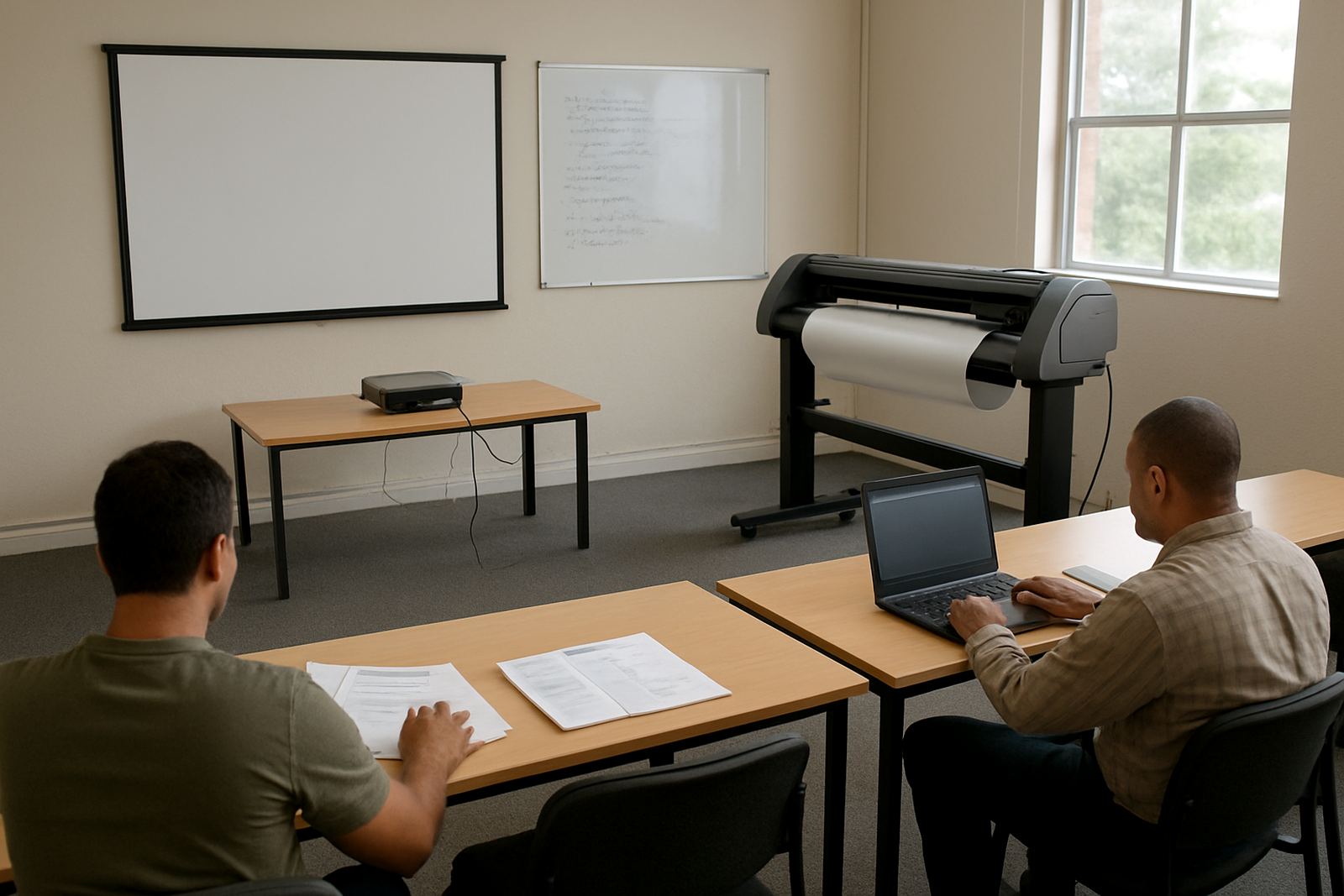
A good refresher session should be practical and tied to the actual machines and job types in the shop. If your team mostly handles vinyl cutting, the focus should differ from a team doing wide format print and cut work or full vehicle branding.
- Licence activation checks and software access for all workstations
- RIP queue setup for daily jobs and urgent reprints
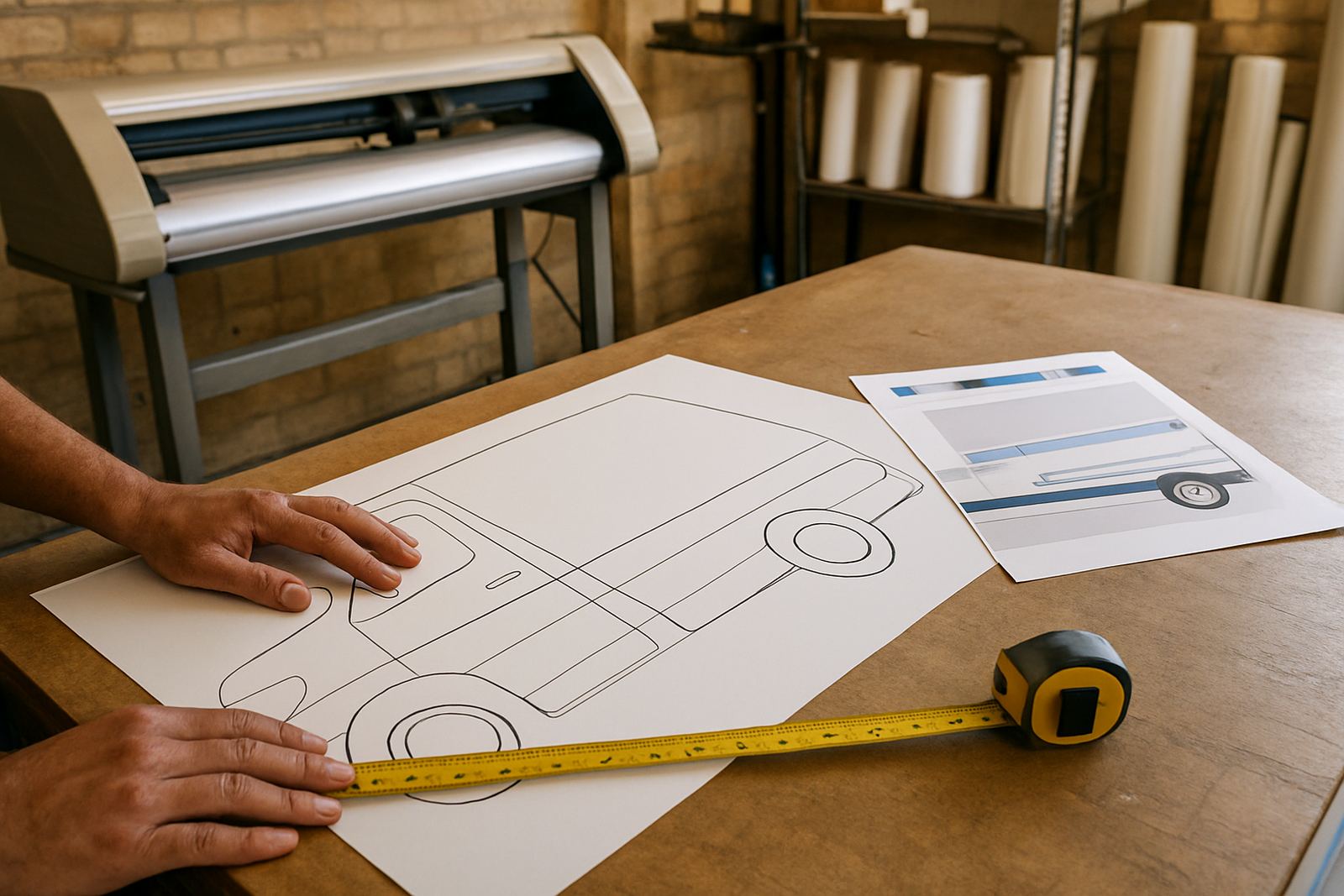
- Cutter setup help, blade offset and contour cut alignment
- Colour management for repeat jobs and multiple substrates
- Workflow setup for quote to print to finish handover
- Upgrade planning before older systems become a bottleneck
- New staff induction for operators who need quick, repeatable steps
The point is not to cover everything in one sitting. The point is to revisit the tasks that cause delays in your own shop. A proper routine also helps identify whether the issue is software, operator habit or machine setup, which saves money and prevents blame from moving in circles.
A local example from Pretoria East
A mid sized shop in Pretoria East may start the week with municipal signage, school banners and a rush of short run vinyl work. By Wednesday, the cutter is backing up because the same contour cut file is being adjusted by different staff members. The print side is also reworking colour because each operator is using a slightly different queue preset.
After a scheduled refresher, the team can agree on one file naming method, one output preset for common media, and one check process before sending a job to the cutter. That means fewer wasted metres, fewer reprints and less time spent trying to work out who changed what. It also makes it easier for a manager to step in when the shop gets busy, because the process is documented and followed the same way each time.
This is where training has a practical return. The session is not about theory for its own sake. It is about getting the same result on Monday morning as you got on Friday afternoon, even if the team member handling the job has changed.
How recurring support reduces load-shedding disruption
Load-shedding and power flickers are a fact of life for many Pretoria workshops. When a computer restarts, colour settings, print queues and cutter communication can shift if the shop has no routine for checking them. That is why refresher sessions should include recovery steps, not only production steps.
Teams that train regularly are usually faster at restarting after an outage because they already know what to verify first. They know which profiles to confirm, how to clear a stalled queue, and how to test output before a full run starts. The result is less panic and fewer mixed batches that cannot be matched later.
- Check power-up order for computer, printer and cutter
- Verify queue settings after restart
- Print a small test strip before running a full job
- Confirm cutter communication and media alignment
- Record any changes to settings so the next operator can follow them
That kind of discipline matters most when the day is already crowded. A lost hour after a power interruption can turn into a missed delivery, so a refresher routine is really a time saving tool.
Training routines that suit mixed skill levels
Many Pretoria shops have a mix of experienced operators and newer staff. One person may know the software well but struggle with cutter setup. Another may handle colour work confidently but not understand the RIP queue. A scheduled session lets everyone move one level higher without stopping production for a full day.
Short, focused training also helps with staff turnover. If one experienced operator leaves, the shop does not lose all its know how at once. The remaining team already has a shared method for daily setup, job handover and support calls. That means less dependency on one person, which is a safer position for any busy print provider.
For many businesses, a sensible rhythm is a morning session for the technical team and a separate follow up for sales or admin staff who need to understand file requirements, turnaround times and common production limits. That way the whole business speaks the same language when a customer asks for a rush order.
When to book the next session
A refresher should be booked before problems start stacking up. The best times are after a new machine is installed, when software is upgraded, after a busy seasonal period, or when more than one person begins giving different instructions on the same workflow. If jobs are being remade or colour is drifting from batch to batch, it is time to review the process.
Pretoria businesses often find that a quarterly schedule is enough for steady shops, while busier teams benefit from monthly touch points on specific issues such as cutter setup or colour management. The key is consistency. One good session is useful, but a planned routine is what keeps the gains in place.
FlexiSIGN Studio supports sign makers, graphic designers and print service providers from Randburg into Pretoria and across South Africa with software installation, licence activation, onsite training, remote support and annual support planning. The goal is simple: keep the job flow clear, the output predictable and the team ready for the next rush.