What Nesting Optimiser does for everyday sign work
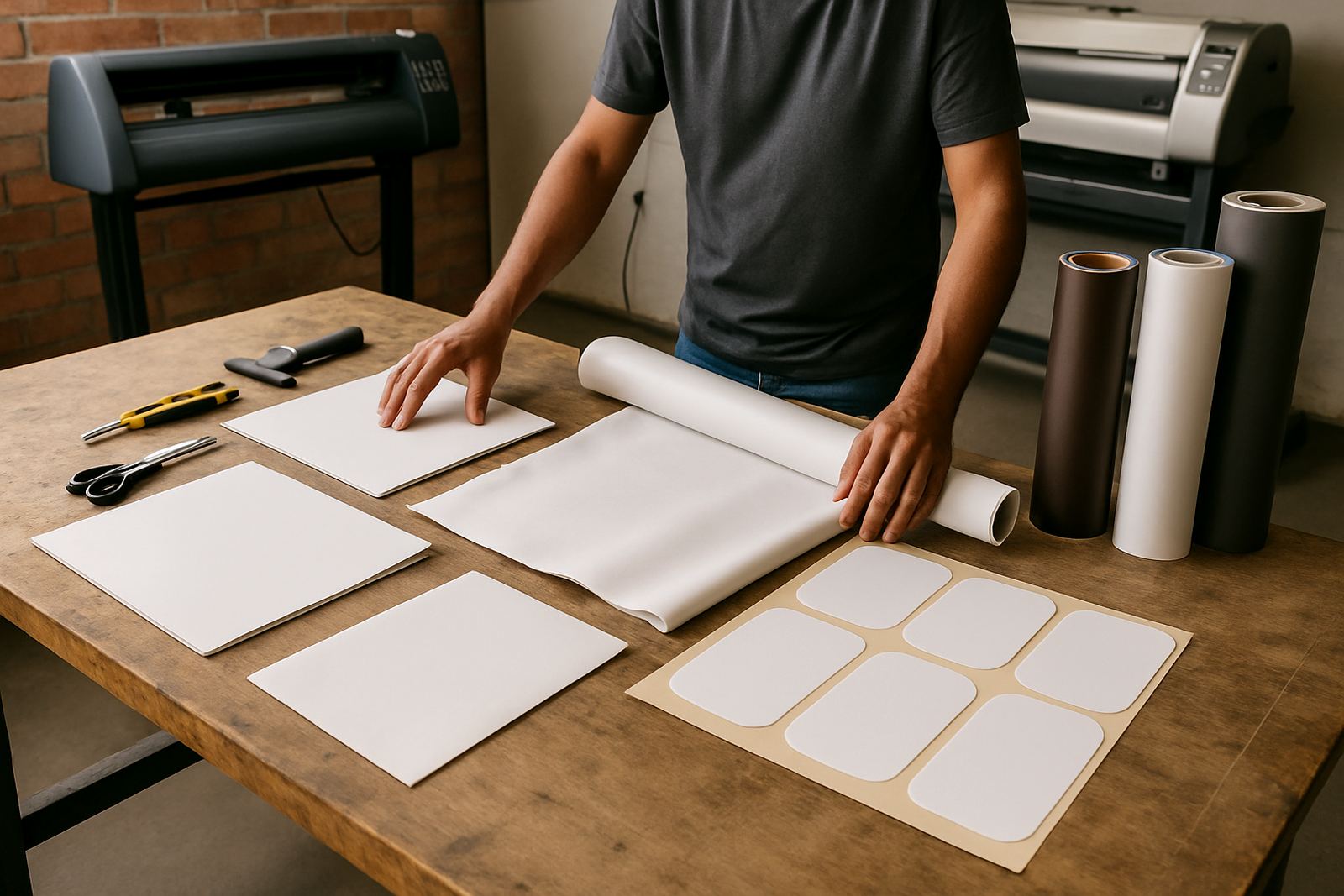
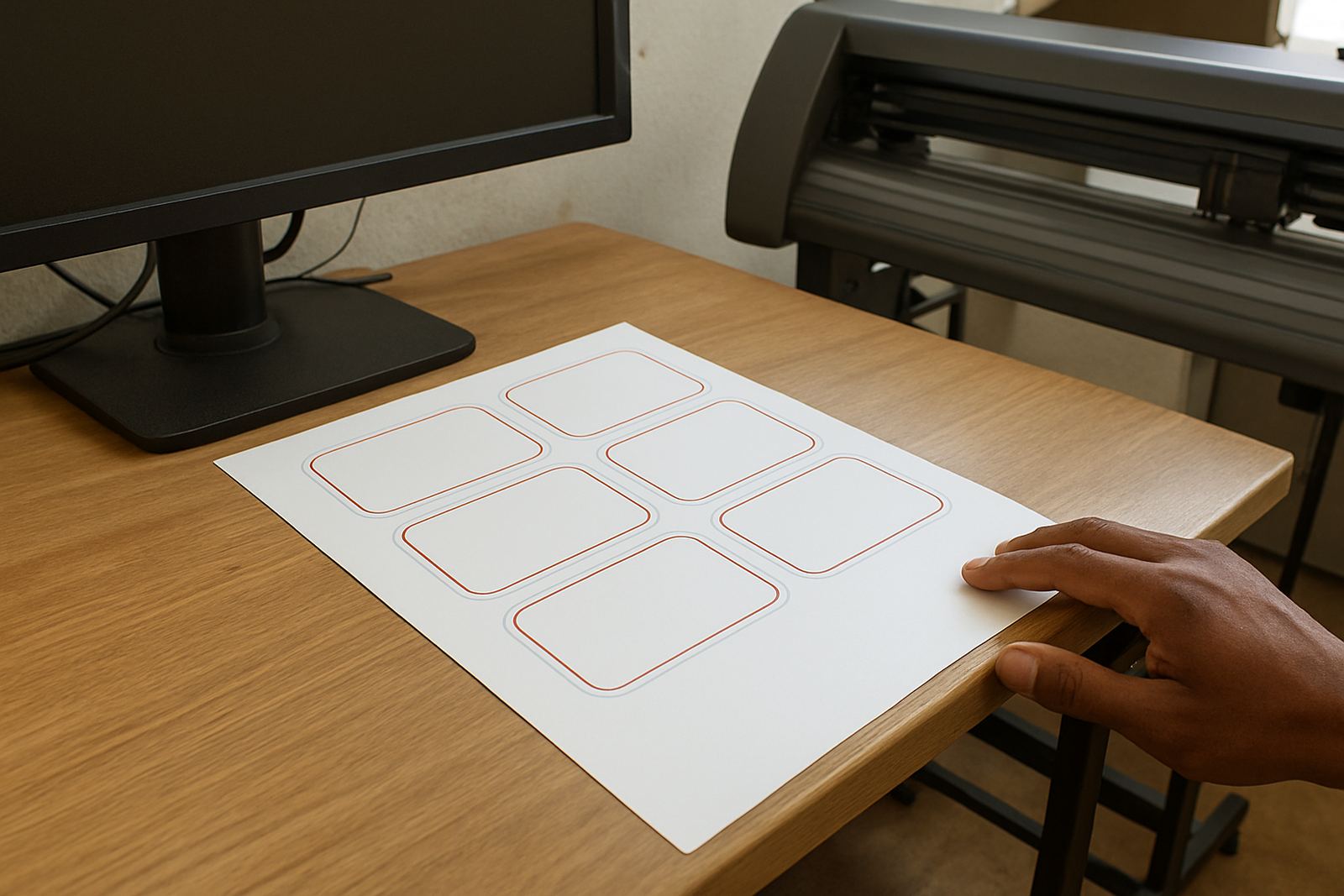
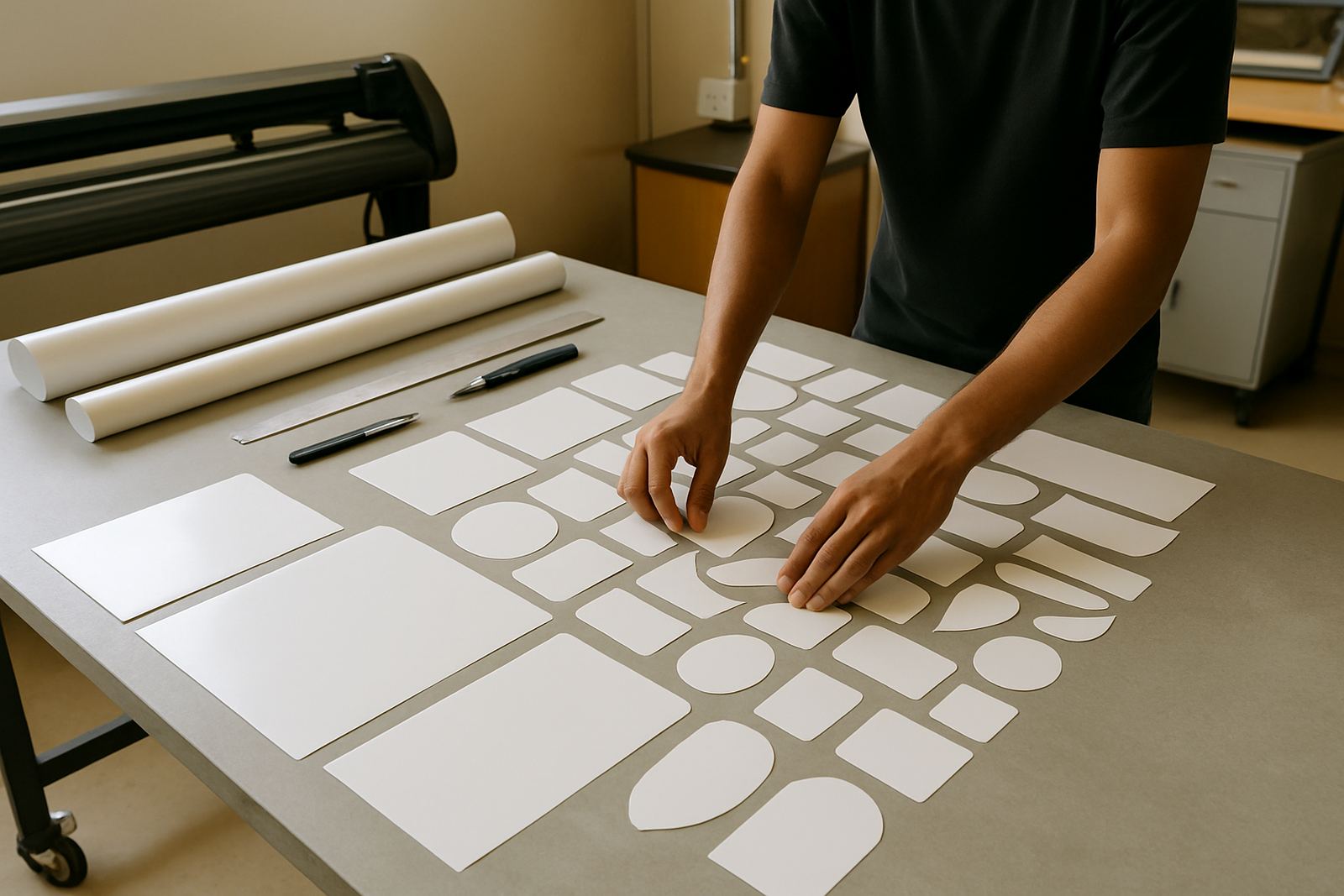
Nesting Optimiser is a production tool that arranges artwork automatically so more pieces fit into the available media area. It is useful for vinyl, board, label stock, ACM, acrylic offcuts and other flat materials used in South African sign shops. The aim is simple: use less material, keep cutting and routing time under control, and reduce the amount of hand laying out jobs before production.
For a shop in Randburg, Midrand, Pretoria or Durban, that can make a real difference when the week is full of small repeat jobs and urgent one-off orders. Instead of placing every shape by hand, the software calculates spacing, rotation and fit options for each batch. That helps when you are running multiple customer names, small decals, stencil parts or shopfitting pieces and you need cleaner sheet use with fewer gaps.
The software is also helpful when your team has different operators on different shifts. A saved nesting workflow gives the next person a clear starting point, so output stays more consistent even when staff change. That matters in busy periods, especially when load-shedding interrupts the day and you need to restart production quickly without wasting media.
Sizes, formats and the options worth checking
Nesting Optimiser is normally supplied as software only, so the main choice is not physical size but the licence scope and the production formats you need to support. Some shops only need nesting for flatbed sheets, while others need roll-based nesting for vinyl or print media. The right setup depends on your cutter size, printer width and the way your production team batches work.
Common options to confirm when ordering include:
- Single workstation or multi-user licence use
- Sheet nesting, roll nesting or both
- Basic spacing control or advanced fit rules
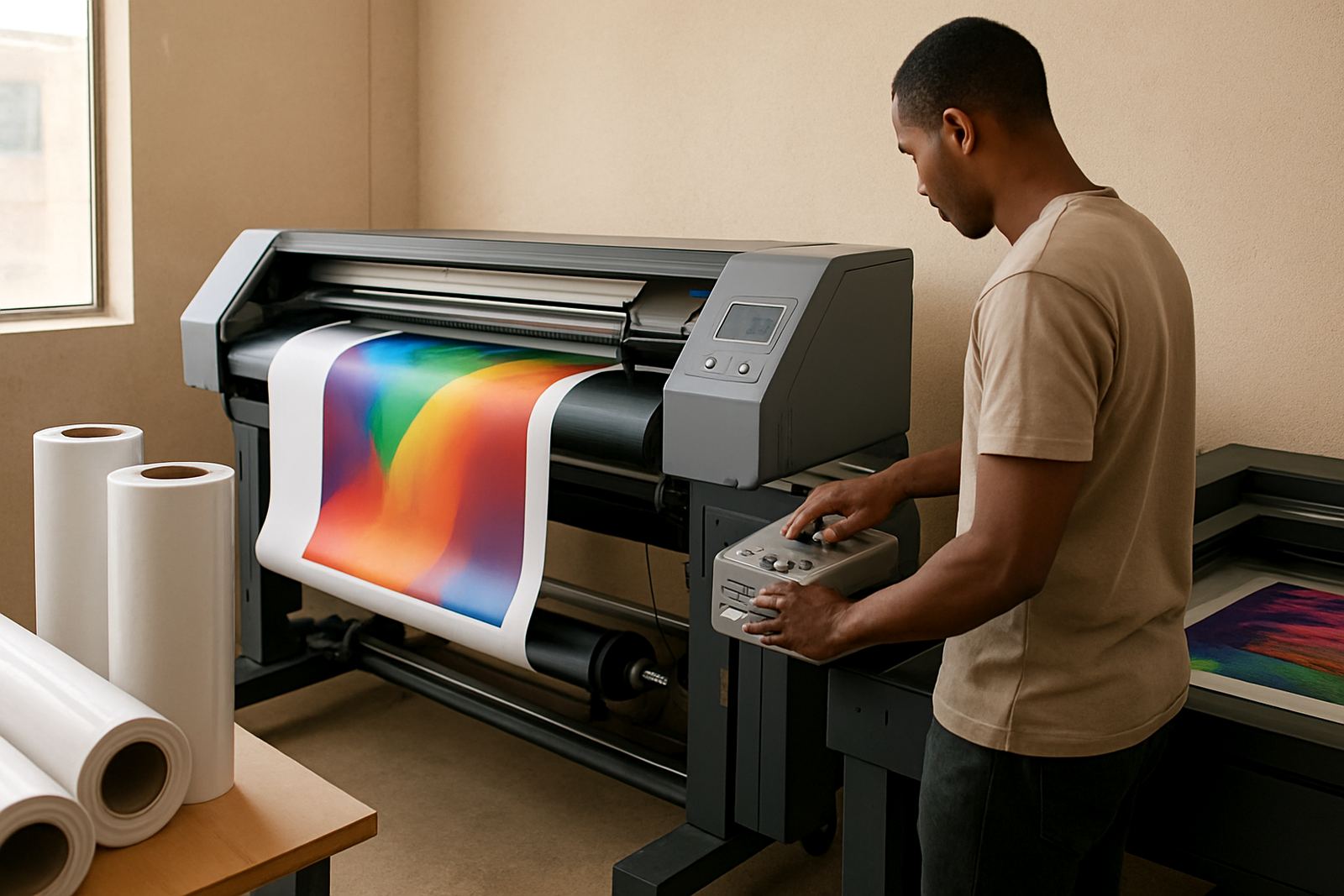
- Output to cutter queue, RIP queue or print-and-cut workflow
- Support for common design file types and production marks
- Manual override for special jobs and awkward shapes
For smaller shops in Centurion or Gqeberha, a focused setup may be enough if the main goal is to save media on standard jobs. Larger print service providers in Johannesburg, Cape Town and Durban often need a more flexible workflow with queue control, operator permissions and tighter integration with the rest of the production room. We help match the licence and setup to the way you actually work, not just what looks good on paper.
Where the software suits best
This product suits sign makers who cut a high volume of small parts, decals or repeats, and it also works well for print shops that run board and vinyl jobs in batches. It is especially practical where material costs are under pressure and every saved centimetre counts. Shops working with municipal signage, retail branding, estate notices, event graphics and vehicle accessory parts often see the quickest benefit.
It is a strong fit for environments that mix design, RIP and cutting in one production flow. If your team spends too much time dragging objects around the page or redoing layouts before every run, nesting software can remove a lot of that manual work. That means less operator fatigue and better use of labour on the floor.
We also see good results in shops that take in work from several branches or remote sales teams. A standard nesting setup helps keep production decisions consistent across Johannesburg Support, Pretoria Training, Durban Support and the other service areas we cover. When the same job type comes in again, your team can use a repeatable nesting method instead of starting from scratch each time.
- Vinyl cutter operators
- Flatbed print and cut shops
- Sign shops with frequent repeat batches
- Packaging and label teams
- Workshop teams handling mixed materials
Installation, power needs and workstation setup
Nesting Optimiser does not need gas, compressed air or special extraction. It is software, so the main setup concern is the computer, operating system and the way it connects to your existing production equipment. A stable workstation with enough memory, enough free storage and a reliable graphics setup is important if you run larger artwork or repeated batch jobs. For shops near the coast, keep the machine in a dry area because moisture and salty air can shorten the life of accessories and storage devices.
We can assist with software installation, licence activation, workflow setup and cutter setup help so the nesting tool works properly with your current process. If you already use a RIP, we look at queue order, cut file handoff and the way nesting affects output timing. If your shop often runs during load shedding, we also help you plan for save points, restart steps and sensible file storage so jobs are not lost when power cuts happen.
In some installations the problem is not the nesting itself but the computer performance around it. Too many background programs, slow drives or poor file organisation can make the workstation feel sluggish. A proper setup should keep opening times reasonable and let the operator move from artwork to output without unnecessary delays.
Care, updates and regular servicing
Nesting software needs less physical maintenance than a machine, but it still benefits from regular attention. Keep licences current, back up presets and review your nesting rules when you change media sizes or add new cutters. If your team changes from small decals to larger panels, the same settings may not give the best yield anymore.
It is wise to review nesting performance after any major software update, new staff induction or production change. If the shop starts wasting more media than usual, check the spacing rules, rotation limits and output order before assuming the problem is in the cutter or RIP. In many cases the workflow needs a small adjustment only.
- Back up templates and production presets every month
- Check for licence status before busy periods
- Keep workstation storage clean and free of old job files
- Review cut paths and nesting gaps after updates
- Train new staff on the same batching method
For shops on annual support plans, we can help with upgrade planning, remote support and colour workflow checks where nesting forms part of a larger production chain. That is often the simplest way to keep the software useful over time instead of letting people work around it.
What to check before you order
Before you order Nesting Optimiser, confirm the media sizes you use most often, the average job size and the types of output you need. If you cut full sheets, measure the effective usable area after clamps, margins or machine limits. If you use rolls, check the maximum roll width and how much spacing your operator normally allows between shapes.
You should also confirm whether you need one user or several users, and whether the nesting output must feed directly into a cutter or a RIP queue. For some teams, the best result comes from a simple setup with one person preparing jobs. For others, the software has to sit inside a bigger workflow with design, approval, print and cut stages.
Useful checks before ordering include:
- Typical sheet sizes or roll widths
- Number of workstations needing access
- Whether you need print and cut or cut only
- What file types you usually receive from customers
- How often you run repeat batches
- Whether your staff need onsite or remote training
If you are in Randburg, Johannesburg, Pretoria, Durban, Cape Town, Gqeberha or Midrand, use the enquiry form on our contact page and tell us what you are running now. We can help match the nesting setup to your media, your cutter and the way your shop works day to day.
Training and support from a South African sign software team
FlexiSIGN Studio supports sign makers, graphic designers and print service providers across South Africa with installation, training and follow-up support. Our team includes Mandla Jacob Maseko, Nadia Blignaut, Luthando Mlambo, Sifiso Mabena, Liezel Barnard and Lungile Ndlovu, so you are not left guessing when the software needs to be set up properly. We work from the Randburg base and support clients in nearby towns as well as main centres across the country.
Training can be done remotely or in person, depending on the branch area and the size of the rollout. We can help with new staff induction, workflow setup, licence activation, cutter setup help and annual support planning. If your current team needs a refresher on nesting settings or queue order, we can work through the job types you actually produce instead of giving generic examples.
For production teams, the value is not just the software licence, but the way it is applied in a real shop with deadlines, municipal signage rules, material shortages and urgent turnaround times. That is where practical support matters most.
Key facts
| Product type | Automated nesting software for sign-making and print production |
|---|---|
| Licence use | Single workstation or multi-user options depending on setup |
| Output support | Sheet nesting, roll nesting and production queue workflow |
| Typical use | Vinyl, board, labels, decals, acrylic and flat media jobs |
| Installation needs | Compatible Windows workstation, stable storage and existing production software |
| Power and utilities | No gas or compressed air needed, only standard computer power and backup planning for load-shedding |