What the Job Ticket Module does in daily production
The Job Ticket Module is used to capture the details that normally get lost between sales, design and production. It gives each job a structured ticket with customer notes, artwork instructions, output size, substrate details, finishing notes and collection or delivery information. For busy sign shops in Randburg, Johannesburg or Pretoria, that means fewer calls back and forth and a cleaner handover when the workload picks up after load-shedding or a late file change.
Instead of relying on handwritten notes or separate messages, the team can work from the same job record. A designer can see what was approved, the print operator can see the output method, and the finishing team can see whether the job needs trimming, laminating, eyelets or cutter prep. It suits small teams as well as multi-user production rooms where more than one person handles the same order.
Production notes, approvals and handover fields
This module is built for the practical notes that matter on the shop floor. You can add fields for print size, bleed, colour profile, media type, cut lines, special finishing and customer approval comments. If a client asks for a reprint in Gqeberha or a revised banner in Durban, the ticket history helps your team check what changed and when. That gives better traceability when a job needs to be matched to a previous run.
Typical ticket fields include:
- Customer name and job reference
- Artwork version and approval status
- Dimensions, quantity and material notes
- Output device or cutter instructions
- Installation or collection details
- Urgency, deadline and internal priority
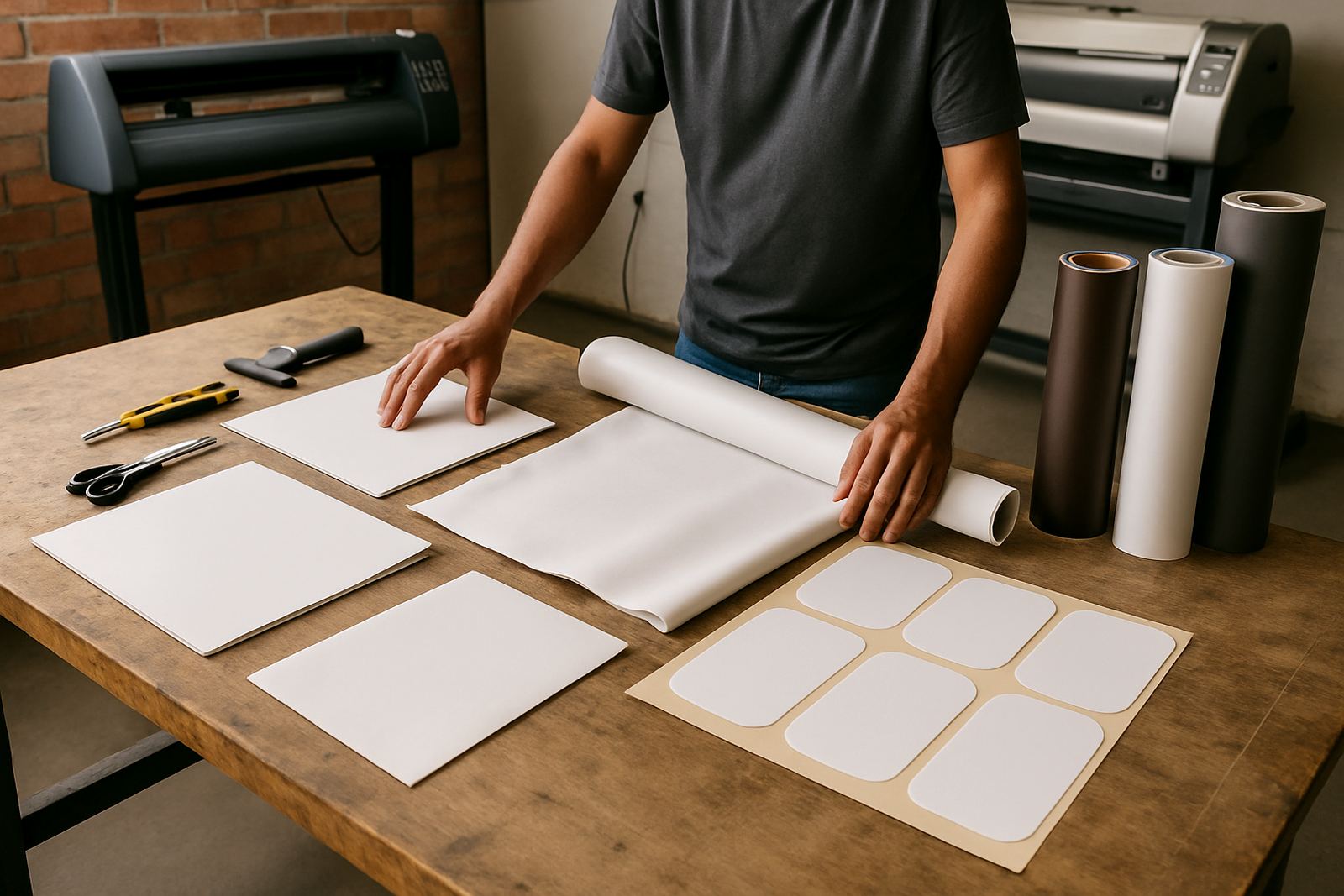
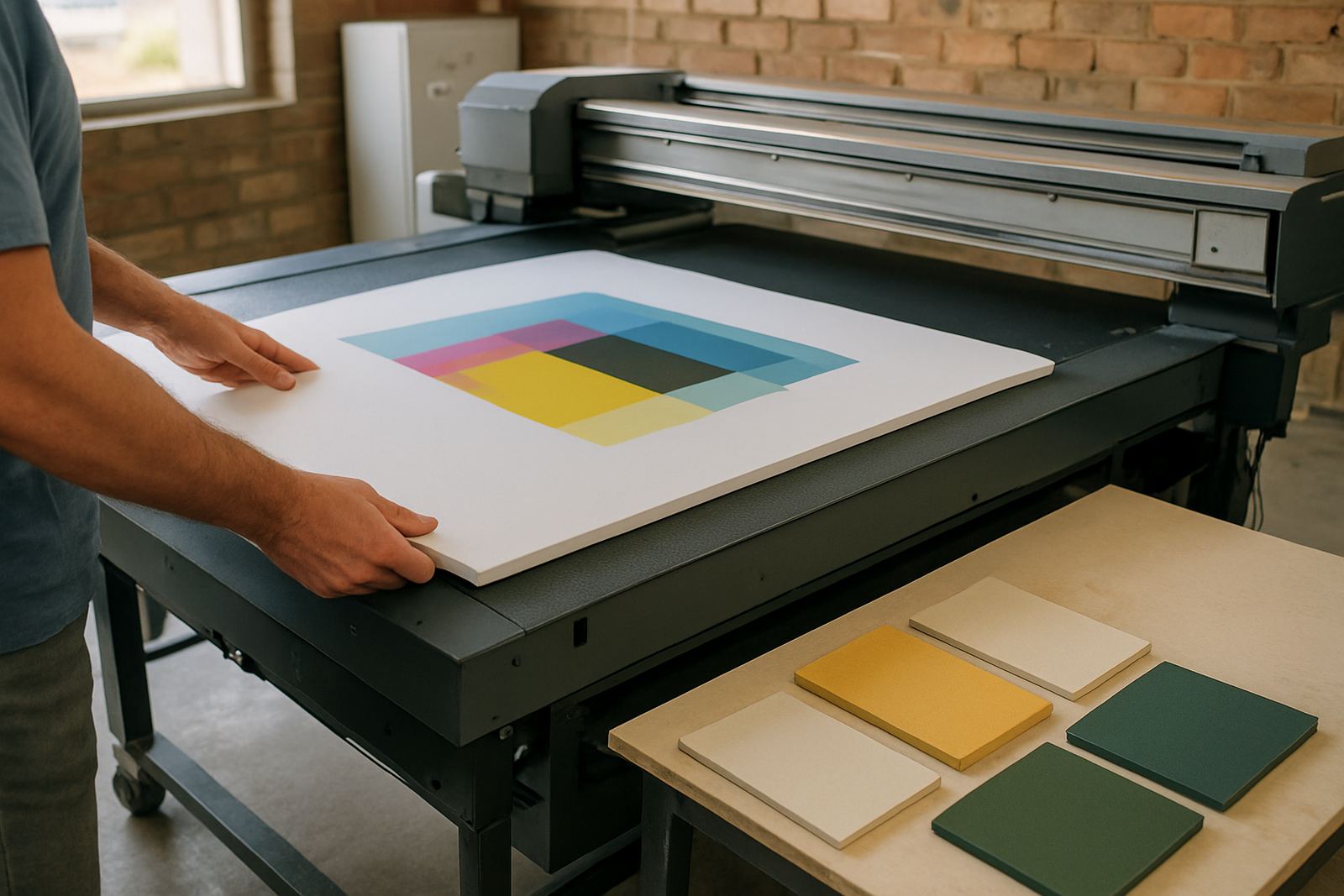
Each ticket can be used as a working instruction sheet for the team, so the production line does not need to guess who is doing what. That matters when the shop is handling vinyl cut lettering, rigid board output, full colour prints and contour cuts in the same day.
Where it suits: sign shops, print rooms and cutter workflows
The Job Ticket Module suits any business that needs a cleaner handover from design to print or design to cutter. It is a strong fit for retail signage, vehicle branding, exhibition graphics, POS work, wall graphics, labels and short-run print jobs. It also helps when you are training new staff and want a standard process they can follow from day one.
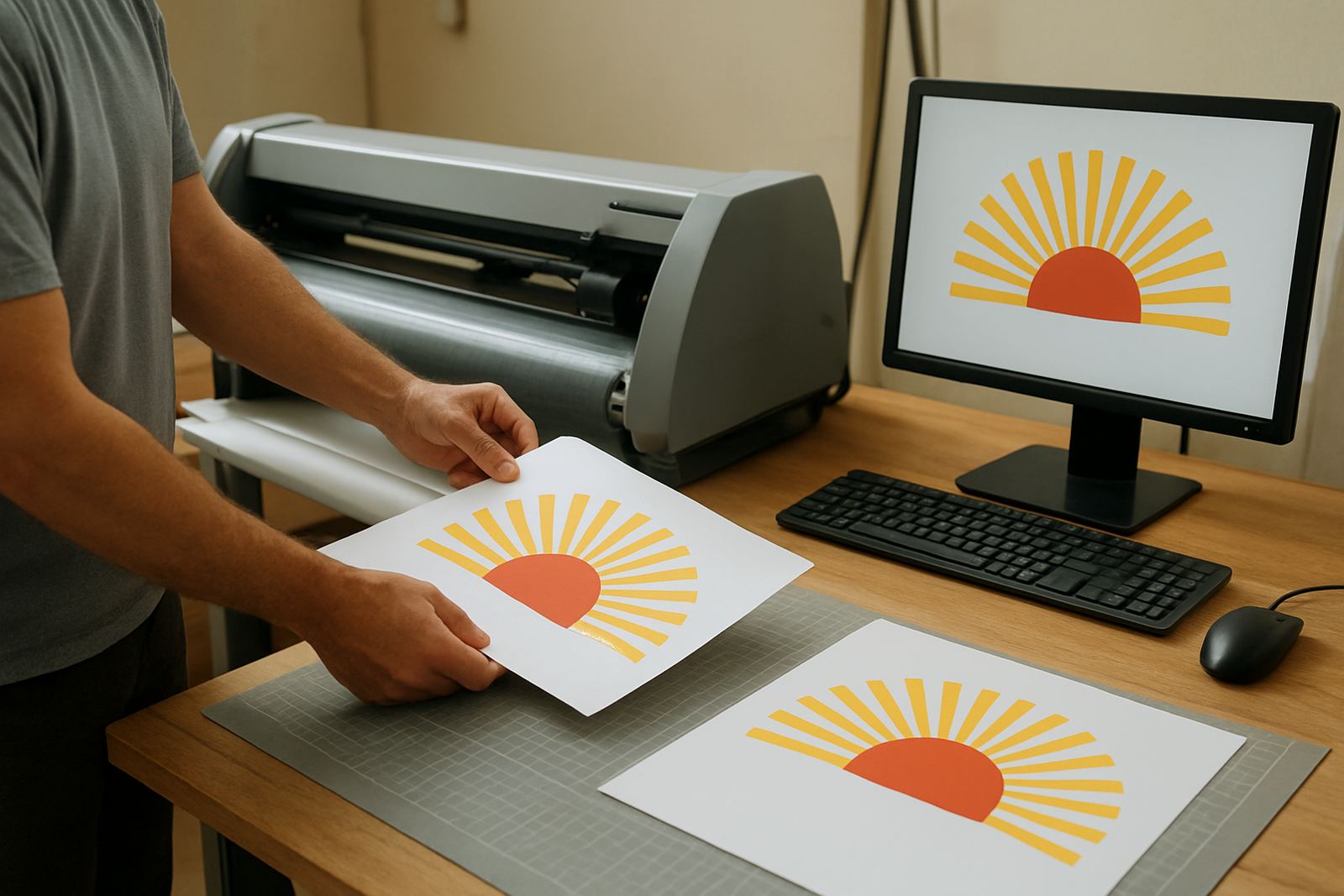
It is especially useful where several machines or operators are involved. For example, one person can prepare the layout, another can send output to the RIP queue, and a third can handle finishing or dispatch. The ticket keeps the notes together so the wrong media size, cut path or finish is less likely to slip through. If your team works across Johannesburg, Midrand or Centurion, it can also help keep remote support cleaner because the job details are already captured before anyone starts troubleshooting.
- Ideal for sign makers and print service providers
- Useful for shops running multiple workstations
- Helps standardise quotes, approvals and production notes
- Supports cutter setup and RIP queue control
Installation, workstation setup and power needs
Installation is usually done on the production computer or on the main workstation used for job intake and print control. In many South African sign shops, this is the same computer that handles design, file checking and RIP output. The module does not need special power or gas supply, and there are no mechanical parts to service. What it does need is a stable Windows-based workstation, a reliable network connection if more than one user must access tickets, and enough storage space for job history and attached files.
For onsite setup in Randburg, Pretoria, Cape Town or Durban, the team will normally check the current workflow first, then map the ticket fields to the way your shop actually operates. If you already have a cutter workflow or output queue in place, the module can be set up to fit that process instead of forcing a complete change. A clean backup before installation is always a good idea, especially if the machine also carries artwork libraries and printer profiles.
Sizes, options and working configuration
The module is configured by workflow rather than by physical size, but the ticket structure can be scaled from a single-user setup to a larger production team. For smaller shops, a simple job card with essential notes may be enough. For busy operations, you can use more detailed fields for colour management, device selection, due dates and internal checks. This makes it easier to keep jobs moving when the shop is handling rush work and routine orders at the same time.
Available configuration points include:
- Single-user or multi-user job ticket flow
- Basic or extended production note fields
- Priority labels for urgent work
- Approval and rework tracking
- Integration with training for new staff
- Support for colour workflow and cutter setup notes
If your business has several branches or service areas, the ticket structure can be standardised so every location uses the same wording. That helps reduce confusion between sales staff, designers and operators even when work moves between Randburg, Midrand and other branches.
Upkeep, support and checks to make before you order
The module needs very little care once it is set up, but it does work best when your team keeps job naming tidy and closes completed tickets properly. Regular housekeeping makes reports easier to follow and helps avoid clutter in older production records. If staff are changing often, an annual support plan can help keep the workflow current and your ticket structure aligned with how the shop is actually running.
Before ordering, check these points:
- How many users need access to job tickets
- Whether you want basic or extended production fields
- If the module must support print, cutter or finishing notes
- Whether your team needs onsite training or remote support
- How job approvals are currently handled
- Whether your production computer has the required operating system and storage
If you are moving from informal notes to a stricter process, it also helps to plan a short staff induction. That gives the team a common way of entering notes, so the handover is cleaner from the first week.
Training and support across South Africa
FlexiSIGN Studio supports South African sign makers, designers and print service providers with software installation, licence activation, workflow setup and training. The Job Ticket Module can be introduced during class training in Randburg, onsite training in Johannesburg or Pretoria, or remote support for Durban, Cape Town and Gqeberha. If your shop needs help aligning the ticket flow with RIP queue settings or cutter prep, that can be handled as part of the setup.
For teams that work under pressure, a clear ticket system saves time every day. It keeps the instructions in one place, it reduces handover errors and it gives the whole shop a better view of what must still be done. If your business wants cleaner production notes without extra admin, this module is a practical fit.
Key facts
| Product type | Job ticket and production handover module |
|---|---|
| Use case | Design, print, cutter and finishing workflow control |
| User setup | Single-user or multi-user configuration |
| Installation | Windows workstation setup with optional network access |
| Power needs | No special power or gas requirements |
| Support | Remote support, onsite training and workflow setup available |